

5 Reasons Why You Shouldn't Use Your ISP's Router
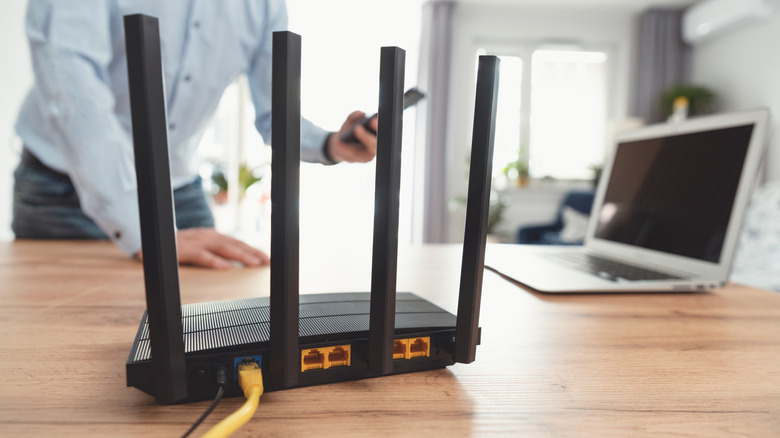
When you sign up for a new internet connection, the Internet Service Provider (ISP) usually bundles a router as part of the package. It's convenient because you get immediate access to the internet without having to configure any network or router settings. That may be good enough for most people, but it isn't always the right choice. You could end up with outdated hardware, limited control, low performance, and weak security. On top of that, you might pay more for the ISP's router over time compared to buying a new one.
ISPs typically manufacture or source routers in massive quantities that are designed for convenience, not performance. This makes them cost-effective and streamlines the repair process. Some manufacturers also block customizations to prioritize stability, which in turn can limit the router's performance. That's why some people have ditched their ISP's router in favor of buying one for better security, performance, and Wi-Fi coverage.
The router could be outdated
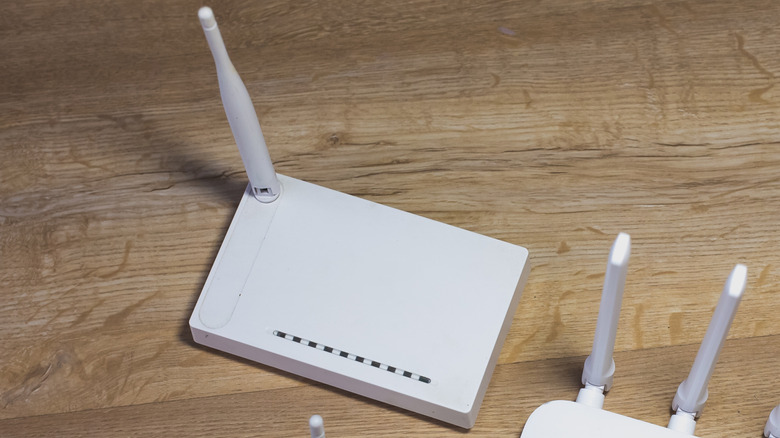
As surprising as it may sound, routers from ISPs often feature outdated hardware and standards. While modern routers support Wi-Fi 6 and 7 standards, those provided by the ISP are often Wi-Fi 5, which was introduced in 2014. Wi-Fi 6 and Wi-Fi 7, on the other hand, were introduced in 2019 and 2024, respectively. The new protocols offer offer an easy way to improve Wi-Fi speeds, better network capabilities, enhanced security measures, and improved reliability. Newer routers with Wi-Fi 6 or 7 standards also come with more memory and processing power.
This translates into a better user experience, especially when multiple devices are connected, like smartphones, tablets, computers, and other smart appliances. We also can't ignore the fact that ISPs sometimes recycle old units. This means that the router for a new internet connection may be simply refurbished. At a time when so much relies on a fast, stable internet connection, using outdated hardware or older Wi-Fi standards could cause a bottleneck in your network.
You get fewer controls
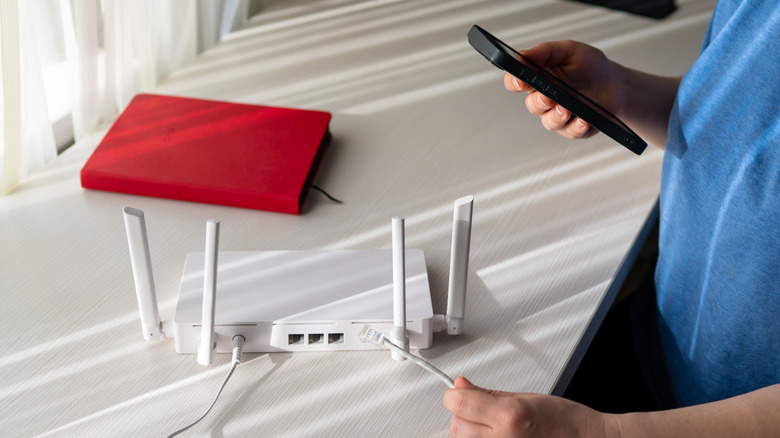
The router provided by your ISP will likely limit the network settings and features that you can control, many of which are integral to safer, privacy-oriented browsing. For instance, you may not be able to switch to the best free and public DNS servers or set up port forwarding if this access is blocked. When the ISP holds control over these system settings, there is the potential for censoring content, restricting access to specific websites, or tracking your network activity. ISPs also may retain remote access to their router.
This is helpful for troubleshooting and pushing firmware updates, but it also raises security concerns. If, for example, threat actors hacked the ISP's system, they could gain access to your router. Buying a new router means you can largely eliminate these risks and control access to advanced network settings. Gamers might prioritize certain devices or open specific ports for the best gaming experience. Others could set up VPNs or switch to faster DNS servers. The key is having unfettered access, something that's very difficult with a typical ISP router.
The range is limited
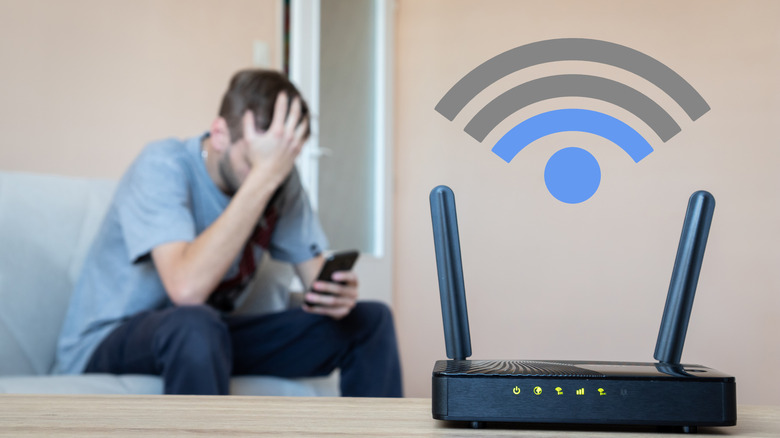
If you have Wi-Fi dead zones or areas with poor signals around the house, the ISP's router could be to blame. They often have less advanced antennas, which will affect the Wi-Fi strength, especially in multi-story homes or apartments with thick walls. While effective router placement is important, a standard ISP unit, even if placed centrally, likely won't deliver the same coverage as an aftermarket, high-end router.
This becomes a problem in modern homes, where devices likely rely on a stable internet connection in most parts of the house. If the signal strength is low, you may see poor performance or frequent downtimes, especially when you require constant network access. A mesh system or Wi-Fi extender can solve the problem in larger homes where even another router won't cover every corner. Smaller homes, on the other hand, tend to benefit simply from new routers with blazing-fast speed due to the longer connection range, versus an ISP device.
Security updates might be delayed
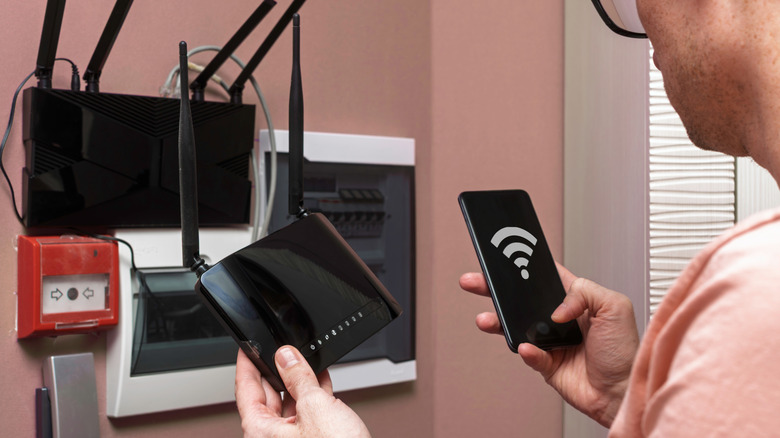
When it comes to home networks, security could end up being ignored by the average consumer, but it remains critical. Your router acts as a bridge between the home network and internet, so keeping it secure should be a top priority. But since ISP routers are often outsourced from other manufacturers, they generally don't receive the same level of attention on the security front. Manufacturers will likely prioritize support for routers that carry their own branding, instead of generic models used by ISPs.
So, when updates for known security vulnerabilities are pushed out, ISP routers tend to receive them much later. This could end up leaving your network exposed to threats for long periods. Additionally, those who don't regularly check for firmware updates, or keep up with vulnerabilities, can end up with weakened network security. An aftermarket router can solve this problem with automatic updates that will install any new firmware.
It may cost more in the long run
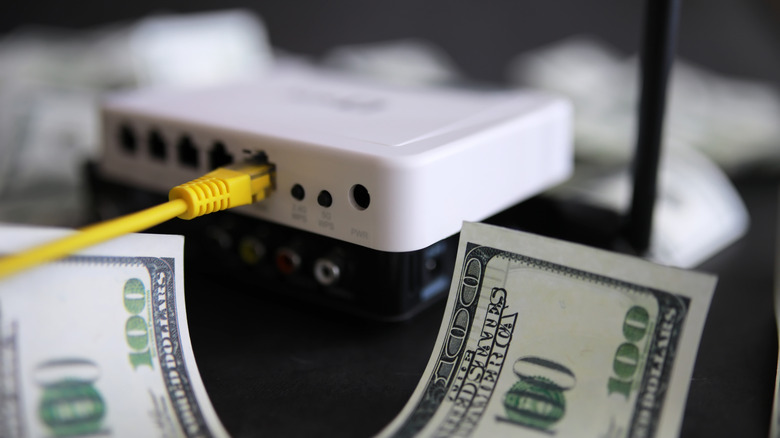
Many ISPs add a router rental fee to your monthly bill. Spectrum charges $10 per month, CenturyLink $15, and Xfinity between $15 and $20. Sometimes, these costs may not kick in for a couple of months, leaving you feeling surprised. For instance, Xfinity had a promotional offer where they didn't charge rental fees for the first year. Over 12 months, a $20 router rental fee adds up to $240. A decent router, on the other hand, only costs around $100.
Given that modern routers typically have a lifespan of three to five years, you could end up saving significant money by buying your own router. As well, if the unit is damaged, some ISPs may charge you repair and replacement fees. Given the quality of typical ISP routers, you are usually better off with high-quality, aftermarket routers in the first place. Plus, when you own the router, switching from one of the worst to one of the best internet providers is more seamless, since you won't have to reconfigure the network settings.