

Never Do These Any Of These 5 Things With Your Xbox
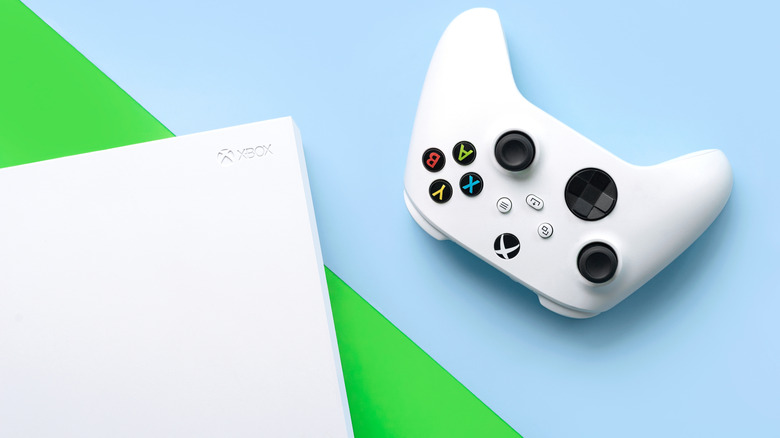
The Xbox Series X and Series S consoles can do many things. They're multimedia menageries where you can play high-end video games, stream the latest shows and movies in 4K, and listen to music from the app of your choice. Your Xbox is a reliable technological companion, but it's not invincible. There are some things you should never do with your Xbox if you want to keep it in good condition.
Taking care of your console is simply the money-conscious thing to do. Microsoft raised the price of the Xbox Series X and Series S in October after already hiking up the price once earlier in 2025. If your Xbox becomes damaged or broken, it can actually cost you more money to replace it than what you paid originally. Luckily, taking care of your console is fairly easy. Avoid these five system-breaking slip-ups and your Xbox will likely soldier on for years to come.
Turn off the console during a firmware update
Microsoft regularly rolls out system updates that improve your Xbox's software, operating system, or firmware. Your console allows these updates to occur automatically by default. Some updates are even deemed mandatory, potentially forcing you to initiate the update at an inconvenient time. You should never turn off or unplug your Xbox during this type of update. Even if you were about to shut down for the night, or if you were about to leave the house to go to work for the day, interrupting a firmware update can cause more trouble than simply leaving the console on.
Firmware is the foundational software on a device that keeps it running as intended. During an update, this crucial code is erased and replaced with the newest version released by the manufacturer. Turning off the Xbox during this type of update can ruin the process and corrupt the all-important firmware that makes the console work. In other words, you might accidentally turn your Xbox into a useless brick. You can actually opt out of firmware updates, including "mandatory" ones, but this will keep you from connecting to the online Xbox network until you choose to receive the latest version.
Forget to clean your Xbox regularly
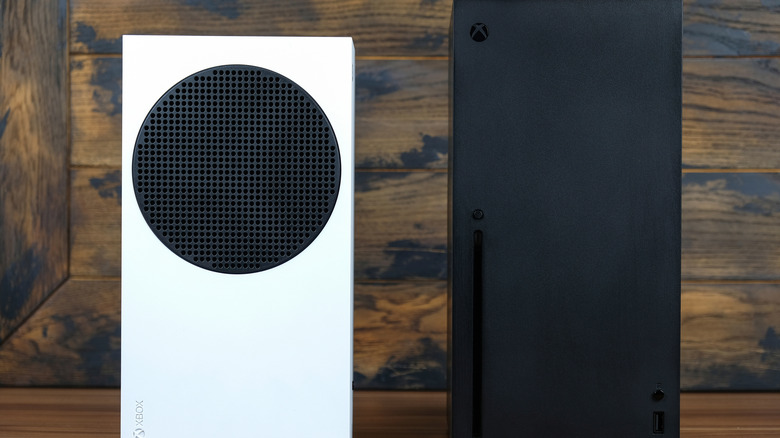
If you've ever owned a super-expensive gaming PC, you probably follow expert advice on cleaning your computer. By comparison, console owners tend to have a poor habit of letting dust build up. After all, the advantage of console gaming over PC is that you can "set it and forget it." You don't need to worry about upgrading your console's components or troubleshooting specific part failures. However, that relaxed outlook doesn't apply when it comes to cleaning.
Official documentation from Microsoft recommends cleaning your Xbox every three to six months. Wipe down the device with a soft cloth dampened with a 70% or less isopropyl alcohol solution. Microsoft urges you to avoid using disinfectant wipes or applying liquid directly to the console. For safety, make sure the console is powered off and disconnected from any outlets. You can use this same method to clean and disinfect any Xbox controllers or headsets you own as well.
Attach an external fan accessory
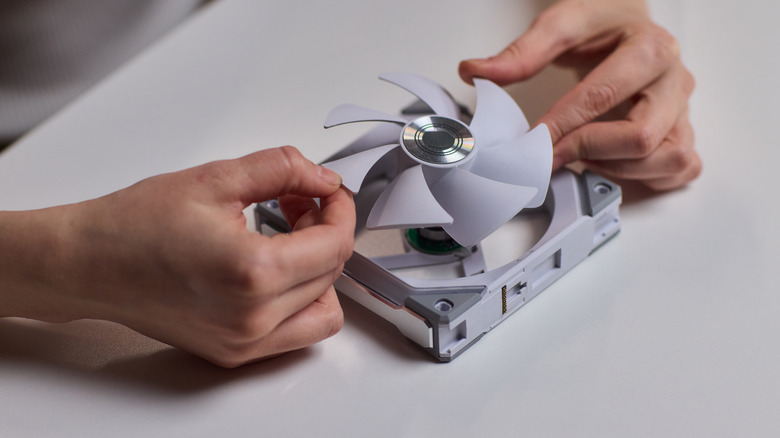
Have your Xbox's fans ever been so loud that you thought a jet plane was revving its engines in your living room? This might make you think that the console's built-in fans need some help cooling off the hardware. There are third-party fan attachments that you can buy and plug into your Xbox's USB port, but using one is not always a good idea.
Microsoft asserts that "all Xbox consoles are designed to ventilate air to keep them at an optimal temperature during use." In fact, the manufacturer specifically advises against putting other objects on, under, or right next to the console. An extra fan attachment might impede the console's intended ventilation process and contribute toward trapping dust and debris on its surface. If the factory-included fan in your Xbox breaks or stops working effectively, you can buy an official replacement directly from Microsoft. In most cases, though, you can solve an overheating problem by cleaning your console or moving it to a spot with better ventilation.
Plug in your console without a surge protector
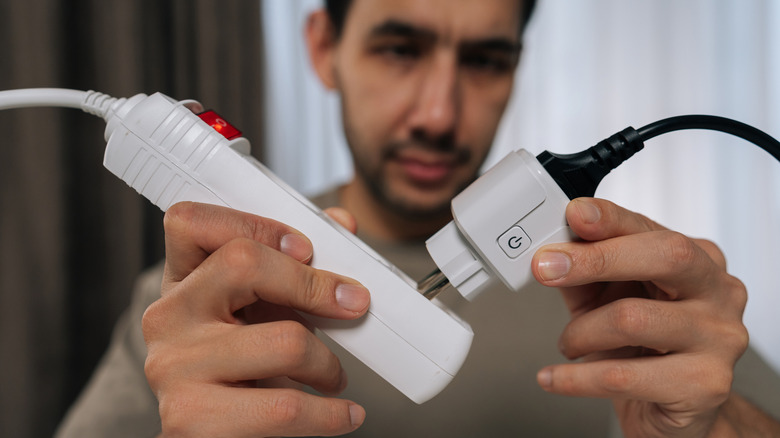
Power surges can occur for a variety of reasons. Lightning strikes, faulty wiring, and sudden currents after a power outage are all common causes of a power surge. If you're a gamer with several powerful devices plugged into an extension cord, it can lead to an electrical overload that causes a power surge, too. When a power surge occurs, the high voltage can damage the components inside a connected device. You might lose important data, and certain parts might be fried beyond repair.
This is why you should always use a surge protector for your valuable electronics. The protector limits the voltage that flows to the devices plugged into it, ensuring it never receives more than it needs. It's an inexpensive investment that will protect your Xbox, your video game save data, and all your other hardware. They don't keep working forever, though, so keep an eye out for signs that your surge protector needs to be replaced.
Bring your Xbox to an unauthorized repair store
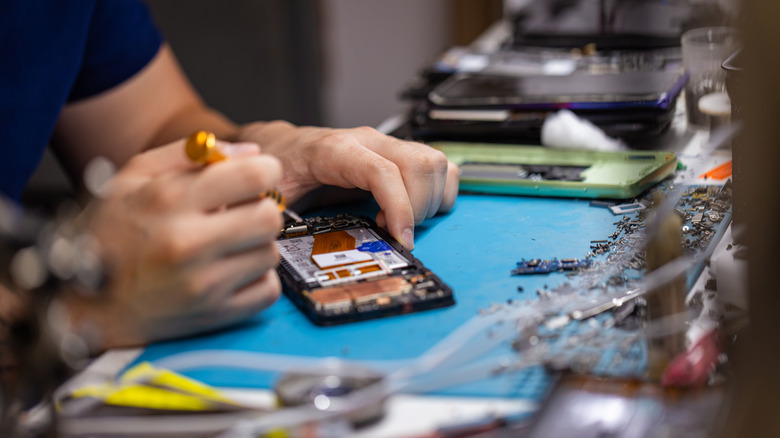
Accidents happen; it's not the end of the world if you do one of the things you should never do with your Xbox. You always have the option to have your console repaired. However, you should only bring your device to a Microsoft Authorized Service Provider. This includes the official online Microsoft Store or, if you're in the U.S., a uBreakiFix location. This guarantees service that meets the manufacturer's standards and the use of genuine Microsoft-made replacement parts.
Taking your Xbox to an unauthorized repair store comes with certain risks. If the service uses shoddy parts, your console might break down again in short order. Costs will add up quickly if you have to send your Xbox in every few months due to lackluster repairs. The best course of action is to trust a Microsoft Authorized Service Provider and bring your console as close as possible to factory-fresh condition.