

What To Do If Your Battery Dies And Your Android Phone Won't Turn On
Although today's devices are more powerful and efficient than older models, things can still go wrong. People run into Android phones that stop charging because of a host of common issues. Some devices have even been classified as the least reliable Android phones on the market, usually due to software or performance problems, battery failures, or even the physical design. It means troubleshooting is a reliable skill or rather something you should always remain privy to, because you never know when you'll need it. For example, what happens if you run into a dead phone that won't turn on?
Outside of the phone being unresponsive because of physical damage, moisture, or another major malfunction, more than likely it has to do with a dead battery that needs a reliable charge. A battery that's completely dead needs a prolonged initial charge and may take anywhere from 15 to 30 minutes before the phone or device becomes responsive. That includes any status indicator lights or LEDs. The phone may appear completely dead until the battery is charged enough. Lithium-ion batteries enter a sort of "sleep mode" when discharged to cut voltage and prevent damage.
If the phone charges for a while and nothing happens, double-check the power adapter, the cable, and the outlet, to make sure power is indeed being supplied. Also, check that the charger is supplying the right voltage. You can try a reboot by holding down the power button for a few seconds. With Samsung devices and select brands, you may need to hold a combination of buttons like the power and volume down buttons. You might also plug the phone into a computer via USB or USB-C to see if it responds.
Avoid discharging your phone's battery completely
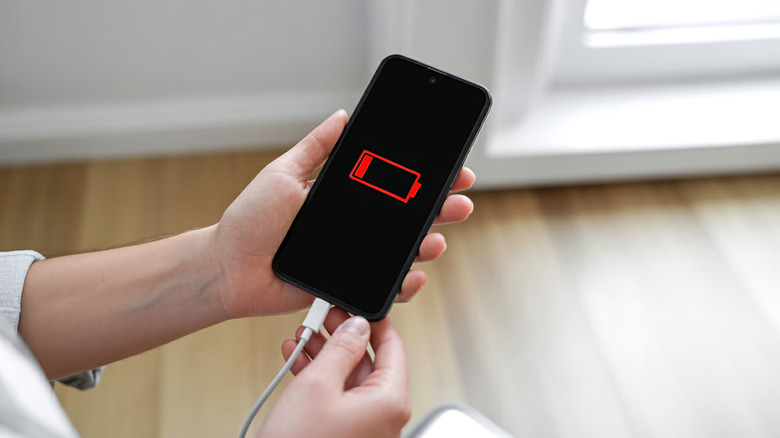
Every time you discharge a battery completely and charge it to 100%, you are essentially decreasing its total lifecycle. Yes, charging your Android phone to 100% can hurt the battery, and so can discharging it completely. That's why experts recommend the 20% to 80% rule. Keeping your phone's battery above 20% at least, and around 80% instead of a full charge reduces chemical and electrical stress and can significantly extend its life. This is a rule that actually applies to all modern electronics with a lithium-ion rechargeable battery, including Android tablets, handheld game consoles, and beyond.
Fully discharging a lithium-ion battery is bad, but it's just as bad to leave it that way for long periods. The chemical composition of a battery alters irrevocably when it's depleted, so it's simply not a healthy experience for the technology. If you do get your phone to turn back on after reviving a dead device, it's important to ensure the battery remains above 20% from then on, as much as possible.