

Here's How Many Devices The Average Home Router Can Connect To
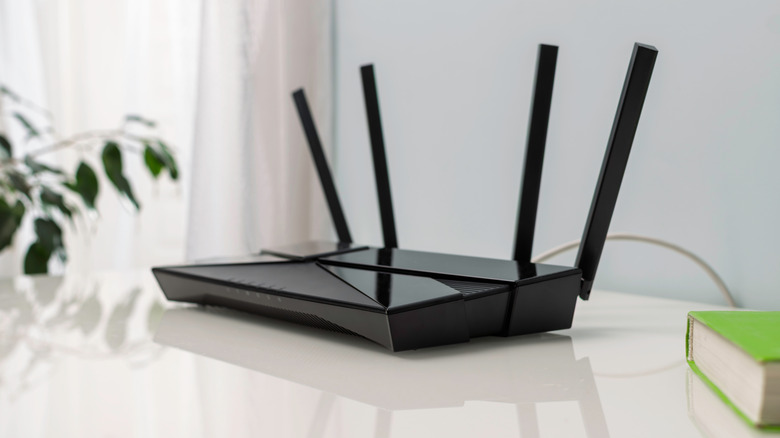
If you're in the market for a brand-new Wi-Fi router or looking to understand the capabilities of your existing router, you're likely to wonder about how many devices you can connect to the router successfully. This is particularly important in a world where folks have more internet-connected devices than ever, including smart home gadgets. While the exact number of devices that can connect to a Wi-Fi router depends on the router's processor, the supported Wi-Fi generation, available bands, and other features, you may see some routers marketing their ability to handle 253 devices.
This is, unfortunately, a theoretical limit, which comes from how IP addresses are assigned by a router in a home network. Most routers, particularly standalone units, aren't effectively able to cater anywhere close to this limit. A typical home router is good for only about 20 to 50 devices. That said, as mentioned, a router's device limit is not a hard fact and depends on various details. Here's a breakdown of how many devices can connect to a Wi-Fi router and what you may want in a router to handle dozens of devices.
Your router's Wi-Fi generation matters a lot

The Wi-Fi generation your router supports has a big impact on how many devices it can cater to concurrently without losing performance. The newer Wi-Fi versions are typically better at handling a higher number of devices because they have access to newer features and technologies to manage the traffic. For example, Wi-Fi 5 (also known as Wi-Fi 802.11ac), which is still a very common Wi-Fi generation found in routers, was built for increasing the Wi-Fi connection speed and not really to tackle the needs of a smart home. So, it's not very efficient at handling multiple devices simultaneously, and can start choking once it hits 30-40 devices, or even fewer if the router has a low-end processor and limited RAM.
In contrast, Wi-Fi 6, which was engineered to handle more devices efficiently, can deliver good performance to 60-75 devices simultaneously, thanks to built-in support for Orthogonal Frequency-Division Multiple Access (OFDMA). This technology enables the router to talk to multiple devices simultaneously, something that's not possible with Wi-Fi 5. Wi-Fi 6E pushes the number further at around 60-100+ devices, but only if you have Wi-Fi 6E-compatible clients that can leverage its 6GHz band, which you don't get on earlier versions of Wi-Fi. The newest version, Wi-Fi 7, takes things to the next level, and is good for up to 200 or even more devices, as it comes with Multi-Link Operation (MLO) and 16 simultaneous data streams, which improve how clients communicate with a router and vice versa.
A router's CPU and RAM are also important
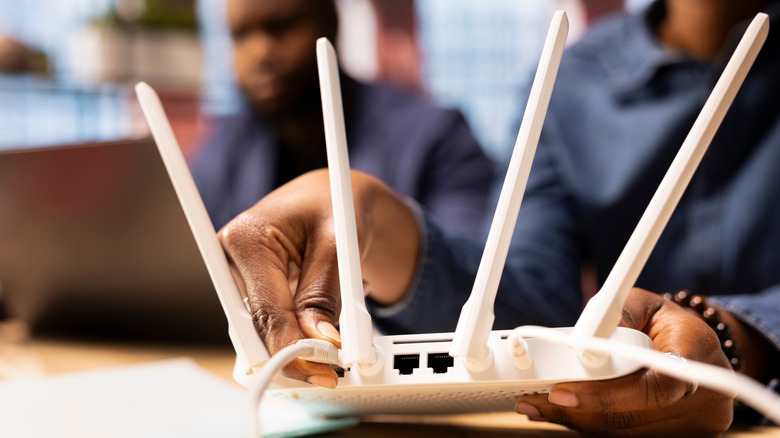
A Wi-Fi router is also a computing device and includes a CPU and RAM to manage its operations. This includes handling local IP addresses connected to different devices, routing the data, and taking care of the security encryption. As a result, the use of low-end hardware in a router significantly impacts how it performs and handles multiple connected clients. This makes it pretty important to consider the internal hardware of the router you're thinking of buying, or already use, if you plan to connect dozens of devices.
Multi-core processors are typically a good place to start, with quad-core options delivering better performance. Similarly, while 128MB of RAM is said to be enough for basic routers, if you're worried about the device limit, it's best to choose a router with 256MB or 512MB, going for the higher number if your budget allows in order to future-proof. Many high-end and flagship options from major Wi-Fi router brands even come with 1GB of RAM to handle hundreds of devices.
Finally, you have to consider your internet plan speed if you are going to have dozens of devices sharing the internet bandwidth simultaneously — particularly devices like smart TVs, gaming consoles, computers, and mobiles. Otherwise, regardless of your Wi-Fi router's capabilities, you'll get slower internet if your overall plan speed is too low and there are tons of connected devices.