

13 Hidden Google Maps Features That Can Make Your Trips Better
We dream of a breezy vacation, but whether we're new or seasoned travelers, we've all been stuck on a random, unknown road searching for north. It sucks the vacation-mode juice right out of you, doesn't it? In such a situation, our first instinct might be to install unlimited apps on the phone, hoping one of them becomes our local guide.
But those apps can be more trouble than they're worth. In fact, they end up draining your phone's battery before lunch and then ask you to pay for a subscription just to help. And we all know how Michael Scott from "The Office" ended up in the lake with one of those maps. You're lucky if that doesn't sound relatable.
So, to keep it that way, lend us your eyes, and read on. The Google Maps app already on your phone is the most valuable tool you'll ever need for travelling. It packs a serious punch of hidden features that can be a navigation savior on your next trip. Let's see what they are and how you can make your vacations a cakewalk.
1. End the group chat dinner debate for good

After a long day of sightseeing, we all want to try the city's local food we've been hearing so much about on Instagram. However, when travelling in a group, there's always a constant chat storm about who gets to pick the place for dinner. To end that discussion once and for all, turn to Google Maps.
The app boasts a feature where everyone in a group can save the best restaurants they know in a shared map. Now that everyone's suggestions are in, people can vote for their preferred restaurant with an emoji, narrowing down the list of yummy places and saving you a buttload of time.
To do this, open Google Maps and search for a place. Then tap Save, choose New list, give it a custom name, and set it to share. Once that's done, share the link with your group so everyone can hop in and choose. Add Google Search's AI mode to make a reservation, and you're all set for dinner.
2. Skip the airport terminal marathon

Let's shed light on something we all fear: the transit chaos inside a huge airport. A broken trolley, the countless confusing overhead signs, all making you wander around and struggle to find your departure gate. And if a person ends up in the east wing of the airport maze when they're supposed to be in the west wing at the last minute, that's never a good story to tell.
In such a situation, don't follow the confused travellers. What you need to do is take your phone out of your pocket, open Google Maps and search for the airport, then head to the Directory tab. This life-saving feature maps out the entire inside of a gigantic place, be it an airport, a train station, or even a mall. It's like an X-ray machine, but for a confusing space.
Within a few seconds of using this feature, you can locate exact floor layouts. This way, you get the fastest walking routes to airline lounges, clean restrooms, or that much-needed filtered coffee. In short, it helps you navigate the uncharted waters and stroll right to your destination while everyone else stares at a dusty static directory board from the nineties.
3. Talk to your map instead of typing while driving
Thousands of people die in accidents caused by distracted drivers every year, with many of those being phone-related. That magnitude may seem unbelievable until it's you taking a quick peek at your phone and having to make a sudden swerve across the centre lane, potentially leading to a horrific accident.
That said, Google Maps has made navigation easier for you with its new Gemini conversational AI integration. What this feature does is remove the desperate need for screen tapping from the dashboard. All you need to do is talk to Google Maps using your voice, and voilà, you can holler out loud and ask for a vegan restaurant with easy parking.
This prompts Gemini to search for the best restaurants based on your taste, without you needing to take your hands off the steering wheel. Even if you say something vague, like take me to a place that serves smoky food, it will still understand and get the best route ready. Just make sure to allow microphone access to Google Maps before starting your drive.
4. Dodge surprise subway stairs with your suitcase
You might pat yourself on the back if you've navigated the complex underground train station maze. But uh-oh, you take a turn and find a towering flight of stairs staring at you and your heavy suitcase with a grin. While robot vacuums today might be doing more than climbing stairs, you still need to save that energy for elsewhere.
Thanks to Google Maps, you can choose wheelchair-accessible routes to avoid surprise staircases. To get started, enter your destination in the search bar and select the location from the results. From there, tap Directions and switch to Transit. After that, open Options, then under Routes, select Wheelchair accessible and tap Done. That's it!
Now, Google Maps will show routes that prefer elevators, ramps, and step-free paths. This helps both a wheelchair user navigate accessible areas more easily and a weary traveller choose accessible options over stairs when they want to conserve energy for their trip.
5. Build your itinerary from social media photos
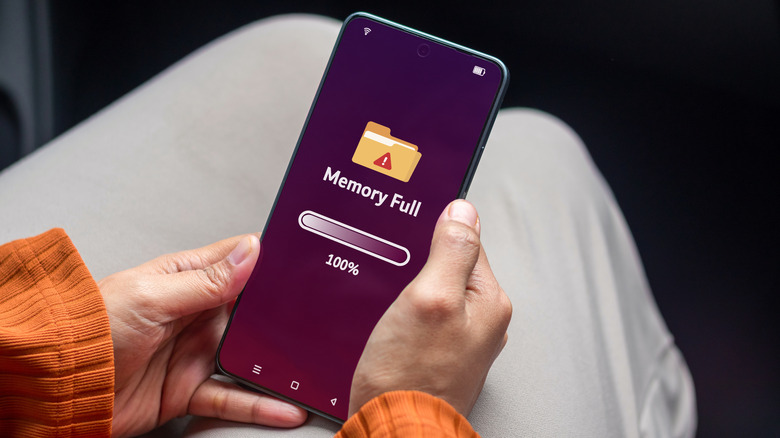
Your phone's storage is full, and we know why. It's the countless screenshots of places you want to visit one day, snagged from travel blogs or social media. But when you do get the chance to go out, those pictures seem to vanish into thin air, impossible to find. Make up your mind, phone. Is my gallery full or not? Well, gentle reader, worry not, because Google Maps comes to the rescue.
When you enable the app's state-of-the-art auto-scan feature, it keeps a bird's-eye view on your gallery. The moment you take a screenshot of a place, it immediately identifies it and recommends the exact location. You do not need to enter any data on your own.
Cherry on top? If you're hesitant about giving the app access to your gallery, you can manually upload a screenshot and get the location detected in no time, with limited access granted to Google Maps. Because we know there are images we don't necessarily want to expose to Maps or any other app.
6. Avoid arriving underdressed or with nowhere to park

A very special kind of dread hits right before you pull up to a new restaurant. Are they going to have an expensive valet setup? Is there easy street parking? Or are you going to walk through the front doors in cargo shorts and realize everyone else is wearing suits? Thanks, Barney Stinson.
The good news is, you can stop reading through gazillions of public reviews just to figure out a venue's basic vibe. You can instead reap the benefits of AI venue insights (or place summaries) on Google Maps that uses Gemini to summarize the piles of both fresh and old online reviews. It churns out the key points about a venue, such as how full the local parking gets during certain times of the day. This hidden feature hits the nail on the head when it comes to dress code, food reviews, the locality, and wait times. All in all, it's here to make sure you never arrive underprepared.
7. Cure your navigation anxiety with a virtual test drive
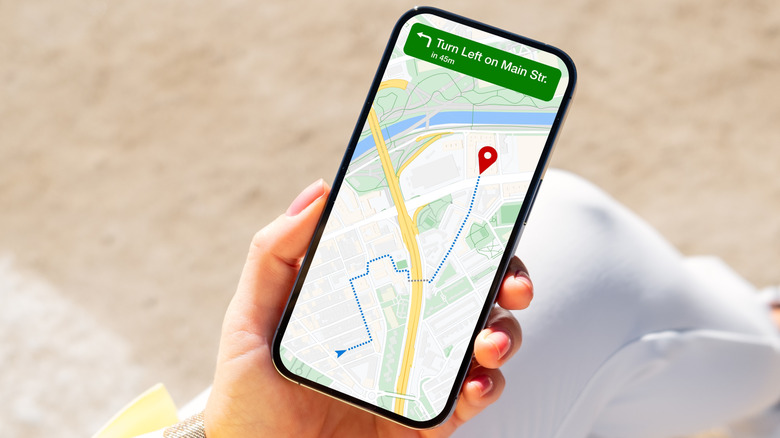
Messenger pigeons have a perfect sense of direction. Some of us, not so much. We all know people who end up second-guessing every turn while trying to navigate three blocks from home. It can be scary, and on top of that, if you live in a crime-heavy area, it's even more dangerous to step out without knowing where you're heading.
That's why the Google Maps' Immersive Navigation feature has made it onto our list. It's a standout tool that provides a multi-dimensional preview of your entire journey. If you've ever played video games, think of this as an augmented video game walkthrough of real life. Cool, isn't it? Using this, you can virtually fly over your planned route.
This is helpful because it lets you spot any shady corners or, if you're travelling, keep track of major landmarks so you don't miss your way back. While anxiety can be undone under the right circumstances, the real victory is being able to stand toe-to-toe with pigeons when it comes to your sense of direction, steering clear of as many dangers as you can.
8. Dodge the panic of an empty battery on road trips

Electric vehicles (EVs) are becoming much more prevalent as the years tick away, with millions of new cars now being sold each year. With so many reliable electric vehicles available today, do we have enough charging points for them? Most electric vehicle owners will agree when we say that, at least once, they panicked when the battery ran low and they had no idea whether there was a charging station nearby.
This is a fairly new problem that comes with trendy new tech, but Google Maps has your back. It offers an EV charger availability feature that tells you where you can recharge your battery. Not just that, it also keeps you informed about charging speeds, port types, and even a traffic summary of the location.
You don't even need your phone for it. Google Maps has this feature built right into your EV's screen. Plus, there's more on the assistance front — if your trip is long enough that you'll need to hit more than one station, Maps will add the extra ones to your route.
9. Navigate the middle of nowhere even off grid
Imagine the worst travel scenario: you're backpacking across Western Europe, just outside Barcelona, hiking in the foothills of Mount Tibidabo, and then your signal bars disappear. You've hit a massive network dead zone. This throws you off the grid — your screen goes blank, and you can't read a physical paper map to save your life ... even if you had one.
Now, unless you're Bear Grylls and want to rough it out, what you need is a lifesaver called offline maps. All you have to do is tap your profile picture in Google Maps, go to Offline maps, and choose Select your own map. Then, position the area you want and download it for offline use. Be aware that you have to do this before you go offline — so plan ahead.
The fear of getting lost is very real, so rest assured that your phone's internal GPS hardware still tracks your little blue dot even without a cell tower connection. That means as long as you have your phone, you can navigate off the grid without a full-blown panic attack in a wilderness that might be teeming with lions and tigers and bears ... oh my!
10. Stop playing Marco Polo in crowded places
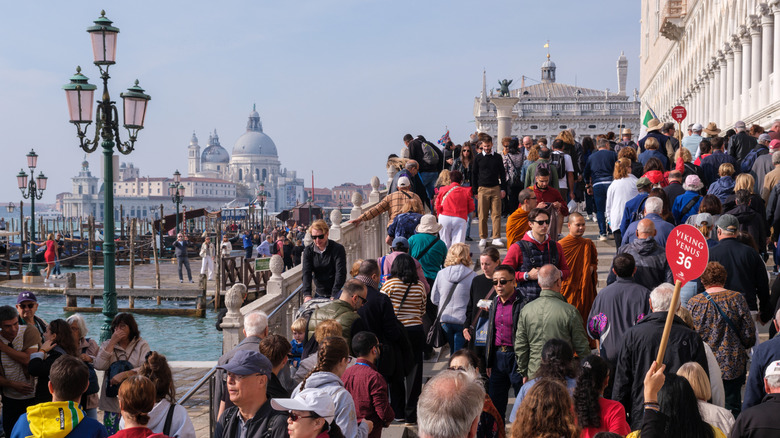
Have you ever lost your friend at Lollapalooza? Or tried spotting them across a crowd of sweaty people and giving your all, navigating with hot and cold shouting directions to guide them to you? Seriously, stop playing a giant game of Marco Polo in massive crowds. Google Maps' live location feature takes the heavy weight of finding lost people off your chest.
Using it, travellers can broadcast their coordinates straight to their group's map. Moreover, you can set this sharing to last for a specific period, so nobody can track you forever, but only for however long you want them to.
This feature is a godsend, as it can turn a stressful, hours-long search-and-rescue mission into a simple task. All you need to do is follow the blue dot. With that said, many people already use this on a regular basis, and if you never have, it's time to give it a whirl. To get started, open Google Maps, tap your profile picture, and then select Location sharing with the specific contacts you want.
11. End the rental car amnesia

We've all been there. After a gruelling twelve-hour day of sightseeing and three heavy meals, your mind goes blank. Where did I park my car? The massive five-story concrete parking garage starts to look like a stairway to heaven. That said, in a crowd of so many cars, will your tired ears even catch the emergency honk?
Well, don't fret, because you can use Google Maps' parking location feature. When you arrive at your destination, just tap the blue location dot on your screen, then select Save your parking. If that's not enough, you can also add a picture of that garage level marker for extra security.
The feature shines through nicely as it provides precise turn-by-turn walking directions that lead you right back to your bumper. So, as far as your parking amnesia is concerned, this solves it. Plus, it's a nifty tool that ensures you never have to ask a sleepy security guard for help finding a silver sedan at midnight.
12. Reroute around sudden floods or wildfires
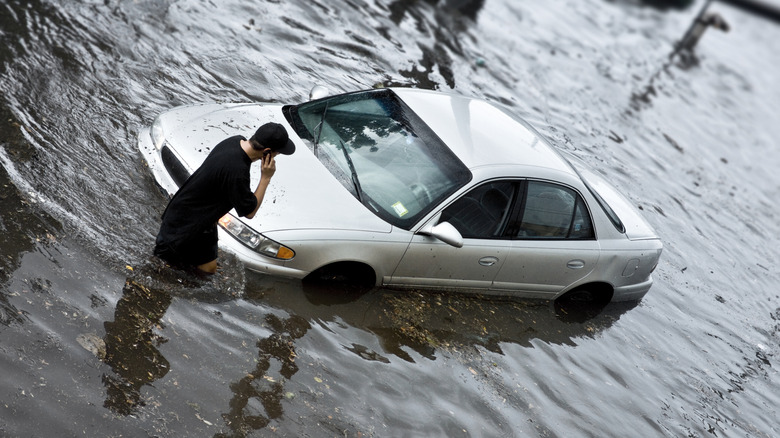
No matter how well you plan or where you may roam, we know nature doesn't give a single rip about your crafted summer travel itinerary. The unpredictability of severe weather during a trip can cause serious trouble. And the world may be dealing with rising waters, but you don't want your trip ruined by a sudden flash flood.
That's why you might want to take advantage of Google Maps' crisis alerts feature. It's an absolute workhorse that monitors global data feeds for weather mishaps around the clock. Because Mother Nature is not to be messed with, any guesswork is not worth your life. Crisis alerts come along for the ride by default when you turn on your location.
Another benefit of this feature is that it pushes emergency warnings to your screen the moment the road ahead seems dicey. Additionally, to ensure you still reach your destination, or at least somewhere safe nearby, it redirects you away from danger zones. All things considered, this feature acts like a bodyguard that could save your life, or at least save you some serious travel grief.
13. Tell emergency services where you are

Getting lost in the middle of nowhere, maybe blowing out a tire with no street signs in sight, is a real threat to your safety. In cases like that, Google Maps' Plus Codes come in handy. This feature generates a short code based on your exact coordinates. So when you contact emergency services, you can read it out to help them pinpoint your location.
However, safety is not only about worst-case scenarios — it is also about peace of mind while traveling alone. Luckily, Google Maps allows you to share your live route and estimated arrival time with a trusted contact. As a result, your family or friends can just follow along without sending constant check-in messages. To get started, open Google Maps and find your destination, then get directions from here to there. Finally, select Share trip progress and share with the contacts you want to track you.
Overall, these features are a boon to your safety as they help rescuers find you fast and ensure that someone always knows where you are. So whether you are stranded or just heading home late, you stay covered.