

3 Tech Finds For Anyone With Bad Internet

We may receive a commission on purchases made from links.
When dealing with bad internet, common solutions include restarting your router to fix temporary glitches, placing the router in the center of your home to eliminate dead zones, and updating the router's software — assuming the problem isn't with the internet service provider. To test that, you can try connecting multiple devices to the router and checking if all the connections are slow, which would confirm an ISP issue that you just need to wait out.
If all else fails and your ISP is not at fault, then it's likely either your hardware or network setup is the culprit.
In that case, several gadgets and accessories can fix your bad internet. Solutions like upgrading your router have been known to fix everything, including slow internet, Wi-Fi signal interference, and dead zones. The best part is that these are things you can set up without the help of a networking professional.
TP-Link Archer BE230 Router
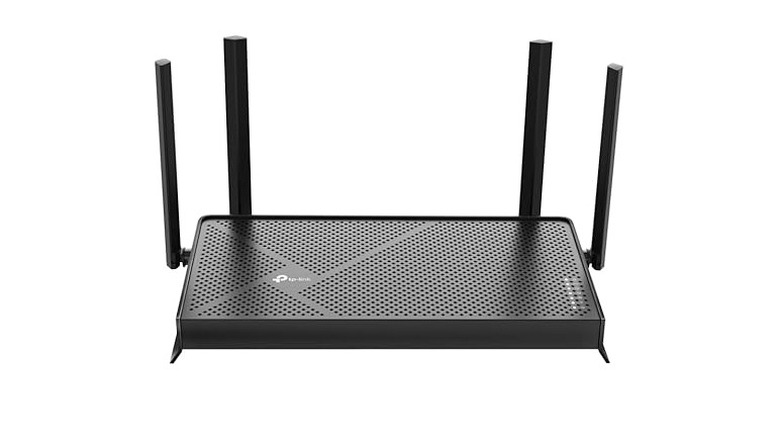
Generally, it's advisable to replace your router every four to five years to avoid speed drops, high latency, frequent disconnects, and poor coverage. A good upgrade is the TP-Link Archer BE230, a Wi-Fi 7 router that costs $119.99. Its four antennas can cover a wide area of 2,000 square-feet and effectively eliminate dead zones in most houses. Furthermore, it can have up to 60 connected devices, and its HomeShield feature provides a safer internet experience with parental controls and real-time security for all smart devices.
The Archer BE230 has dual-band operation, delivering up to 2,882 Mbps on 5GHz and 688 Mbps on 2.4GHz. It can handle high-bandwidth activities, such as streaming 4K and 8K video and running games on the cloud. It has a 2.5Gbps dual WAN/LAN port, a 2.5Gbps LAN port, and three 1Gbps LAN ports that support the high-speed connectivity of Gigabit Plus internet. The router also comes with a 2.5GHz quad-core processor that allows for fast and stable internet connectivity and a lag-free experience.
With Wi-Fi 7, this is a future-proof router that's good for the next five to seven years. As for your current device, don't toss it out yet. There are still clever things you can do with your old router, such as using it to extend your Wi-Fi signal, create an access point, or set up guest Wi-Fi.
Eero 6 Mesh Router
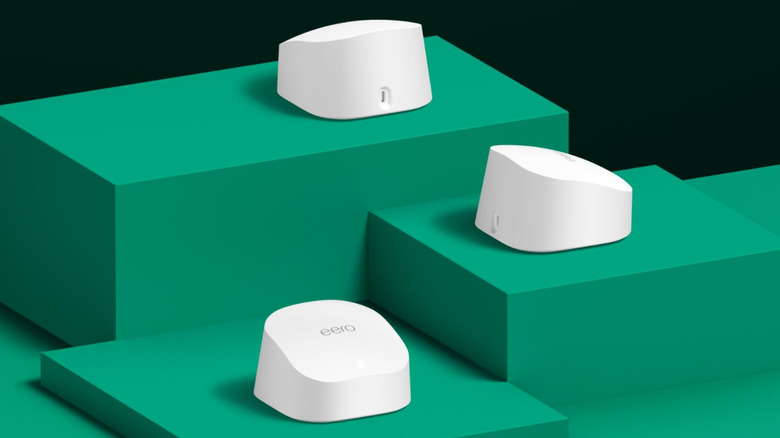
If dead zones are the main reason you're experiencing bad internet, one of the most common solutions is to use a Wi-Fi extender, which boosts signal and increases the connection range. You just need to be aware of the biggest caveat of using this device: it can cut your bandwidth in half, especially if the extender is cheap or old. A better option is to set up a Wi-Fi mesh system, where you have the main router and several nodes — also called access points — placed around the house to eliminate poor coverage. If you're looking for a good router for your mesh system, consider the Amazon eero 6 Mesh Wi-Fi Router.
A single eero 6 router costs $89, but a two-pack and three-pack cost $139.99 and $199.99, respectively. They're quite easy to set up, as you just need to download their companion app that walks you through the entire process. Each eero is a Wi-Fi 6 dual-band router with speeds of up to 500 Mbps and two Gigabit WAN/LAN ports on the back. Each unit can cover an area of 1,500 square-feet and has enough bandwidth to support over 75 devices at once.
Amazon Basics RJ45 Cat-6 Ethernet Cable
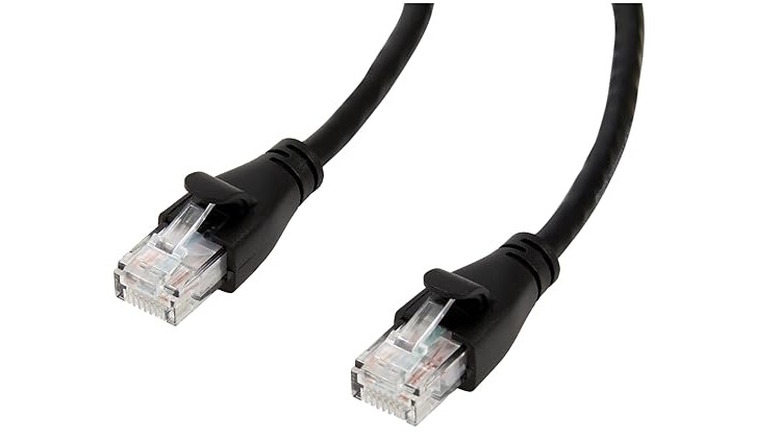
Wi-Fi signals can run into a lot of interference, leading to bad internet. Walls, microwaves, Bluetooth devices, and your neighbors' wireless connection can all affect your own speeds. To stop worrying about all these interactions, as well as free up some bandwidth for other devices, using an Ethernet cable is a good idea. Luckily, these cables are inexpensive, with the Amazon Basics RJ45 Cat-6 costing only $4.03 with a length of 3 feet. If that is too short, you can pick other models that are as long as 50 feet for $14.44.
The Amazon Basics RJ45 Cat-6 Ethernet Cable can deliver a speed of up to 1 Gbps, so it supports Gigabit internet. Sometimes routers, especially old ones, can bottleneck the network, so using an Ethernet cable like this can help get faster speeds. Many devices come with Ethernet ports, including PCs, laptops, gaming consoles, smart TVs, and security systems.
Chances are, you might have an ultra-thin laptop, smartphone, or tablet with no Ethernet port, which doesn't mean this cable is useless. It can be plugged into a USB-to-Ethernet adapter that enables wired connection for such devices. A good example is the Amazon Basics USB 3.0 Ethernet Internet Adapter, which costs $11.99 and supports Gigabit Internet.
How we selected these gadgets
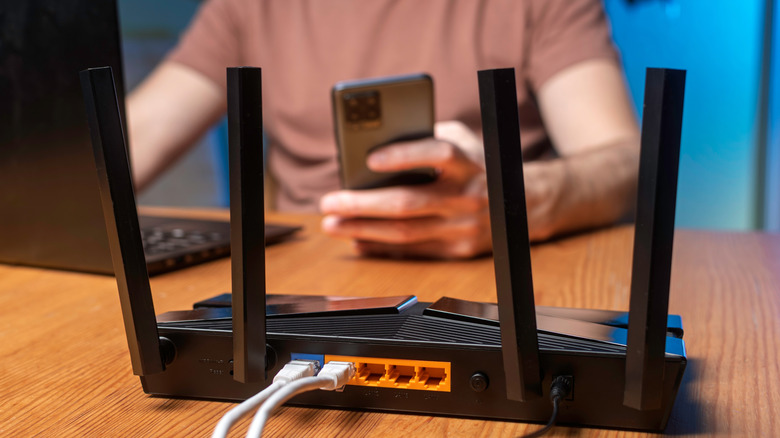
We know how frustrating dealing with bad internet can be, so we scoured one of the biggest online retailers for solutions: Amazon. We stepped into the shoes of the everyday person looking for tech that would deliver fast, stable, and reliable internet, making sure the options were easy to set up and wouldn't blow a hole in their wallet. Future-proofing was another thing we looked for, but if it couldn't provide that guarantee, we went with what could comfortably meet modern internet demands, such as streaming, downloading, and gaming.
Once we had narrowed down the solutions to routers, Ethernet cables, and mesh systems, we looked at the ones with the best reviews. We chose devices that scored 4 stars and above and had hundreds or thousands of reviews on Amazon.