

How To Manually Update Your Router's Firmware (And Why You Should)
A router is one of the most common devices that people don't bother updating until a problem occurs, which is usually slow internet. If you have enabled automatic updates, then you can rest easy. The router downloads the latest update and installs it without assistance. But if you don't have this feature, or just aren't sure, it's best to check and manually update your router's firmware.
This is typically done using desktop or mobile apps released by the router manufacturer. Alternatively, check the router for printed instructions on how to access its web interface with an IP address, username, and password. Once you're in, look for a section like Advanced, Tools, Set Up, or Administration. Click the Update or System tab — this can vary by router — and then Update or Firmware Upgrade to update the system.
In some cases, you'll need download an update file to your computer, go through the above steps, and the click Upload to complete the firmware update. If you see an Automatic Update toggle, be sure to turn it on. Also, keep in mind that if you access the web interface using the default password, you should change it immediately. This simple router security setting is skipped by most people, but is important to prevent hackers from gaining access.
Not updating your router's firmware is a risk
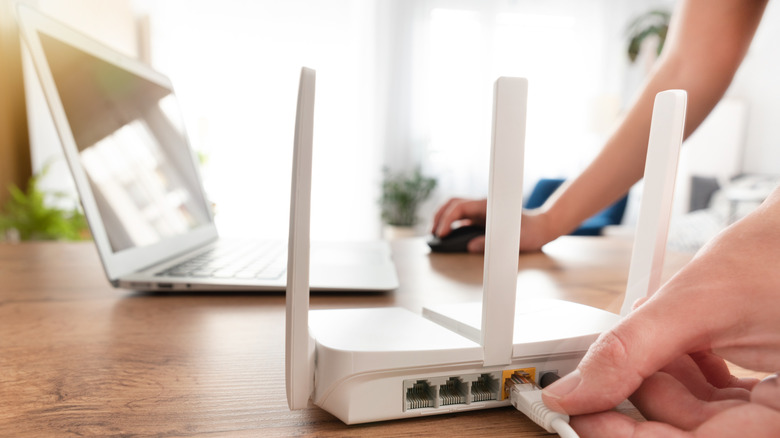
Updating a router's firmware can ensure that it has the necessary performance optimizations to handle modern internet technology and devices, without bottlenecking the network, disconnecting frequently, or crashing. It can also fix bugs that affect the router's reliability and lead to connectivity problems. Firmware updates also introduce new features or improve existing ones for a better user experience.
Of course, depending on the age or if manufacturer support has ceased, it may be time to replace your router. The most important reason to consider manually updating your router's firmware is security. Firmware updates can patch out vulnerabilities that hackers exploit to take control of your router, through which they can access your network, steal personal information, and redirect you to harmful sites. Not using automatic updates and sticking with the default password are a couple of key things you should never do on your router.