

Should Your Router's Antennas Be Vertical Or Horizontal? Here's How To Position Them Correctly
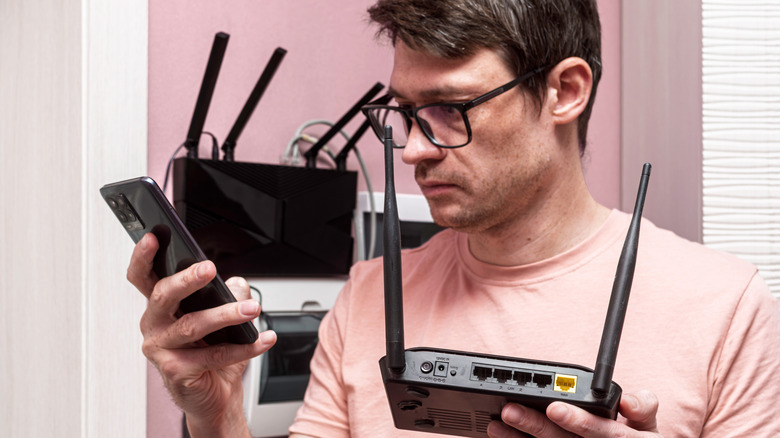
Does your wireless router have adjustable antennas? If so, you may be wondering whether a vertical or horizontal router antenna orientation is ideal. There's actually no single way to orient a router's antennas that's ideal for all users and situations. While orienting the antennas vertically is typically the best option for single-story homes, horizontal orientations or other angles may deliver better results in other settings. A vertical orientation may also be best if your home technically has multiple stories but you only need coverage for one.
You might benefit from experimenting with different angles if yours isn't a single-story dwelling. Test the signal strength in various parts of the home (and with various devices) to find out what works best. You can also upgrade to a mesh router network. This may be the right option if multiple people in your home often drain your internet connection's capacity. Before spending money on a new router or network, though, try to see if changing the antenna orientation addresses any connectivity issues you may be having.
Optimal router antenna placement depends on your setting
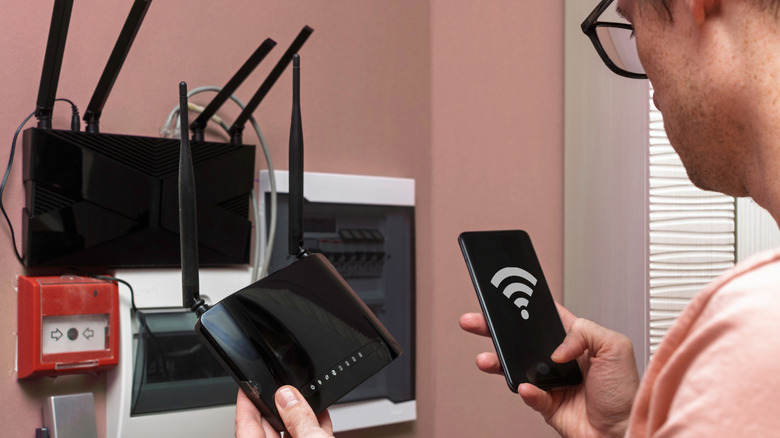
The ideal spot in your home for a Wi-Fi router is typically a central, open location. As much as possible, avoid placing the router near large furniture, fixtures, cabinets, or walls that can block the signal. It's also smart to place a router high up to offer the best possible coverage. These factors, along with antenna placement, can significantly impact the reliability of your coverage.
Again, in a single-story home, orienting the antennas vertically tends to be most effective. If you have to cover more than one story, and your router has two adjustable antennas, place one vertical and one horizontal to cast a wider net. If your router has more than two adjustable antennas, consider experimenting with 30-degree and 45-degree angles to determine what offers the best performance. In a large, relatively open space, a 45-degree angle orientation may be preferable to a strictly vertical orientation. Alternating angles can also be helpful if various devices across multiple floors use the same network.
Just be aware that antenna placement is only one factor potentially affecting a Wi-Fi router's signal strength. Other factors, like your router's age, can also play key roles in whether your internet connection is stable and consistent. If you have a router that's four to five years old and it's not delivering results even after you've experimented with different placements and antenna orientations, it might be time to replace your router.