

3 Uses For Your PC's M.2 Slot (Other Than Storage)
We may receive a commission on purchases made from links.
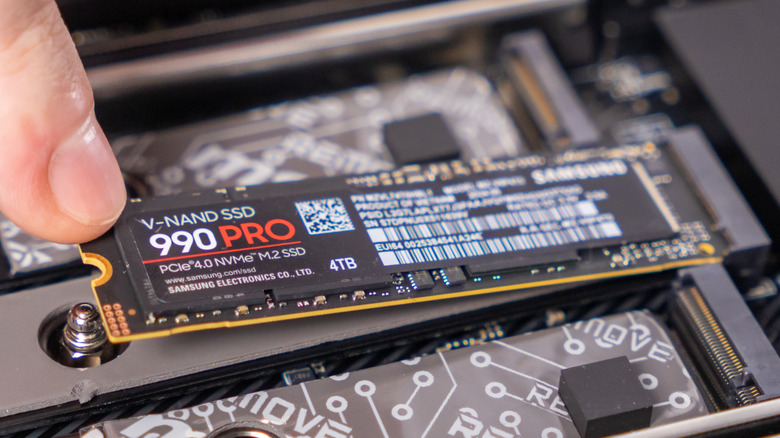
It's typical for a modern PC motherboard to feature at least one M.2 slot, if not more. While it largely depends on the chipset and the form factor, high-end and enthusiast-grade boards pack up to four, five, or even more slots. These are most commonly associated with newer and faster NVMe drives; however, there are only so many types of modules most people plug into these slots. This often leaves folks with unused M.2 slots, which are prime motherboard connectors capable of upgrading your PC's capabilities beyond just its storage.
The M.2 interface is pretty versatile and can accept PCIe, USB, and SATA signals, making it compatible with Wi-Fi cards and Ethernet cards, as well as a host of other hardware. If the module you're planning to plug into an M.2 slot matches the slot's keying and form factor, it should be easy to install. That "keying" is essentially the arrangement of pins in the slot, whereas the form factor refers to the width and length of the module. So, if you're ready to get the most out of your PC's spare M.2 slots, here are some ways to use them apart from plugging in an SSD.
Wi-Fi and Bluetooth cards
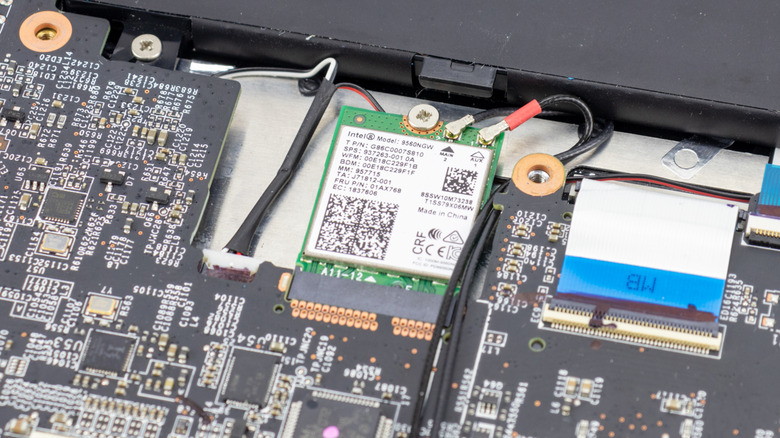
One of the great ways to expand your PC's connectivity is by plugging a wireless adapter into one of the empty M.2 slots. Just make sure you have a router that supports a Wi-Fi standard that's equal to or better than your adapter's, otherwise, you'll waste money on a Wi-Fi card that handles much more than it needs to. You can easily find M.2 Wi-Fi 6, Wi-Fi 6E, or Wi-Fi 7 cards under $40 on Amazon. Newer generation cards also pack the latest Bluetooth versions.
Also check if your motherboard has an M.2 slot with key A or key E, or you will also need a key change adapter. If one of your M.2 slots is already occupied by another Wi-Fi card with an older generation standard, you can simply replace it with the new one to get faster Wi-Fi and Bluetooth. Finally, if you're putting in a Wi-Fi card into your desktop that doesn't come with external antennas, you may want to purchase them separately for the best experience.
Faster wired connectivity with an Ethernet expansion card
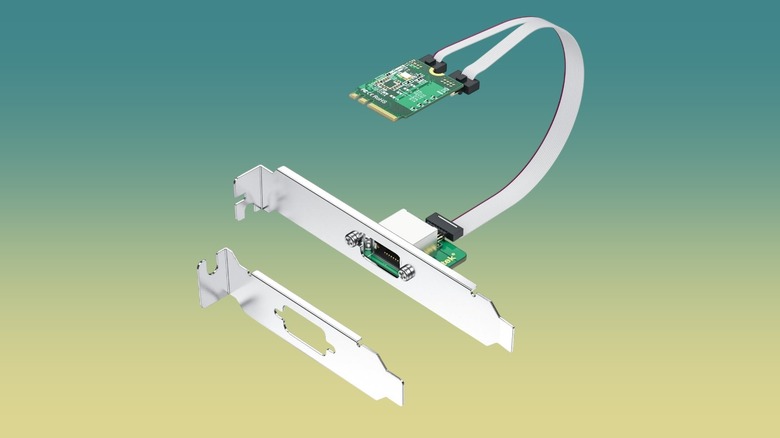
Besides faster Wi-Fi and Bluetooth, you can add faster Ethernet to your PC using an M.2 Ethernet expansion card. It'll upgrade your PC's onboard Ethernet to 2.5G or even 10G Ethernet, which is excellent for anyone looking to get an ultrafast cabled connection that's more reliable than Wi-Fi. Depending on the Ethernet card you choose, you may get different key support, so make sure you have the right M.2 slot available. 10G cards typically use the M key slot, whereas 2.5G cards can rely on the A+E keying. Moreover, some Ethernet cards, particularly higher bandwidth ones, often require additional power via a SATA cable to work.
These expansion cards are also reasonably priced, with several of the top-rated options on Amazon costing anywhere from $20 to $80, depending on the capabilities and branding. So, if you just need a faster wired connection, you don't need to replace your motherboard entirely.
Adding another PCIe slot
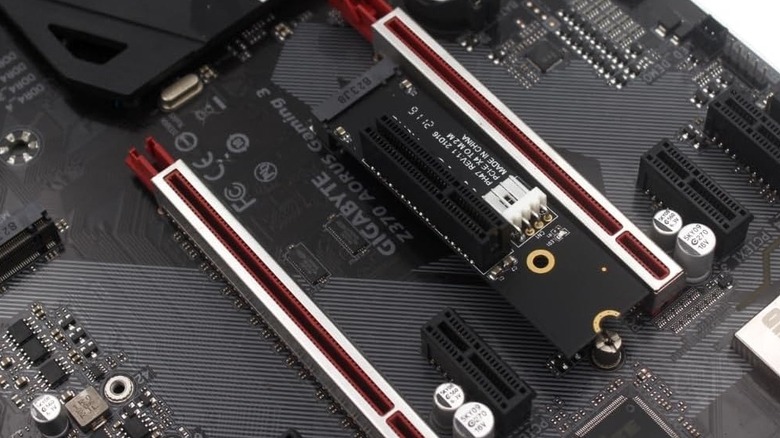
You can significantly enhance the versatility of your PC's spare M.2 slot by using an M.2-to-PCIe adapter. This will allow you to use any PCIe-compatible hardware via that M.2 slot, which will certainly come in handy when you want more USB ports or even a Thunderbolt port. Keep in mind, this adapter will very likely need extra power via a SATA cord to ensure it has enough juice to run anything you plug into it.
While these adapters aren't super common, you can find several affordable models online, including the ADT-Link PCIE x16 Riser, which, although marketed for use with graphics cards, should work with any compatible PCIe hardware. There are also options like the YiKaiEn M.2 to PCIe X4 Expansion Card Adapter, which converts an M.2 slot into a PCIe X4 slot.