

5 Actually Useful 3D Printing Projects Perfect For Your USB Gadgets
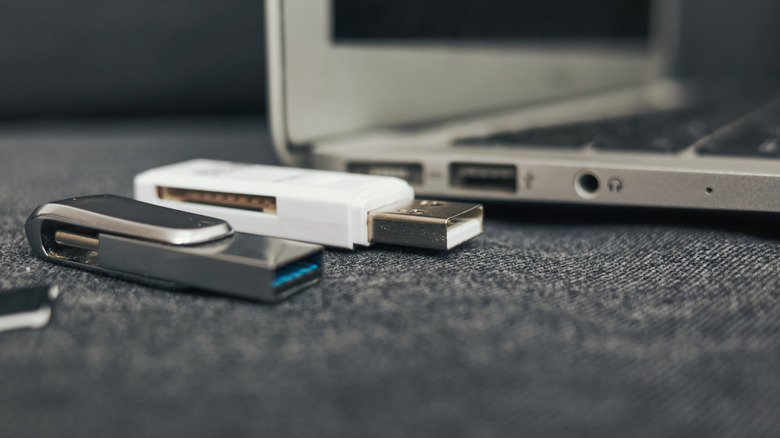
The various types of USB plugs and cables make the world go 'round. If you're not pairing devices with Bluetooth, they're probably connecting through USB, which means you've likely got a lot of loose plugs and tangled cables under your desk, next to your bed, on your counter, and elsewhere. If you want to keep your corded gadgets safe and optimized, there are useful USB accessories you could purchase on Amazon, like dust covers and organizer trays. But why spend money on individual accessories when you could make them from scratch with a 3D printer?
With the help of a 3D printer, you can print all kinds of nifty accessories for your household USB gadgets, and they'll all be perfectly-sized for your precise needs. These 3D printing projects can help protect your cables and plugs, ensuring that they, and by extension, their gadgets, last as long as possible. If you visit 3D printing enthusiast websites like Maker World and Printables, you can find a variety of 3D designs to get you started.
USB-C universal cable saver
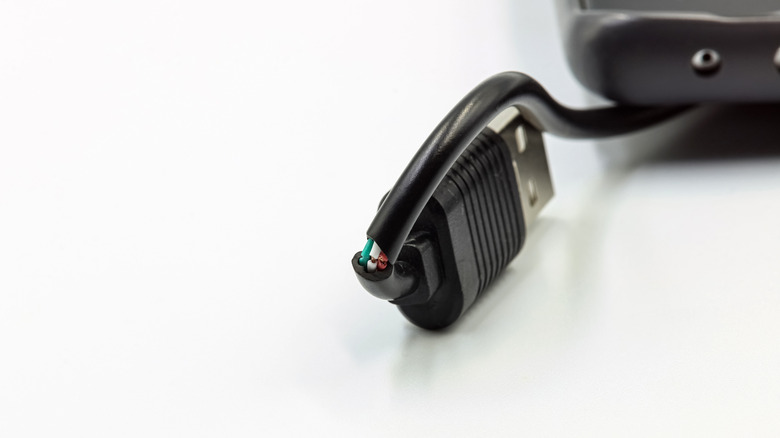
The majority of USB cables are fairly resilient, with flexible bodies and sturdy metal heads. However, these cables also have a common weak point: the part of the cable right behind the plug. It's this part of the connector that endures the most punishment and is most likely to fray and tear with time. To keep your USB connectors safe, print up a USB-C universal cable saver.
Coming to us from Maker World user NordcaForm, this squiggly clip is designed to perfectly fit most USB-C cables and protect them from daily rigors. The coiled shape covers the weak point on the cable, absorbing and redistributing stress away and keeping it from concentrating where you'd rather it not. Even though it's made of otherwise-rigid PLA, the coil shape keeps the whole thing nice and flexible, with the clip head keeping it firmly fastened to your plug of choice. This particular project is intended for USB-C cables, but NordcaForm also offers alternate versions for USB-A cables and 3.5 mm audio jacks.
USB cable winder
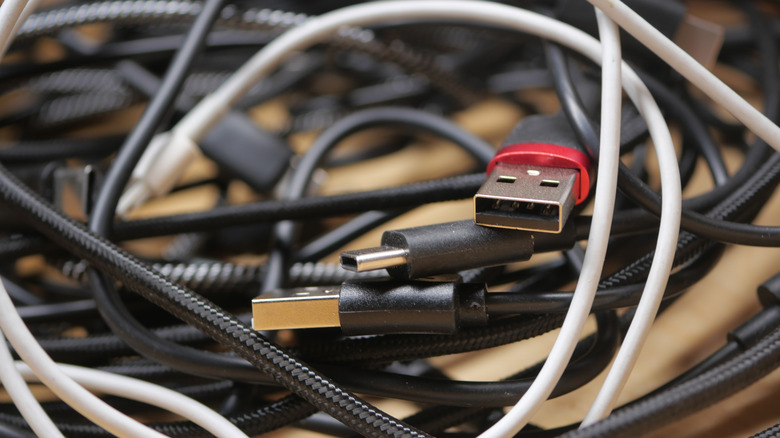
It's not a great idea to leave your loose USB cables lying around in your desk drawer or junk bin, but even if you try to keep them organized, they seem to have an almost supernatural tendency to tie themselves in knots. It's bad for the cable's health, and it's a major headache if you need to free a particular cable from a hydra of knots. To keep your cables under control, the best move is to wind them up tight, which you can do with a 3D-printed USB cable winder.
Printables user mrusk wanted a reliable way to wind up USB cables, including thicker, higher-quality cables that may be too large for simpler winders. They specifically designed their 3D cable winder with next-generation, braided USB cables in mind. The design is simple: Just stick the connector into the hole, lining it up with the grooves on the internal wheel, then start turning the internal wheel. The cable is drawn into the hollow outer wheel, and the whole thing is kept perfectly neat. As an added perk, the wheel's simple shape makes it highly stackable, so you can store several different cables next to each other in a drawer without taking up too much space.
USB cable organizer tray
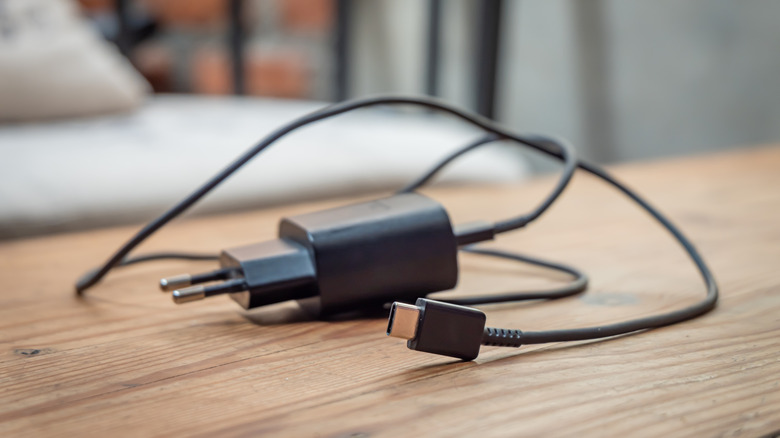
Unfortunately, storing USB accessories isn't always as simple as winding up cables. Besides cables, you likely have various charging bricks and adapters to contend with, all of which can still become a disheveled mess if haphazardly tossed into a drawer and forgotten about. If you really need to bring an entire junk drawer's contents definitively under control, that's a job for a 3D-printed USB cable organizer tray.
Maker World user Gorilla Labs sought to bring order to their collection of assorted cables and chargers and designed a simple, chic organizer tray to make it happen. This tray consists of a continuous grid design with three different sizes of compartments. The smallest compartments can hold cables, adapters, and small chargers. The medium compartments can hold power supplies, longer cables, and bulky accessories. The largest compartments, which are optionally printed separately, can hold anything too large for the medium compartments. You choose which compartments you want in your print, after which they're all kept firmly together, ensuring nothing gets lost or tangled. It's just the right size and shape for storage in a drawer or cabinet.
USB-C dust covers
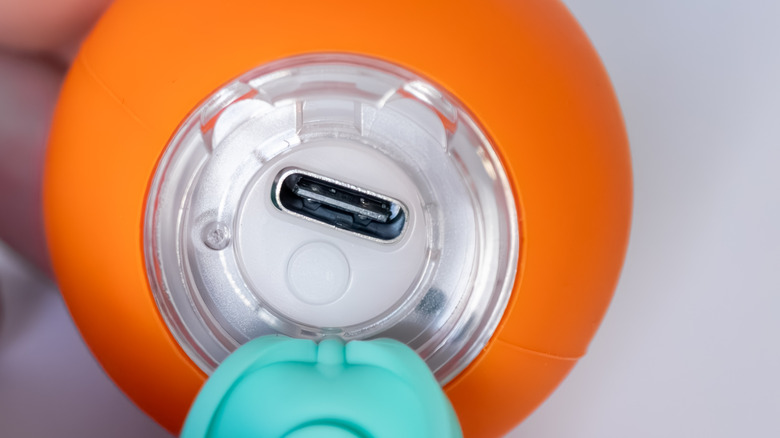
Dust and debris are the mortal enemies of all USB ports, damaging and disrupting their sensitive internal connectors. The cheapest way to protect your ports from dust is with a dust cover, a simple cap you can insert into the port to keep the particulates away. Technically, you could buy dust covers on Amazon, but they're only available in bulk quantities. If you only need a couple of USB dust covers for a handful of devices, it'd be much more economical to 3D print them from scratch.
Printables user mfischer79 wanted quick and easy dust covers for their USB-C devices and decided the easiest option would be to just make some themselves. These dust covers can be quickly printed in whatever quantity you need, as well as scaled up or down to fit the dimensions of whatever USB port you're looking to cover up. The caps all have a small groove on top for an easy grip, ensuring you can pull any inserted cover right out without having to scuff the sides of the port. These dust covers are specifically for USB-C connectors, but mfischer79 also offers designs for other types of connections like USB-A and HDMI ports.
Under-desk USB hub mount
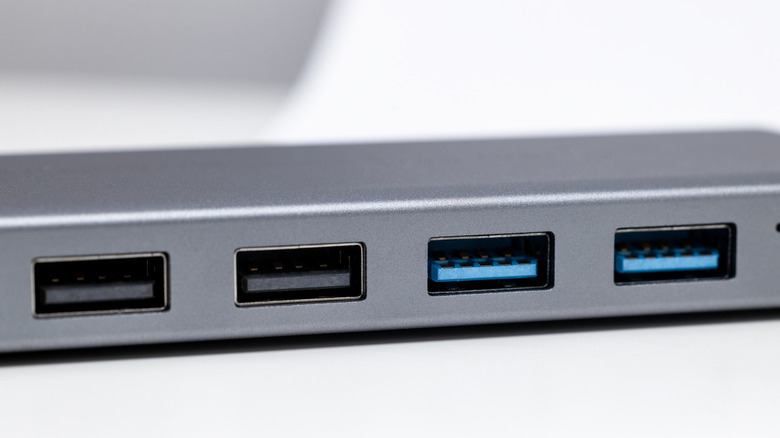
A USB hub is a great way to bring a little order to a chaotic desk, providing a static point that all of your assorted devices can connect to and network through. The only real problem is that leaving a USB hub on your desk takes up a lot of space and could lead to loose cables getting in your way. The best place to keep a hub is actually underneath your desk, definitively out of the way — but to do that, you'll need some kind of mount.
To keep their personal USB hub safely stashed under their desk, Maker World user Kya3D designed a custom USB hub mount to keep it suspended and protected. This mount features four slots for easy access to a USB hub, as well as several holes to insert 3.5 mm self-tapping wood screws in order to secure it to the bottom of a desk. Naturally, this mount will work best with wooden desks, and particularly those you don't mind drilling some pilot holes into. Additionally, the mount will only fit USB hubs within a specific range of dimensions, though Kya3D has a standing offer to other Maker World users where, upon request, they will create a modified print profile for hubs of other sizes.