

Can You Use A Laptop Without A Battery?
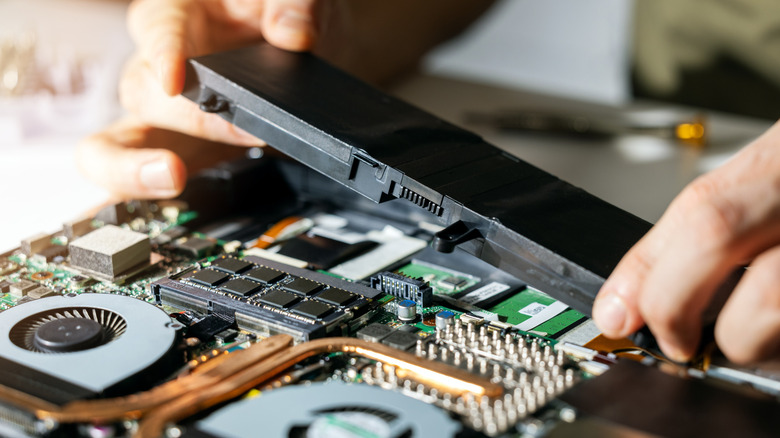
If you have an old laptop with a dying or swollen battery, the idea of removing it entirely and using the laptop on AC power does sound appealing. You can save some money by not replacing the battery, too. But does it work? Yes, you can run a laptop without a battery, but it's generally not recommended. That's because if there's a fluctuation or a power cut, the laptop will immediately turn off in the absence of a battery, and you will end up losing unsaved work. However, if the power supply is stable, your laptop will run the same as it would with a battery.
To put this into perspective, you need to understand the difference between a desktop and a laptop. A desktop consists of several different components, including the monitor, keyboard, mouse, CPU, and GPU. Your laptop typically houses all the same components. They are just closely packed, making laptops smaller and more portable.
The battery is one of the key differences. While a laptop features one, a desktop doesn't. But the components of a laptop don't always draw power from the battery. On modern laptops — like the best ones for 2026 — with better battery management, when the battery is fully charged, the system automatically cuts off the power supply to it and directs AC power to the components. This also means that when you remove the battery, the laptop will remain powered on and work the same. At least that's how it is with most laptops, but not all.
Most laptops run just as well without a battery
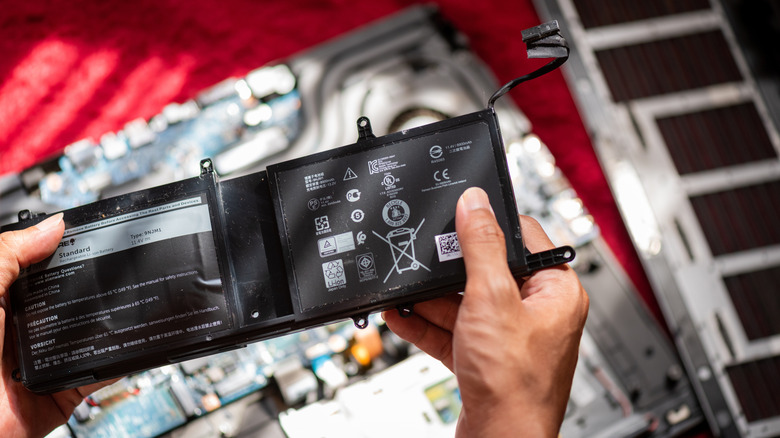
Older laptops with removable batteries run fine even when the battery is taken out. You can't easily remove the battery on many modern laptops, but they should also run fine, at least theoretically, even without a battery. In either case, removing the battery usually doesn't affect performance at all, as long as the adapter remains plugged in.
On MacBooks, the effects are more noticeable. If you somehow manage to remove the MacBook's battery, the performance goes downhill. That's because, in the absence of a battery, which also houses a temperature sensor, the operating system underclocks the processor to prevent overheating. This could especially affect gamers who try running a MacBook without a battery pack — some have reported major FPS (frames per second) drops, as extreme as a decrease from 60 fps to 6 fps in some cases.
Keep in mind that while using a laptop without a battery, you should always use the original power adapter. Using one with a lower power rating may damage the components. Additionally, many who have the laptop permanently plugged into a socket often remove the battery to extend its lifespan. If you plan to do this, many users recommend charging the battery to 40-50% before storing it.
Battery replacement is still the smarter choice
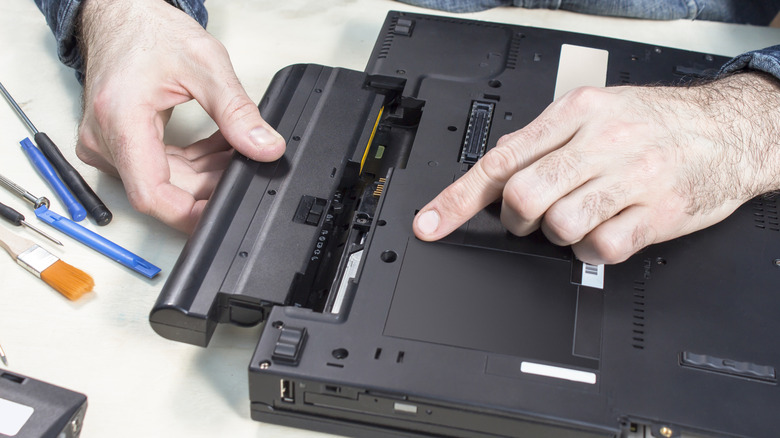
While it's possible to use laptops without a battery, it's usually best to replace the battery on MacBooks – and even on Windows machines, too. Aside from the performance drop in Macs running on AC, one reason to replace an old battery instead of removing it is that laptops are designed to be portable, and without a battery, you miss out on that. Also, without a battery pack, even a momentary power cut will instantly turn off the laptop. So, if you live in an area where power cuts are a possibility, a battery-powered laptop is always the smarter choice. The battery doesn't have to run for hours. Even one that delivers 10-15 minutes of backup should suffice. You just need enough time to save active tasks before safely shutting down the laptop.
There's also the physical aspect. In some older laptops, like an earlier HP ProBook, the battery kind of forms a part of the body. When it's removed, using the device on your lap isn't as comfortable because there's a big hole, or gap, in the case. Of course, this doesn't apply to laptops where the battery sits inside the chassis.
So, while using a laptop without a battery can provide a temporary reprieve, especially if it is faulty and the laptop doesn't turn on, this shouldn't count as a permanent solution. Battery replacement is always better in the long run. And if your laptop's battery is swollen, remove it right away, irrespective of whether you replace it or not. A swollen battery can leak, damage other components, or even explode.