

10 Handy Uses For NFC Tags Around The House
Most people know NFC (Near Field Communication) as the thing you use for contactless payments, like Apple Pay, and then don't think about it again. But there's more to it: Those small, inexpensive NFC tags can help automate much of your daily routine. You don't need to open any apps, repeat voice commands, or search through menus. For about a quarter each, they can turn almost any surface in your home into a smart, automated trigger.
NFC offers a balance between complicated smart home setups and everyday convenience. It works faster than voice assistants, feels more purposeful than scheduled automations, and costs much less than most smart devices. When you start putting tags around your home, you stop focusing on apps and start thinking about moments like leaving the house, going to bed, cooking dinner, or starting work.
In this guide, we'll share some practical ways to use NFC tags at home. If you have an Android phone or a newer iPhone with Shortcuts, you're ready to get started. It's just a matter of putting that NFC chip to use. One thing to keep in mind is that tapping an NFC chip with your phone only triggers an action on the device, usually launching an automation workflow you've already set up using apps like Shortcuts, Tasker, or Google Home. All of the examples below assume that the underlying automation is already in place, which may require some technical know-how or smart accessories to get set up.
Upgrading your WFH desk
Usually, getting ready to work from home means silencing notifications, adjusting your lighting, and opening your project management apps. With an NFC tag under your desk, though, you can do all of this instantly. You can build an automation that puts your phone into Focus mode (or something similar), hiding distractions, changing your phone's home screen, and opening the apps you need for work. Bring your phone to your desk in the morning, tap the NFC, and you're ready to roll.
This setup changes a distracting, multi-step routine into one simple action. For example, you can use a tag and an automation app to switch your phone's interface and even send a text to your spouse to let them know you're starting work. At the end of the day, another tap resets everything. The best part is that tapping the tag helps you focus, almost like clocking in for your job.
Keep in mind that there's a small downside: Depending on your phone, you might need to unlock it before the NFC tag works. Just check that your phone is unlocked when you set it down. Even so, for almost no cost, you can create an automated desk setup that feels as advanced as those in big offices.
Personalized entry and security
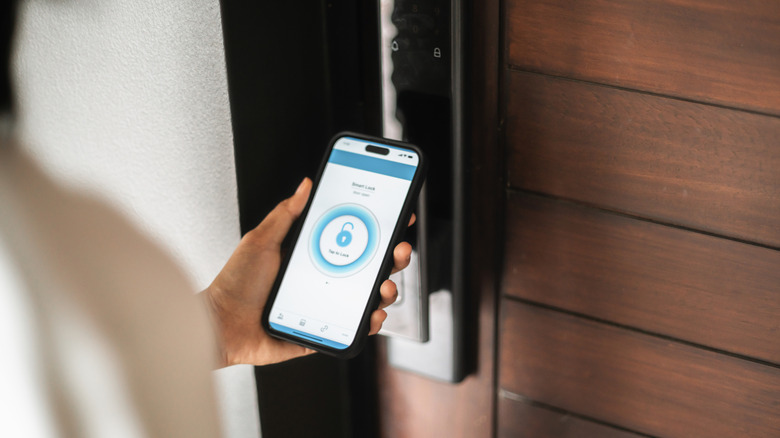
It's always annoying to search for keys or remember a PIN when your hands are full of groceries. Switching to a smart lock can help, especially if you want to make your home more secure, but having to open an app to unlock your door can still be clunky. With an NFC tag near your door, you can make entry easier and more secure. NFC tags can take the place of keys or PIN pads for things like garage doors and smart locks. Tap your phone on the door frame, and the deadbolt unlocks.
You could also mount a weather-resistant NFC tag next to your garage door. When you tap it with your phone, it can start an automation that opens the garage, turns on the lights inside, and unlocks the mudroom door. This is a great option for side doors or garage keypads if you want automated access without spending a lot on a fancy smart lock.
The biggest advantage is convenience. Since your phone is usually in your hand, the door opens right away. On the other hand, security depends on your phone's authentication. If someone gets your unlocked phone, they could use it to tap the tag. To stay as safe as possible, set your smart home routines to require device authentication before unlocking anything.
Comprehensive bedside and sleep routines
Almost everyone has experienced getting ready to go to sleep, when you suddenly realize a light is still on somewhere else in the house, or the heat needs adjusting. With a discreet NFC tag on your nightstand, you can eliminate these hassles by automating your bedtime routine. Use an automation app to set up the steps you want to carry out at bedtime, then tap the NFC when you're ready to turn in. In one fell swoop, you can turn off all the house lights, set the thermostat, and set your phone to Do Not Disturb.
This setup removes the need to walk through the house late at night, checking and double-checking that everything is just so. It can also be more convenient than voice commands, as it avoids disturbing others with spoken instructions. This setup can lead to improved sleep hygiene, reduced energy costs, and reassurance that your home is secure.
The main challenge is the need to remember to tap the tag before going to sleep. If you fall asleep elsewhere, such as on the couch, the nightstand tag will not activate. However, for a one-dollar investment, this solution offers a convenient and effective way to streamline your bedtime routine.
Household chore coordination
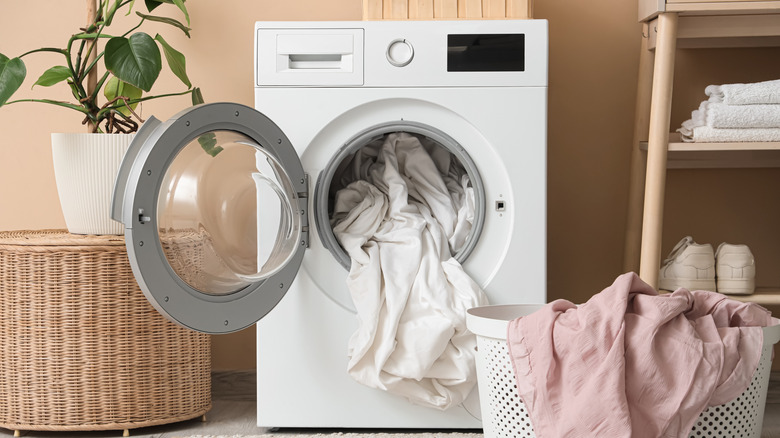
Keeping track of household chores often leads to forgotten tasks and missed reminders. Have you ever left wet laundry in the washing machine overnight because you missed the buzzer? If you put a waterproof NFC tag on your appliances, like your washing machine or dishwasher, they can let you know through your smart speakers when a cycle is done, as one Reddit user did. This way, your home helps you stay on top of chores instead of leaving you to remember everything yourself.
When you start a load, just tap the tag. This action tells your smart home hub to set a timer for the cycle. When the cycle ends, your system sends out an alert.
Setting up this type of automation requires a more advanced smart home hub, which could be tricky for beginners. That said, once it's working, you won't have to worry about forgetting wet laundry again. And one big advantage of this setup is that it helps distribute the responsibility for chores. You can usually adjust how notifications are sent out using your home hub, so everyone in the house can stay in the loop ... and accountable.
Screen-free entertainment for children

Many parents want to cut down on screen time, but still let their kids enjoy digital entertainment. While there are apps that you can use to adjust screen time for your kids, products like the Toniebox or Yoto Player can be great alternatives as well, although they can be expensive. With just a few NFC tags, you can make your own screen-free entertainment for kids at a much lower cost. Try attaching NFC tags to wooden blocks, figurines, or even 3D-printed toys to create a Toniebox-style experience.
You can link these toys to specific Spotify playlists or audiobooks. When your child taps a Moana figurine on an NFC reader or an old smartphone, for example, you can have the music or story start playing right away. Even toddlers can understand how it works, so they can choose what to listen to without needing a touchscreen.
This approach both saves money and lets you customize as much as you want. You're not stuck with one brand's system, so if your child likes a unique podcast, you can just program a new inexpensive sticker. One caveat is that it takes some DIY effort to set up the reader and keep the audio links updated if playlists change. Also, be sure to glue the tags firmly to the toys so they don't become a choking hazard.
Kitchen and cooking assistance

Kitchens can be tough places for electronics. If you've ever tried to scroll through a recipe with sticky or floury hands, you know how annoying it is to keep your phone screen on. An NFC tag on your counter can make things much easier. With it, you can launch your recipe app and keep your phone awake, so you can follow instructions without touching your device.
Tap the tag — before your hands get messy, preferably — and the magic starts. That action can open your favorite cooking app, for example, and keep the screen on while you chop onions. You can also set it up to turn on your under-cabinet lights and start your favorite cooking playlist.
This setup also helps keep your devices safe from grease and spills. Your phone's battery will inevitably drain faster if you forget to turn off the screen after cooking, but you could add a reset trigger to your automation for when you leave the kitchen. This simple change can turn your kitchen counter into a helpful cooking assistant.
Medication and health tracking
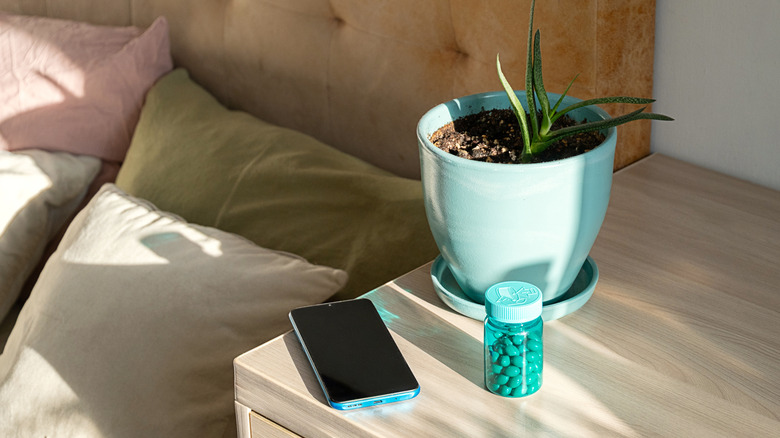
Remembering whether you took your daily vitamins or prescription medication is a common concern. Attaching small NFC tags to prescription bottles can create a reliable system for medication tracking. This approach also enables family members to log the exact time they take each dose.
Each time you take a pill, tap your phone against the bottle to log the exact time and date in a spreadsheet, health app, or shared family calendar. This method is especially useful for elderly family members or parents tracking their children's antibiotics. The verifiable timestamp eliminates uncertainty from health routines.
This setup gives you peace of mind and prevents accidental double-dosing, which can be dangerous. This solution could also be a cost-effective alternative to smart pill boxes, which often cost $50 or more. However, this also means you need to have your phone with you to log each dose; forgetting to tap makes the system ineffective.
Seamless guest hospitality
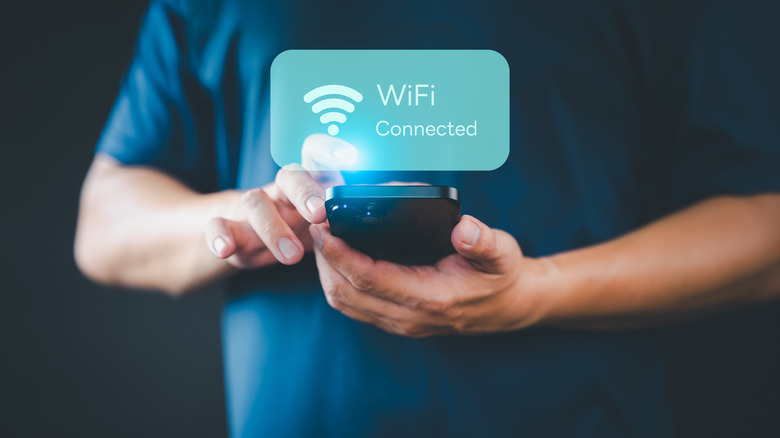
When guests drop by for a long visit, one of the first things they usually want to know is your Wi-Fi password. That often means searching for a sticky note or repeating a long, complicated code. There are apps that you can use to quickly share Wi-Fi passwords with guests, like 1Password, but using an NFC tag can be a time-saving alternative. With this simple tech trick, you can make things easier and look like a magician in the process: Use NFC tags for Wi-Fi connections, and even hide them under your coffee table or on coasters, if you want.
Guests can then just tap their phone on the coaster or table. A prompt pops up asking if they want to join the network, and they are connected right away without having to write down your password. This won't work with older phones that don't have NFC scanning functionality on by default, so your guests may need to switch it on in the settings. Make sure to connect this to a guest network instead of your main one for better internet security.
Home maintenance and inventory
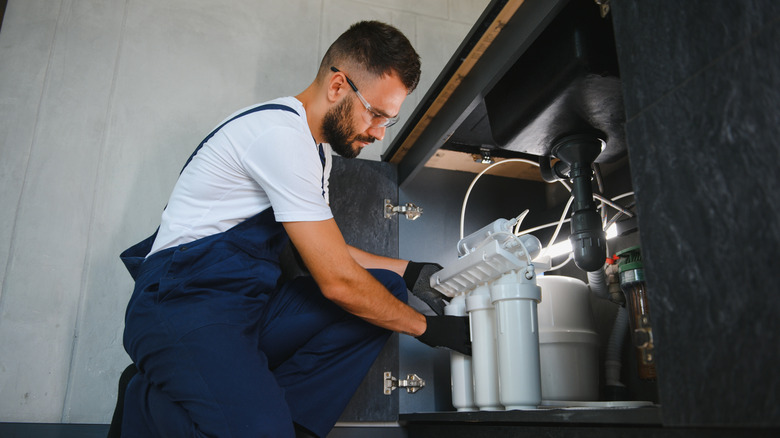
Home maintenance is often overlooked until issues arise. To streamline upkeep and inventory, you can place tags on items that require regular maintenance, such as furnace filters, hot tub refills, or water softeners.
When replacing a filter, scan the tag attached to the unit. The NFC tag then kicks off your automation, maybe generating an alert to your phone with options to mark the task as complete, or delay it. This action can reset maintenance timers, log the date in a calendar, or open a direct Amazon link to reorder supplies, as practiced by one Reddit user.
The initial preparation time will need to be invested to locate appropriate Amazon links and configure calendar automations, which may seem daunting in the short-term. Also, you'll need to make sure you're using durable, on-metal NFC tags for appliances; standard tags may not scan correctly on metal surfaces. Once implemented, this system allows you to manage routine home-maintenance tasks more efficiently.
Plant care and gardening
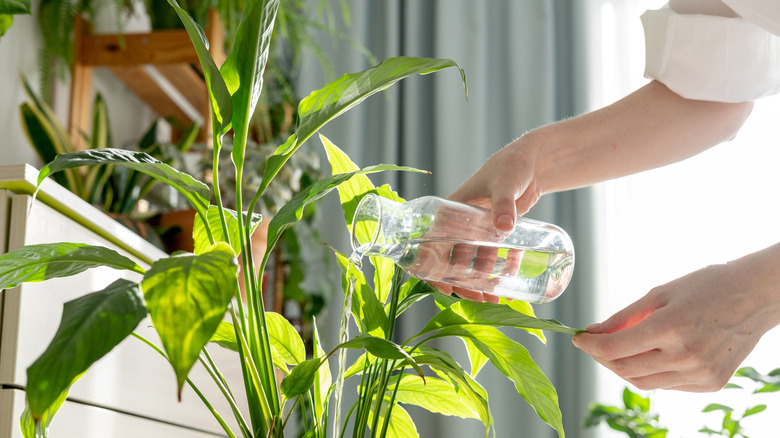
Keeping houseplants alive is all about balance. Too much water can rot the roots, while too little leaves the plants dry. If you have lots of different plants, it's hard to remember each one's watering schedule. One way to make plant care easier is to use small NFC tags at the base of your pots to log when you water them.
Each time you water your monstera or fiddle leaf fig, tap your phone on the pot. This records the watering in an app, or something like Google Sheets. You can also set up reminders to water certain plants only after a set number of days, automating the gardening schedule. This system helps you avoid overwatering and gives you a clear record of plant care that everyone in your home can use.
The only downside is that you'll need to hide the sticker so it doesn't spoil the look of your pots, and the tags should be water-resistant. Even so, this method is much cheaper than buying smart soil sensors, which can cost $30 each.