

The Important Battery Life Tip To Remember When Storing Gadgets Long Term
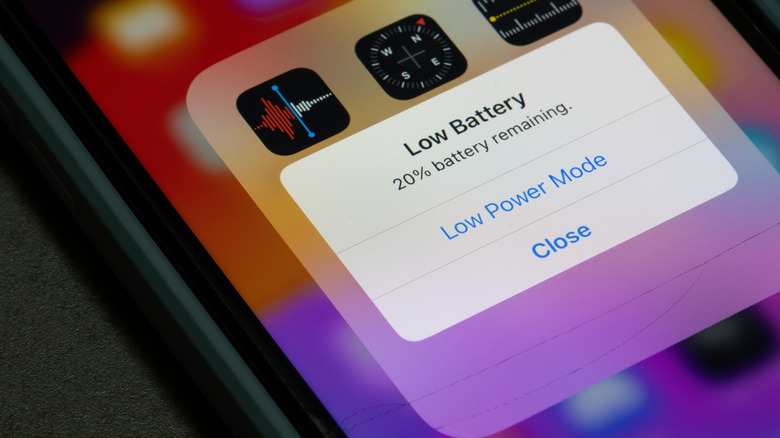
The touted 20% to 80% rule applies to devices with a lithium-ion rechargeable battery, where it's best to keep the charge level within that range. To do that, you should avoid depleting it completely or, alternatively, charging it fully. It's the same charging mistake that could be killing your laptop battery or the battery in your other devices. The idea is staying in that range reduces chemical stress on the battery, extending its lifetime and efficiency. But what about when you're storing a gadget long-term? What should you do with a device you're not using for a long time? Especially since the battery still depletes even when a device is off, albeit slowly.
The best practice is to power down the device, like you normally would, but before that make sure the battery is half-charged. Storing a fully depleted device could cause the battery to fall into what's called a deep discharge state. When that happens, the battery won't hold a charge. Adversely, if you store the battery fully charged, it can lose capacity, shortening its lifespan.
If you're storing your device long-term, you should turn it on at least every six months to check the charge levels. If it's at 50%, you're good, otherwise charge it a little before powering it back down. Another important factor to consider is where you're storing the device, particularly the surrounding temperature. Never store batteries in places exposed to extreme heat or cold. The ideal range is between 50 and 77 degrees Fahrenheit.
Don't leave stored devices on an active charger, either

When keeping a device, or battery really, stored long-term, that 50% rule is going to help you preserve its efficiency and lifetime, meaning it should last longer before it starts malfunctioning, or having problems holding a charge. Common sense dictates putting the device on a charger might help, as well. But that's actually not the case. In fact, you're probably charging your phone wrong if you're leaving it on the charger for long periods of time.
The exception is if your phone and the charger support bypass charging, a feature that allows power to be diverted to the device instead of the battery. That should only be activated when you're using the device and charging it at the same time, like when you're playing games or streaming movies and media, which can deplete the battery fast.
Even then, if you're not using the device, it's best to unplug it from the charger, ensure the battery is at 50%, power it down, and then store it somewhere with a reasonable temperature. If you're worried about the battery's condition, there are ways to check the battery health on an Android, and ways to check your iPhone 16's battery health (which should work on most newer iPhones, too).