

5 Monitor Features You Shouldn't Waste Your Money On
When it's time to buy a new display for your desktop, many monitor features aren't worth the money. That's because these features, although they seem cool on paper, add no utility to daily use or serve such occasional purposes that you do not even notice the difference. So, most of the time, they only raise the price of a product that you already usually pay a lot for.
Although a high refresh rate sounds interesting, especially for people who play competitive online games, not every user needs it. The same goes for resolution: anything above 1440p or 4K offers very situational benefits and usually does not justify the money invested.
Instead of paying extra for these monitor features, consider checking affordable monitor options and paying attention to a few more important factors in your new display. For example, choosing a panel type that fits your use perfectly and checking color accuracy and brightness levels matter more. These points affect your experience far more than some features that exist only to grab attention.
8K resolution monitor isn't worth the upgrade yet
When you analyze a new monitor purchase, resolution stands out as one of its most important aspects. The vast majority of displays produced today come in 1080p, but better 1440p and 4K options exist. So, by that logic, premium 8K screens should be the peak of what you can find on the market, but the truth is not quite that simple.
That's because there's not much content that actually uses an 8K resolution right now. In gaming, for example, few games truly support this resolution, and most are competitive titles, such as "Fortnite." That does not even include the extra hardware investment needed to support this resolution, since you need NVIDIA flagship models to pull that off.
In addition, few streaming services offer content in this resolution. Because of that, right now it makes more sense to invest in lower resolutions, such as 1440p or 4K, which receive plenty of support, than to try to go beyond that.
Built-in speakers offer poor audio quality for gaming
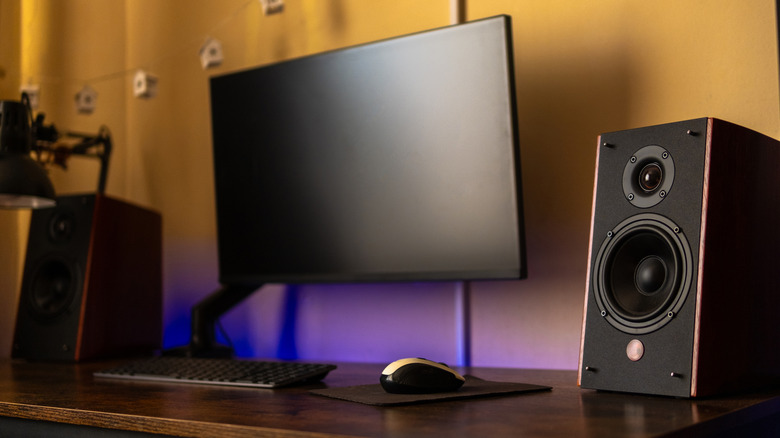
Although they are rarer options these days, you can still find monitors with built-in speakers. The idea looks good on paper, since in practice, you would save money by not buying separate speakers for that and would keep everything in one place. In reality, the quality of these speakers is usually not very good.
These speakers are usually good for basic day-to-day tasks, but if you plan to buy one of these monitors to watch movies or play games, they do not offer the same value. In that case, a proper speaker, even one of the cheapest options possible, will give you better quality, with more clarity and volume in what you hear. That makes the difference easy to notice.
Or, if you're one of the many gamers who prefer headphones over speakers for gaming, then it makes sense to skip speakers altogether, since paying more for a monitor with built-in audio may not make much sense. It makes more sense to put the money you save toward a headset or a dedicated speaker that is actually useful.
HDR400 is practically useless on a cheap monitor
HDR ranks among the most interesting technologies ever developed for monitors, since it improves the image quality of displays. Still, just because it is an excellent feature does not mean you should buy any screen that comes with it. HDR400 is very common in many entry-level displays, but it also means it is the most standard possible, and the quality might not be what you expect.
That happens because HDR400 lacks sufficient brightness or local dimming zones, and both features are essential for any HDR screen. Without them at a reasonable value, you can't notice any major differences when looking at a standard panel, especially while gaming. So, even if the box carries the HDR label, it is worth checking which one it is, since you may end up paying more for a high-end monitor panel that does not justify the cost.
If you want an HDR screen, which is overall a good idea, the minimum requirement to notice an improvement in quality is that the monitor has the HDR600 tag. These monitors can support more than 600 nits of brightness, delivering better image quality, especially in games with HDR.
Refresh rates above 240Hz provide minimal benefits
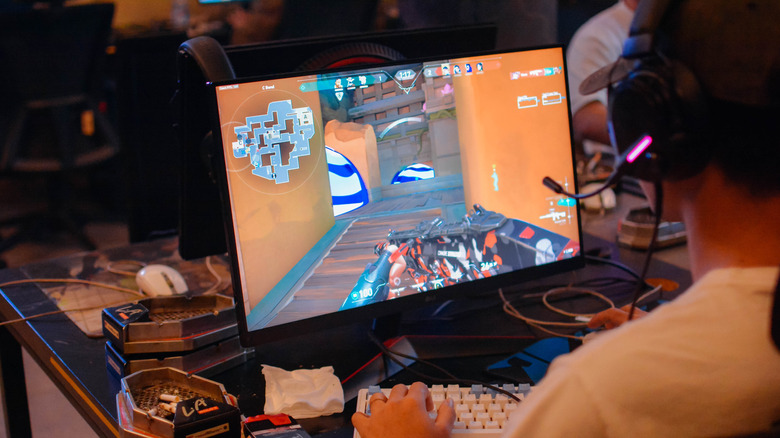
The higher a monitor's refresh rate, the better performance you will get in games. Competitive titles, above all, benefit even more from this, since seeing a smoother image and getting information sooner, even with differences of milliseconds, makes all the difference. Still, that also does not mean absurdly high refresh rates justify the extra money you pay for them.
In most cases, a 144Hz screen is more than enough. As the myth about 60 FPS shows, your eyes can actually perceive much more than you realize, so 144Hz already brings greater fluidity to scenes, especially in action games. If you like to compete, consider a 240 Hz monitor, especially if you have the hardware to run games like "Valorant" or "Apex Legends" at that performance level.
Still, any refresh rate above that, such as 360Hz or even 540Hz, is a bit excessive. The difference in fluidity and your overall experience does not deliver the same leap as going from 60Hz to 144Hz or 240Hz. That does not even include the investment in even more powerful hardware, and since these monitors also cost a lot, it makes more sense to invest that money in other aspects of your screen.
Curved screens are a waste of money on smaller displays
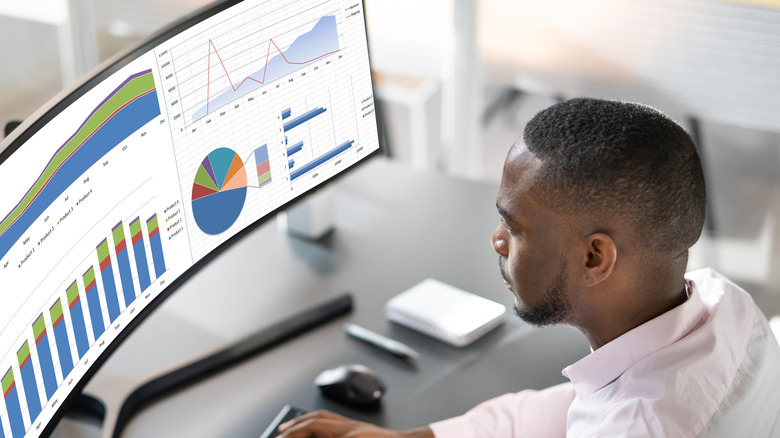
A curved screen on a monitor is a dream purchase for many users, but understanding the pros and cons of a curved monitor matters before making your choice. For example, the curve makes more sense when the display's aspect ratio is ultrawide rather than 16:9, or if the screen is larger than 24 or 27 inches.
On larger screens, especially those above 34 inches with ultrawide curves, the curve brings the screen closer to you, so you don't need to keep moving your eyes and head to follow the content you are interacting with. That also makes a real difference for people who play games or edit videos, since they don't miss a detail of what is happening on the screen.
On smaller screens, a curved monitor usually charges a high price for what it delivers, since you don't have a better field of view. These monitors also take up more space because the screen has some depth, and the viewing angle remains limited for anyone besides you. A curved monitor also costs more than an equivalent flat screen, so to make the most of it, that kind of screen needs to make sense, too.