

What The Blue Light On Your Amazon Fire TV Stick Remote Means
We may receive a commission on purchases made from links.
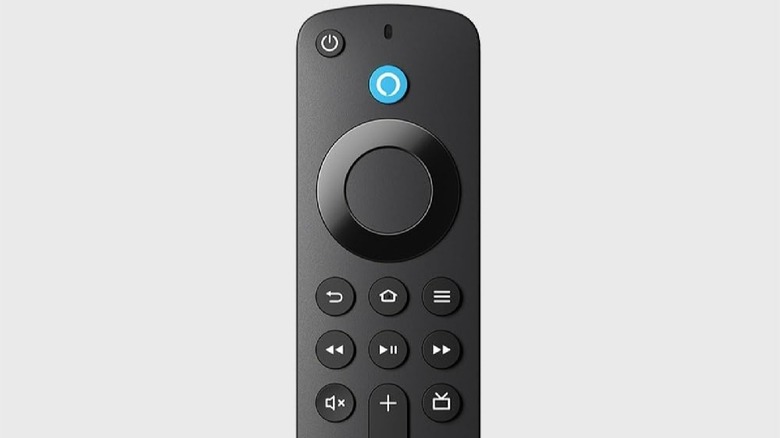
Amazon Fire TV smart TVs and streaming devices come with a top Fire TV accessory already packed in: the Alexa Voice Remote, allowing you to control your device's volume, power, and navigation, and even use voice assistant commands. At the top of each of these remotes, near the power button, is a small LED indicator that also houses a microphone.
This LED light displays a different color to indicate a specific issue or function, helping you troubleshoot any potential problems your device may be experiencing. For example, a slow-blinking red light means your remote is low on battery, while an orange light means your remote isn't paired with your Fire TV device.
Similarly, a blue light on your Amazon Fire TV remote, and how it performs, can tell you if Alexa voice control is active, if any issues you may be experiencing are coming from your Fire TV device, or if your remote is experiencing connection or pairing issues. Below, we break down what the blue light on your Amazon Fire TV Stick remote means in different situations.
The light on your Fire TV remote helps with troubleshooting
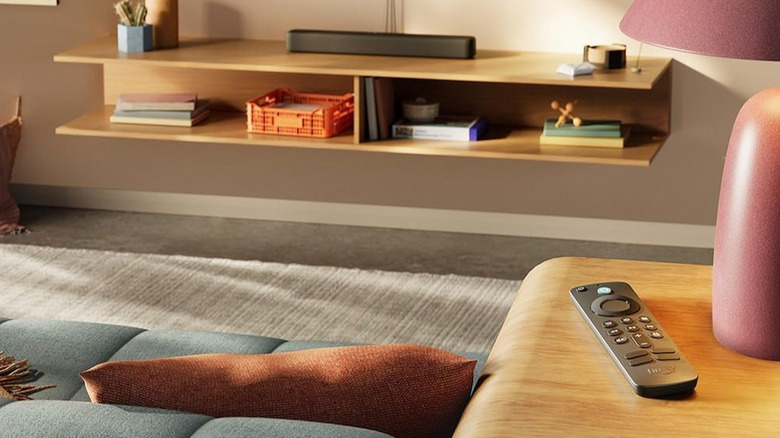
Your Amazon Fire TV typically displays a blue light flash to indicate a successful connection to your Fire TV device. If the blue light is solid, it may mean your Alexa is active and listening, so you can press and hold the Alexa/microphone button until it turns off if you need.
However, the blue light can also be used to help troubleshoot any issues you may have with your remote. On compatible remotes, you can enter troubleshooting mode by pressing the Rewind and Right buttons at the same time for three seconds, and then pressing the Menu button. The LED on your remote should turn green to indicate it's in troubleshooting mode. Next, press any button on the remote, and the LED should flash with a color that indicates a specific issue.
If the color that flashes is blue, there is no issue with your remote, and you can try restarting your Fire TV device to resolve whatever problem you're experiencing. If the LED flashes another color, you may need to reset your Fire TV remote (fast blinking red light), replace its batteries (slow red blink), or pair it with your device again (orange light). A white light on the remote could indicate that you need to turn on or restart your Fire device.
How to fix a blinking blue light on your Amazon Fire TV remote
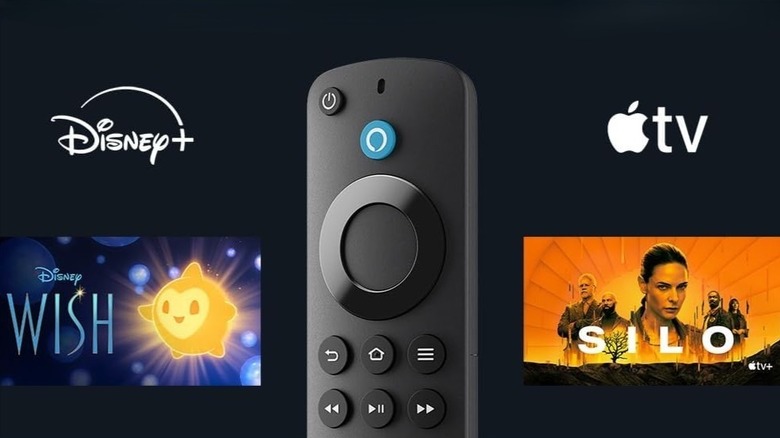
If the blue light on your Amazon Fire TV remote is blinking incessantly, it's worth resetting your remote and re-pairing it with your device to see if it resolves the issue, as your remote may be frozen or stuck trying to pair or connect. To do this, first unplug your Fire TV device from the power supply and your TV, then wait one minute. Next, hold the Left, Menu, and Back buttons at the same time for 12 seconds, then release them and wait for five seconds.
The next step is to remove the batteries from your remote — you can also try replacing them at this time if you want to cover all your bases. Plug the Fire TV device back in and wait for your screen to display a remote detection error message. Once it does, put the batteries back into your remote and press the Home button. If the LED light on your remote blinks blue, the remote has successfully paired. If an orange light blinks, indicating the remote isn't paired, then hold the Home button for 10 seconds until it does. Knowing how these light colors work and how to use them to your advantage can help you get the most out of your Fire TV Stick while you wait for the new, upgraded model to arrive.