

If You Have Fiber Internet, It Matters What Router You Have — Here's Why
We may receive a commission on purchases made from links.
There was a time when Google Fiber was the hot new internet provider everyone wanted in their town, but sadly, the company faced significant pushback from competitors, making it difficult for Google to expand. This gave those competitors time to catch up to Google's fiber-licious high speeds. These days, there are many options for fiber internet from the likes of Verizon, Comcast, and even AT&T, with a sprinkling of smaller carriers like Kinetic serving rural areas. It's never been a better time to get fiber optics run to your home.
But here's the rub: If you plan to use a wireless router to connect to the internet over Wi-Fi, you're going to want one that can actually offer speeds that match your lightning-quick optical line. In other words, you'll need a newer router that can handle high speeds with Wi-Fi 7 to go along with your fancy new fiber connection.
For this reason, many ISPs offer router rentals with their services, as the higher speeds of Wi-Fi 7 require costly equipment. For example, the Amazon eero Pro 7, which supports internet plans up to 5 Gbps and is offered with Kinetic's high-speed tiers, is a $300 device. Should you rent this router, say from Kinetic for $11 a month, it would take almost four years to reach $300. As fast as tech moves, it's often recommended to replace routers every three to five years, especially if you demand the highest speeds. You're also going to need your smartphones, tablets, and everything else in the house to support Wi-Fi 7 if you want to take full advantage of the high speeds the router is spitting out. At the very least, these can be purchased over time once your internet and router are upgraded, future-proofing your fiber connection until Wi-Fi 7 is supplanted with something even faster.
Your router type indeed matters when it comes to high speeds
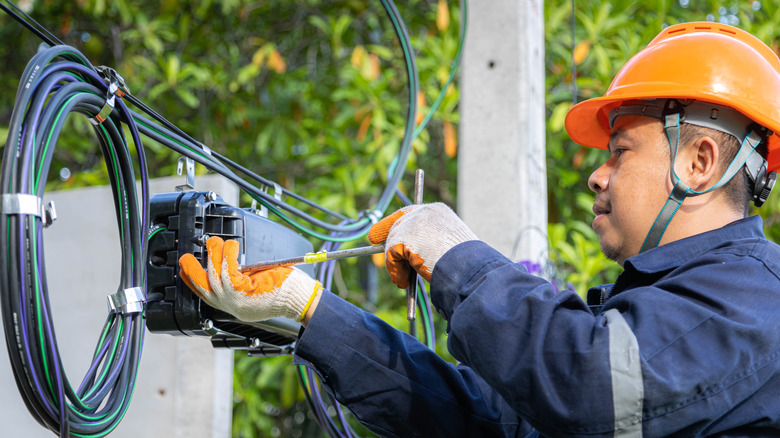
Securing a fiber-optic connection for your home is only the first step in a multi-step process to improve internet speeds throughout. It's certainly the most important piece of the puzzle — access is necessary, after all — but secondary to installing a fiber line is ensuring your router can handle its high speeds. If your router is old and doesn't support Wi-Fi 7, you could be missing out on the higher speeds your fiber connection offers.
Even if you're sporting a Wi-Fi 6 router with an advertised 9.6 Gbps max speed, typical use usually caps out at around 1 Gbps or lower. So if you're paying for a fiber connection that offers more, your router may not hit your max speeds; thus, newer tech is required. Wi-Fi 7 is that newer tech, the latest generation of Wi-Fi available to the masses, with an advertised speed of up to 46 Gbps. While it's highly unlikely you'll see speeds that fast with the majority of routers on the market, newer equipment that supports Wi-Fi 7 ensures you can cruise well beyond anything the last generation offered. All while future-proofing any speed upgrades to your fiber line, at least until Wi-Fi 8 is available (the standard is expected to be ratified in 2028).
So, if you'd like to take advantage of your high-speed fiber internet wirelessly, your best bet is a router that supports Wi-Fi 7. The choice is yours whether to rent or buy, so make sure to check prices not only on the router itself, but also to compare this price against a carrier's rental fee to see which choice will benefit you more in the long run. This way, you can save the most money possible while still gaining access to fiber-optic speeds over your wireless internet connection.