

The Galaxy S26's Flashlight Is Hot Enough To Burn Plastic — But It's Not The Only One
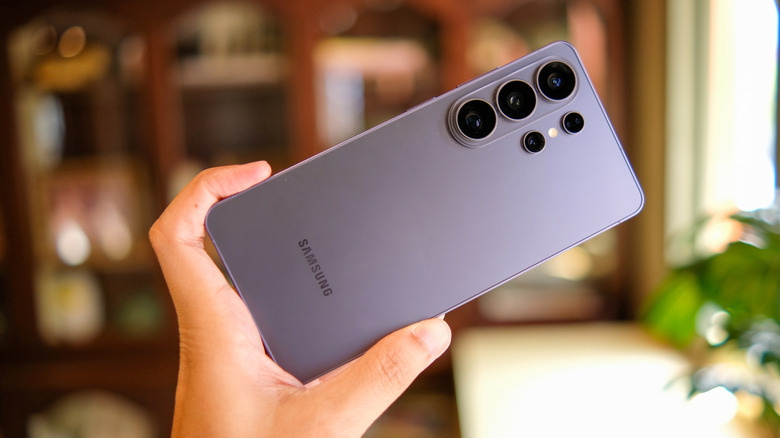
A TikTok video going viral appears to show the Samsung Galaxy S26's flashlight function generating enough heat to burn through a black trash bag. Meanwhile, the video also shows a similar test done on the iPhone 17 Pro, which appears to have no effect on the bag. Granted, the hole the flashlight burns is fairly small, while the bag looks remarkably thin. It's still concerning that the function would generate so much heat. What happens, for example, if you have the light close to your skin? What exactly is going on here?
Naturally, a bright light like a flashlight is going to generate or put off some heat the longer it stays on. It's enough of a concern that we have seen things like this before with other smartphones. The Pixel 10 Pro's LED flashlight might be damaging phones, as some users have reported seeing artifacts in photos after leaving the light on for extended periods. It's not a trait exclusive to smartphone flashlights, either. Traditional flashlights can generate heat when used for long periods, too.
Further reports from Tom's Guide reveal that it is possible to burn through a trash bag with Samsung's latest flagship. In tests conducted by the website, the Galaxy S26 Ultra's flashlight at maximum brightness burned through a black trash bag rather quickly, but the iPhone 17 Pro Max and Google Pixel 10 Pro melted the plastic, too. Thicker sections of the trash bag weren't immune to the effects, though visible melting didn't occur when a white trash bag was used. This is likely because the color black absorbs more light and heat. We tried replicating these results with a Galaxy S25 Ultra and a Galaxy S26 Ultra, but saw no noticeable damage. Now, the devices may turn off the light to prevent overheating the internals, but that doesn't stop the heating altogether.
Why is flashlight heat a problem and what can you do about it?
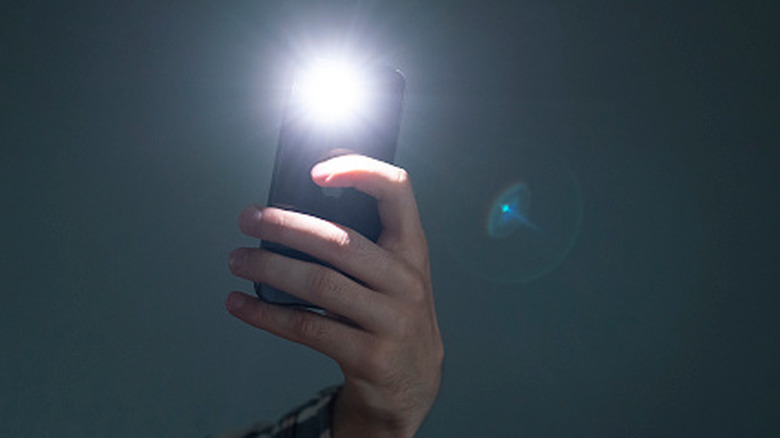
It's not difficult to imagine the heat from the flashlight causing a problem if it's exposed to various elements. Imagine, for instance, you place your phone down on some grocery bags or other plastic items and forget the flashlight is on? Experts say it's not likely to be a fire hazard with more solid materials like wood. But in an enclosed space like a pocket or when pressed against a thin, heat-sensitive material, it could be bad news.
The latest Samsung Galaxy devices seem to heat up faster than people might expect, but this is not an isolated issue. There's no telling how many devices from other brands produce similar amounts of heat through their built-in flashlights. As Tom's Guide demonstrated, this could easily be done with the iPhone 17 Pro Max, as well. Not to mention, you can turn on your iPhone's flashlight without touching it, and Android allows you to toggle the flashlight from the lock screen, so accidental activation while slipping into a pocket is not unheard of.
The good news is that on both Android and iOS, you can adjust the intensity of the flashlight, turning it down to potentially reduce heat. On iOS, press and hold the flashlight icon in the Control Center to see a second menu with adjustable levels. You can do the same on Android with the flashlight icon in the Quick Settings menu. For the latter, this is the same way you can change your Google Pixel's flashlight brightness — by holding down the flashlight icon in the pull-down menu. More advanced flashlight controls have been rolled out within the past year as part of the iOS 18 and Android 16 updates. Right on time, it seems, given the recent discovery with the Galaxy S26 Ultra.