

How To Prevent Your PlayStation 5 From Overheating
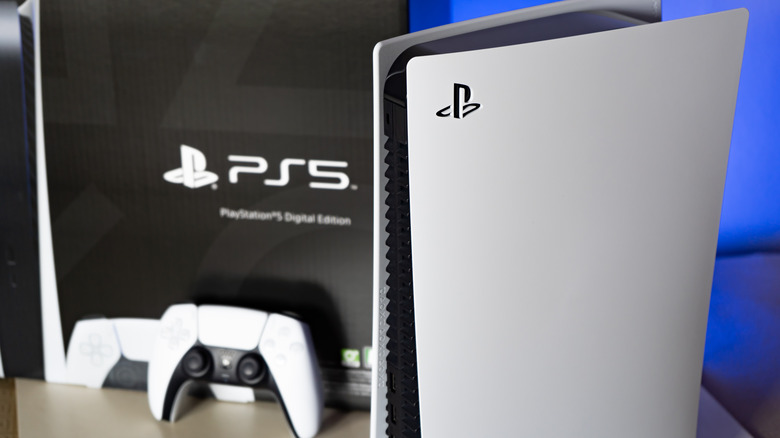
While the PlayStation 5 is largely considered a very reliable console, there have been a number of user complaints around fan noise and cooling issues, especially as the console gets more mature. While a loud fan in and of itself isn't generally a major issue unless you're particularly sensitive to noise, it can be indicative of underlying problems that can contribute to more serious issues (or exacerbate other common PS5 problems).
Failing fans or other cooling issues can eventually lead to critical overheating. At these levels, your PS5 may spontaneously shut off, which can lead to lost progress or even data corruption. In extreme cases, overheating can lead to warped or damaged components and potentially even a bricked console. Luckily, the most common culprits for overheating, like blocked vents or dust accumulation, are easy enough to address. We'll address those below, as well as less-common gremlins, like adding third party storage that's not properly cooled.
The most likely issues: dust and positioning

Like most complex electronics, the PlayStation 5 relies on the constant flow of air to cool its hottest components, like its Accelerated Processing Unit (APU). This becomes an issue in many setups where you're stashing your console in an area with limited space, like the entertainment center of a cramped studio apartment or underneath a desk where other hot devices also live. To avoid this, always place your PS5 where it has plenty of fresh air (and never on a carpeted surface). Sony recommends at least 10 cm (about 4 inches) of space on each side of your console to ensure that there's enough room for fresh air to enter and exhausted air to exit.
Another common issue is dust buildup, again often in part because of where a console's placed. If your PS5 lives in a low area where dust settles or a nook where there's rarely any air movement to displace that dust, it's going to get caked in and on your console. Dust not only acts as an insulator, trapping heat in a system, but it also blocks exhaust vents and prevent airflow. An easy fix is blowing out the vents with canned air, although for more serious dust build up, you may need to open up your console and give it a proper deep cleaning. While you're at it, you may also want to give your controller a thorough once over as well.
Less common cooling issues
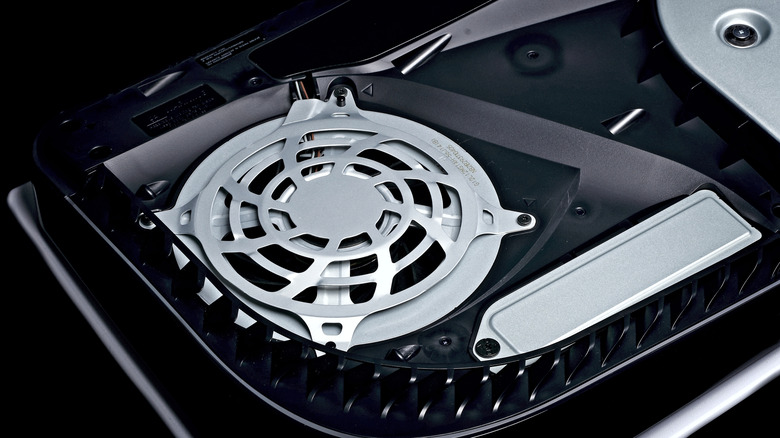
If you've placed your console in a spot where it has free access to unlimited cool air and thoroughly cleaned it out and it's still acting up, you may be dealing with a rarer cooling issue. Some users have reported that adding storage without appropriate attached cooling can also cause consistent overheating. If you've recently added an SSD that doesn't have a built-in heat sink, it may be the root of your issue. You may have to remove it and/or replace it with a drive that has a radiator and vented aluminum and thermal pads underneath.
Another issue, particularly for older PS5s, can arise from the console's use of liquid metal as a portion of its cooling strategy. The liquid metal is designed to help heat radiate out from components like the APU into heat sinks, but according to PCMag and independent technicians, it can sometimes drip out from between the heatsink and the system on a chip (SoC). This generally happens when the console is stored vertically, and it's one of the key reasons your PS5 probably needs to be repaired soon. If you have an older version of the PS5 and suspect this may be an issue, try positioning it horizontally, but if the heating issue persists, you'll need to have your console repaired.