

What Wi-Fi 6 Actually Does For Your Nintendo Switch 2 (And Whether You Need It)
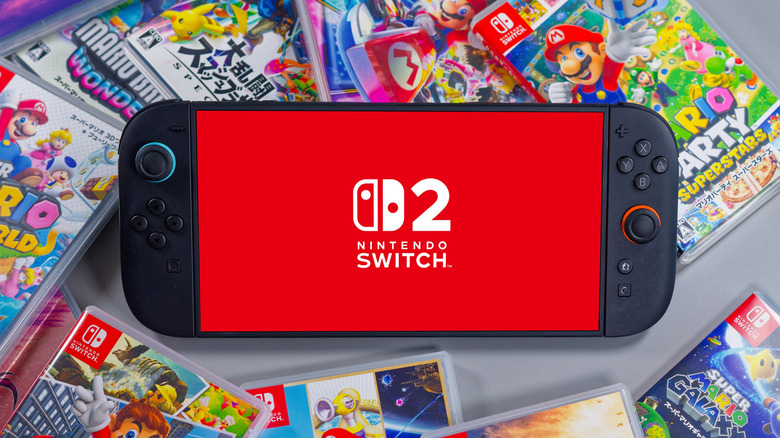
For anyone playing video games online, a faster internet connection allows for a more streamlined experience. While some may be familiar with the term Wi-Fi and its ability to connect devices online without an Ethernet cable, there are different versions, including Wi-Fi 5 and Wi-Fi 6. They all function relatively the same way, but Wi-Fi 6 includes more enhanced features that allow it to produce less latency and more consistent speeds, support more connected devices, and perform a bit quicker overall.
The Nintendo Switch 2 uses your internet service to connect to the Nintendo eShop or play online using Nintendo Switch Online. These services are available through either a wireless or wired internet connection. This translates to improved download speeds and playing games over the internet. However, you don't need to have a router with Wi-Fi 6 to make this hookup, as the Switch 2 is also capable of running on Wi-Fi 5.
In fact, the console can browse the Nintendo eShop and play online games through either a 5-gigahertz or 2.4-gigahertz frequency band, which is not obsolete, contrary to one of the Wi-Fi myths you need to stop believing. While the Switch 2 is compatible with Wi-Fi 6, don't get Wi-Fi 6 confused with a 6-gigahertz frequency, which is only available on Wi-Fi 6E, a slightly newer standard that hasn't yet been widely adopted. And if you do decide to jump in and use Wi-Fi 6 with your Switch 2, don't expect miracles — maybe better download speeds and the chance for lower latency during online play, but probably nothing drastic. It still might be worth the upgrade, though.
Why Wi-Fi 6 matters for gaming on the Nintendo Switch 2

The Nintendo Switch 2 is a powerful option for gaming. With a resolution of 4K at 60 frames per second when docked in TV mode, the system is capable of running games that look quite good online ... but only if your setup can handle it. If, for instance, you want to play Mario Kart World online with up to 24 others, having a fast internet speed like Wi-Fi 6 can reduce any lag on busier networks. Compared to the original Nintendo Switch's Wi-Fi, Wi-Fi 6 provides a snappier experience.
Wi-Fi 6 matters for gaming online on the Nintendo Switch 2 if you want the chance of less lag while playing with friends, quicker eShop downloads, and enhanced connection stability with multiple devices running on the same Wi-Fi. Wi-Fi 6 includes Orthogonal Frequency‑Division Multiple Access (OFDMA), which allows additional devices to be connected with fewer potential slowdowns. The consequences show up, among other places, in how many devices the average home router can connect to – Wi-Fi 6 wins this battle over Wi-Fi 5 pretty handily.
Note that if you want to play online on the Nintendo Switch 2, you'll need to sign up for an additional service first. Nintendo doesn't have a free online offering, but you can buy a membership for one Nintendo account at $19.99 per year or the Family membership plan, for up to eight Nintendo accounts, at $34.99 a year.
Is Wi-Fi 6 necessary for gaming?
Wi-Fi 6 is a powerful option for online play, streaming your favorite TV show, or having several devices connected to your router at once. It's fast, but may not be for everyone. If you live in a household where you only connect a few devices to the Wi-Fi, such as a phone or computer, Wi-Fi 6 may not be what you need. If you want to connect a lot of devices to your router, then opting for one with Wi-Fi 6 would be more beneficial.
For anyone who wants to connect multiple consoles to their router, Wi-Fi 6 is an attractive option, but it might not work in all circumstances. While the Nintendo Switch 2 is compatible with Wi-Fi 6, as is the PlayStation 5, some other consoles, such as the Xbox Series X/S, are not.
The bottom line is that, for gaming on the Nintendo Switch 2, Wi-Fi 6 isn't a necessity. Yes, the console is capable of running with Wi-Fi 6, but if you have a router that doesn't support Wi-Fi 6, you'll still be able to play online with your friends. You may have to accept a bit of latency and slower download speeds, though. For a better experience on your Switch 2, regardless of which Wi-Fi version you use, check out these 4 Nintendo Switch 2 settings that will instantly boost performance.