

When To Unplug And When To Reset Your Router
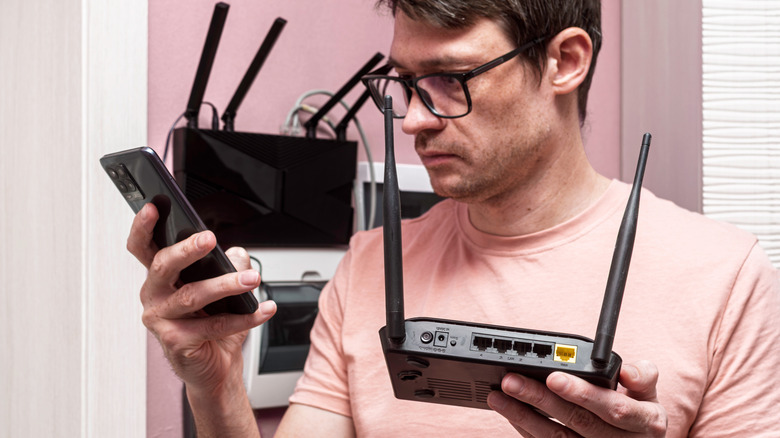
If you're experiencing internet problems such as internet might be slow or devices failing to connect to your network, you may be having issues with your router. It's common knowledge that restarting or resetting the router can usually fix performance glitches, but knowing when you should restart the device or completely reset it can save you and your internet service provider (ISP) some problems in the long run. With that in mind, here's some info about when you should simply unplug your router to restart it or do a full reset.
Generally, restarting your router is the first step in the troubleshooting process. This will clear the router's cache and refresh the network connection. It's considered a low-risk way of fixing problems that affect the router. You should also do it regularly to keep the router's software and firmware running smoothly. Resetting, on the other hand, should be done when all other troubleshooting options you've tried fail. If you reach the point of resetting the router, and the problems persist, it might be a hardware fault. In that case, you might need a new router.
So, start by unplugging your router and seeing if everything goes back to running smoothly when you plug it back in. You might not need to take the more drastic measures of resetting or replacing this device.
Restart your router regularly
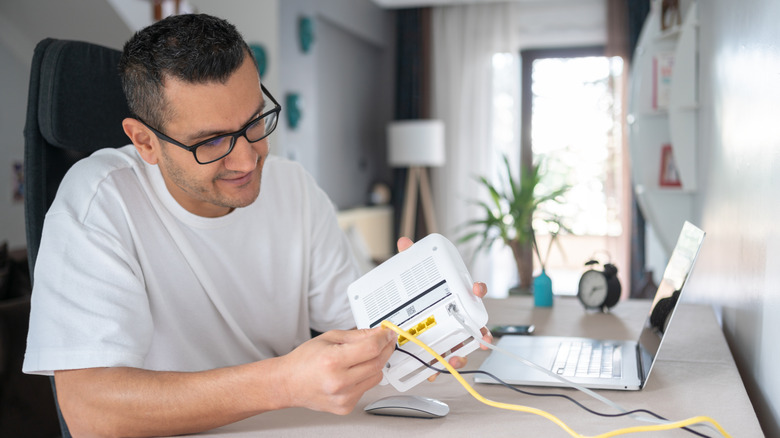
Even if you aren't having any internet issues, restarting, or rebooting, your router once a month is actually recommended to maintain peak performance. This is called power cycling, and it's done by unplugging the device (and removing the battery, if equipped), waiting 30 seconds, and then plugging the router back in. This procedure allows the router to clear its cache, restart stuck processes, and refresh the network connections. If there's a firmware update waiting, it will install it, which may bring new features, performance updates, and security patches.
You need to do this because a router is like a specialized computer with a CPU and RAM running various processes in the background that can lead to clutter over time. For instance, some routers log your usage data (e.g., connected devices, login attempts, visited websites, and system events), old firmware can accumulate bugs, and the network can get congested if there are too many devices connected. The busier it is, the faster the clutter will accumulate, leading to the problems mentioned earlier.
Resetting the router should not be done regularly
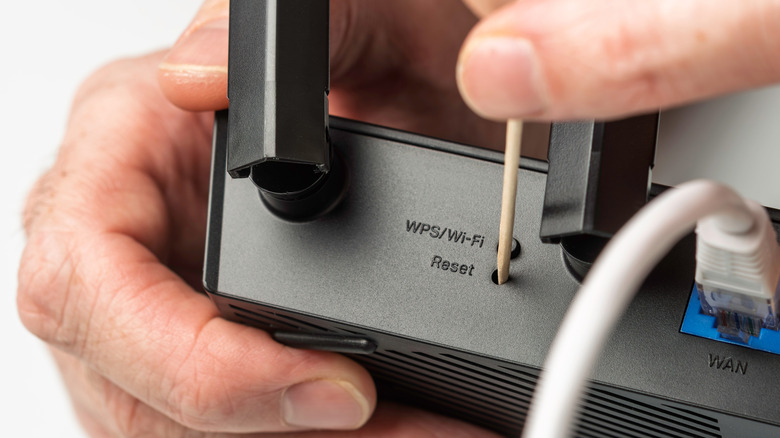
Resetting a router returns the device to its factory defaults, meaning it wipes your custom configurations, including passwords, Wi-Fi names (SSIDs), port forwarding, and security settings. It will return to the state it was in when you first bought it (software-wise), and it will even get a new IP address. This is why it's usually the last resort when you're troubleshooting a router yourself. To physically reset the router, make sure it is powered on, and then press the small reset button inside the pinhole at the back or bottom of the router using a paperclip or toothpick until the lights go off, or for about 10-30 seconds.
Once you've reset the router, log back into the app or admin panel, and be sure to change the default router password to avoid being hacked. If you're having to frequently reset the router, it could just be signs of an old device. As a rule of thumb, you should expect to replace a router every four to five years, especially if you notice it has stopped receiving firmware updates.