

Your AirPods Might Have Hidden Gestures You're Not Using
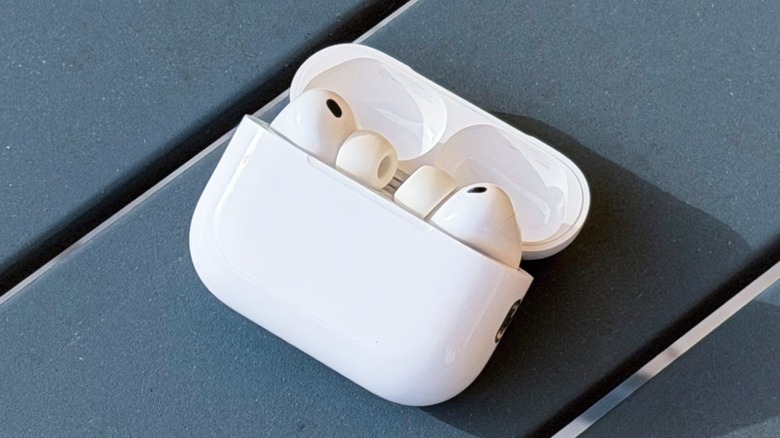
AirPods have been available for a decade now, and Apple has come a long way with its earbuds. In their first generation, the only gestures you could take advantage of were tapping and double-tapping the AirPods in your ears to play and pause, skip a song, or talk to Siri. Now, the AirPods 4, Pro 2, and Pro 3 are full of fancy gestures and features that you might not be taking full advantage of.
For example, Apple started to offer a force sensor with AirPods 3 that replaced tap actions available on previous versions. However, as the tap sensor wasn't as premium as the force sensor on the AirPods Pro, the only hidden gesture available in the first and second generation of AirPods was tapping them once to accept a call. On the original AirPods Pro, you could swipe up and down the stem to increase or decrease the volume of what was playing on your earbuds — and this still works with the newer Pro models.
Apple only started to power up its AirPods with more controls and gestures on the current lineup of AirPods 4, Pro 2, and Pro 3, as they all feature the company's latest H2 audio chip.
AirPods with H2 chip have more gestures than you probably know about
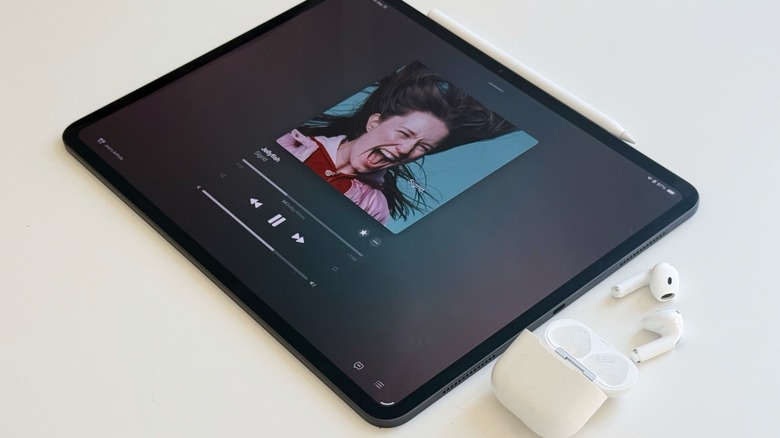
With your AirPods connected to your iPhone, go to the Settings app, tap the name of your AirPods on the screen, and scroll through the settings. You can switch the Press and Hold AirPods command to call Siri instead of switching between Listening Modes. You can also set up head gestures to respond to Siri: to accept a call or reply to messages, you can nod your head up and down, or you can shake it side to side to decline.
All AirPods with H2 chip can also start Live Translation with gestures. Since this is a new functionality, it's likely that you have never heard about it. If you have AirPods 4 (with active noise-canceling), AirPods Pro 2, or AirPods Pro 3 with both iPhone and AirPods software up to date, press and hold both stems to start live translating a conversation. When you do it for the first time, the iPhone will ask you to download the languages you're using, so you can take advantage of this feature even when you don't have an active internet connection. The gesture for Live Translation is different if you have the latest AirPods Max 2. You're required to press and hold the Listening Mode button, which is right beside the Digital Crown.