

5 Of The Biggest Tech Repair Myths You Should Stop Believing
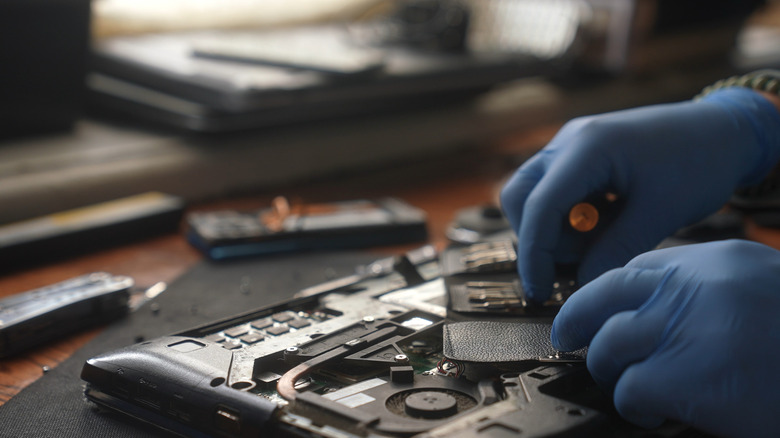
Whenever a device stops working or a particular component fails, say your laptop stops charging because of a dead battery or doesn't turn on at all, you often have to pick between repair and replacement. For the longest time, repairs seemed like a good choice, then replacing devices became more common, but as of late, repairs have become popular again. However, many still fall for the biggest tech repair myths. While there will always be exceptions, these myths shouldn't stop you from opting for repairs or even considering the idea.
Many of the myths stem from aggressive marketing campaigns by manufacturers, while others come from lived experiences. For instance, repaired devices may sometimes fail again within weeks or people may lose data during repairs, but these things don't happen as frequently as you've been conditioned to believe. Companies benefit when you replace devices with a single faulty part, while with repairs, you generally end up saving time, money, and effort.
Keep in mind that repairs can be a smart choice in many cases, and outright impractical in a few. To understand how that works, you first need to know the common repair myths. That will help you make an informed decision, based on the device's condition and other related factors.
Repairs aren't effective in the long run

One of the most common myths about tech repairs is that they're not as effective, especially in the long run. Many believe that the device will fail sooner if the faulty component or the entire device is not replaced. While that may have happened to some, it can't be treated as fact. The effectiveness of repairs largely depends on the quality of work done and the extent of the problem. For instance, low-quality repairs are usually not effective, and the problem is bound to reappear. Similarly, if the fault is too complex and puts other components at risk, say an issue with the motherboard, replacing that part may be the smarter choice.
On the other hand, there are problems that are easy to fix. For instance, if your system is overheating, simply cleaning the PC to clear dust buildup can help bring temperatures to safe operating levels. On older laptops with a removable case, this doesn't even require professional help. Similarly, there are times when repairs or workarounds are financially feasible. For instance, if your laptop has broken or damaged hinges, they can be repaired at a fraction of the cost of replacement. Similarly, if a USB port is not working, you can get a USB hub or docking station.
As long as you're getting the repairs done by the OEM or a professional, it's not a problem in most cases. Also, some offer warranties on repairs, which could range between 3–12 months. Verify that, and if possible, opt for those, given the better work quality.
Older devices don't benefit from repairs

Another myth people generally fall for is that it's not worth fixing older devices, especially when newer models are available. It's largely based on the assumption that older devices are prone to problems, and even if you repair one, another component will fail sooner or later. But that's far from true, especially for devices that have been maintained well.
For example, if you have a 5–7 year old laptop that has poor battery life and has become slow over time, replacing the battery and switching to an SSD from an HDD will improve performance. Similarly, adding more RAM can make it feel faster. And these are much more cost effective options compared to getting a new laptop. Another problem with modern laptops is that many models now come with soldered RAM, which, though faster, is not upgradable. Additionally, with the rising costs of RAM and SSDs, computer prices have increased in the last few years, making repairs all the more practical and financially feasible.
Of course, for some older devices, repairs may not make sense. For instance, a laptop or smartphone that no longer receives updates becomes a security risk, and you're better off getting one that's supported. But there are again workarounds. Recently, users with devices that didn't support Windows 11 switched to alternatives like Linux or ChromeOS Flex to ensure functionality and long-term software support.
Third-party repairs are sub-par and void warranty
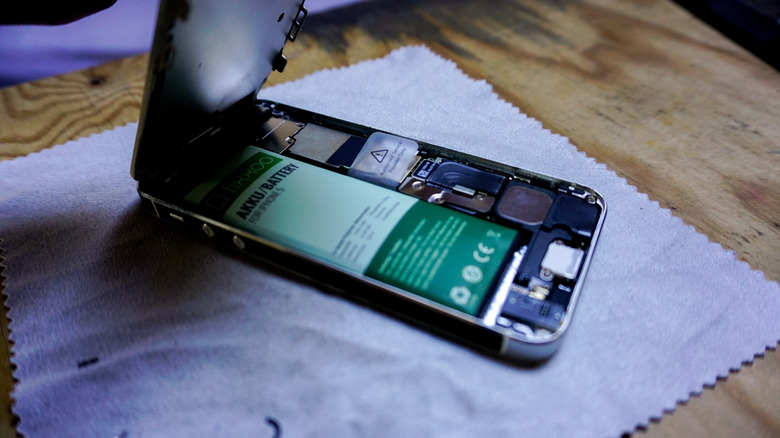
While this may have been true a decade ago, the situation now is very different. There are a number of professional third-party repair centers everywhere, offering the same quality of products and overall experience as OEMs. So, third-party repairs are no longer sub-par.
Additionally, voiding warranty is another common concern. But not every repair from a third-party professional will void your device's warranty, provided it's still relatively new and covered under the program. To find out the types and extent of repairs allowed by the manufacturer, check the device's manual or the OEM's website. But with more stringent laws being enforced and the Right-to-Repair Movement gaining prominence, manufacturers are being forced to make repairs simpler. Besides, companies like Framework are now pushing modular laptops, where most repairs and upgrades can be performed at home.
At the same time, low-quality repairs remain a concern for some. While they can't explicitly be linked to third parties, the chances are certainly there, as OEMs strive to maintain a certain standard. So, if you're looking for third-party repairs, don't always go with the cheapest one. Research your options and pick a repair service with the best reviews.
Repairs may expose your personal data

We have all heard stories about people losing their personal data after handing over their device for repairs. And while such cases exist, it's not a universal problem. Firstly, most repairs don't even require access to your phone, let alone the data on it.
For instance, batteries, charging ports, or faulty buttons can be replaced on locked devices. Secondly, the problem is often a result of negligence on the user's part. If you're handing over a device without a passcode or biometric protection, you're directly risking the data. Even if that device is lost, the risks are the same. Anyone who finds it can access or misuse the data.
Apart from that, companies now offer built-in features to protect users against data loss. For example, BitLocker on Windows PCs encrypts drives, preventing unauthorized access. Even if you have given your laptop over for repair, they won't be able to access the data on it, as long as you have not shared the PIN, password, or the BitLocker Recovery Key.
DIY repairs are just as good
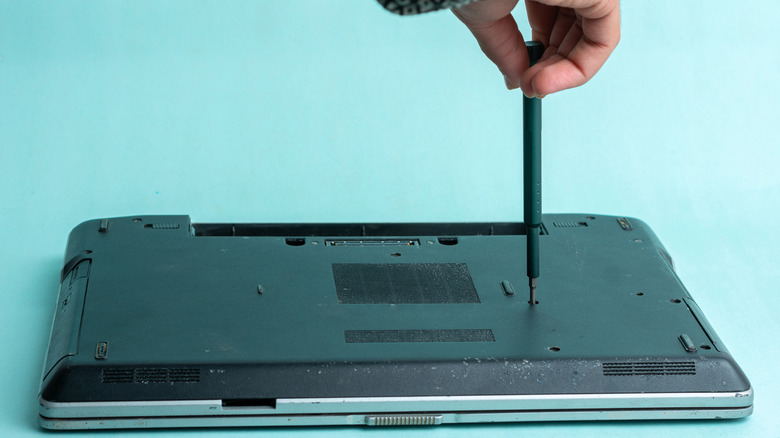
The past few years have seen a significant increase in DIY repairs, and while these can be more convenient and fun, they're not always safe. The first challenge is finding the right tools for the job. Even if you find them, it's not as easy as most people think. Laptops are getting sleeker, and the components are more closely packed than ever.
Without the necessary skill set and experience, you're likely to damage the components. Online tutorials can offer guidance, but can't be relied on entirely. For regular users, DIY repairs are a major risk, and if things go wrong, you may end up spending more than what you would've paid for a professional repair service. Additionally, DIY repairs can often be time-consuming. You may have to spend hours on something that would ideally take a professional 30 minutes.
Remember, simple repairs like battery replacement, changing cables, or cleaning dust accumulation can be done at home. But for anything that's more complicated and involves internal system components, seeking professional help is the smarter choice.