

What The Little Button On The Side Of Your Nintendo Switch Joy-Con Is For
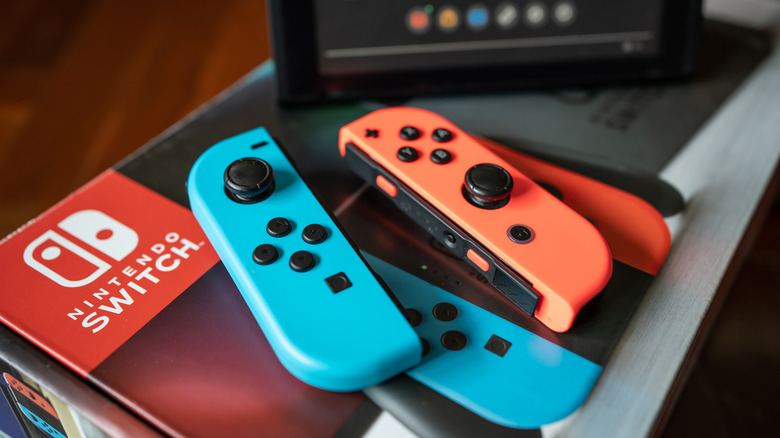
The Nintendo Switch's Joy-Con controllers can do lots of cool things and are a key part of the hybrid console's identity, inspiring its logo and accompanying sound effect. Detaching the controllers from the console when it's docked or splitting them for multiplayer is a novelty that, nearly a decade on, still hasn't gotten old. On top of that, they allow for innovative gameplay and enhance immersion with features like a gyroscope, an IR camera, and HD rumble, though not all of these Joy-Con features made it to the Nintendo Switch 2.
If you typically play in handheld mode or with a Pro Controller, you may not have noticed the buttons on the side rail of each Joy-Con. That includes the SL and SR buttons, which serve the same function as the regular L and R when you're playing a game with a single Joy-Con turned on its side. Between them is another tiny button that isn't labeled but serves an important purpose: the SYNC button.
The Sync button is on all Nintendo Switch and Nintendo Switch 2 controllers
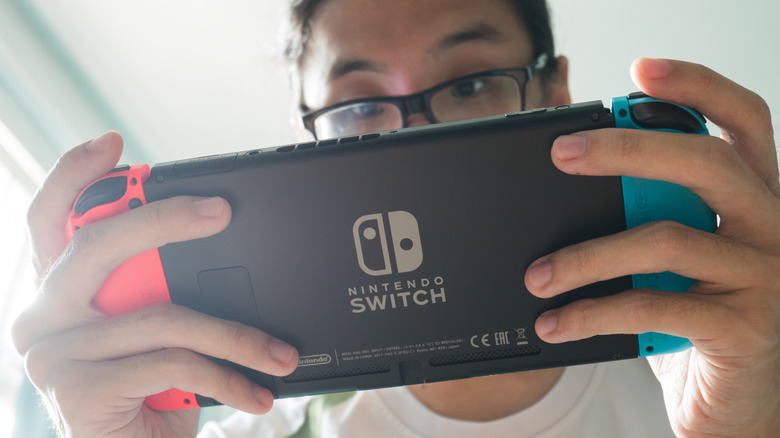
Similar to the button on the back of your AirPods case, the Joy-Con's little side button is for pairing the controller with your Nintendo Switch. To use it, simply click the Controllers button on the Home menu, select Change Grip and Order, and press the SYNC button for at least one second. Once paired, lights on the controller will remain lit based on the corresponding player number.
The button is also featured on other Switch controllers like the Pro Controller and Joy-Con 2, though you may not have ever had to use it. After all, you can pair Joy-Con by simply attaching them to the console, and connecting a new Pro Controller is as easy as plugging it into the dock with the attached USB cable. Still, the SYNC button is an important part of the Nintendo Switch and Nintendo Switch 2's controllers.
If you have a Nintendo Switch Lite, you can use it to attach extra controllers since there's no way to attach them to the handheld-only hardware. Additionally, if you have a Switch 2, you can use the SYNC button to pair your old Joy-Con. Though you can't slide them onto the new console, you can still use the Joy-Con 1 to play any Switch 1 or 2 game that doesn't require Joy-Con 2-exclusive features like mouse controls.