

Does The Blue Light On A Ring Camera Mean Someone Is Watching
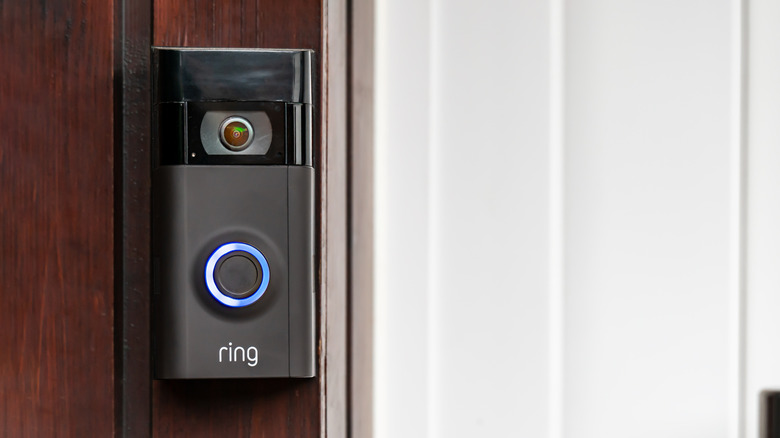
Having a Ring camera provides a sense of safety when you're away from the house. You can check in on your home, family, and pets to make sure all is well while you're shopping, at work, or on vacation. If you own one, you'll no doubt notice the blue light on the front near the camera lens. This light functions in several different ways, letting you know if it's working and what the camera is doing at that moment.
From software updates to recording, the blue light is a guide to what your camera is doing. While many believe a solid blue light means someone is actively watching through it, that's not the case. A solid blue light on the Ring camera means it is either starting up or actively recording what is happening, or that the camera is on an active call with the talk system engaged. Somebody could be actively watching, but that's not what the blue light signifies. Ring does not officially state that any light means someone is actively watching.
Ring offers several types of products ranging from the outdoor cam, stick up cam, indoor cam, pan-tilt indoor cam, and doorbells, which all provide different things your Ring camera can do. Although there are different types of Ring cameras, the specific model will vary by design and light location. A solid blue light means it is either starting up or recording on a few different Ring camera models.
What the lights mean on a Ring camera

Ring cameras all feature a lighting function of some kind, no matter the camera. Generally, if a solid blue light is showing on a camera that has been running, it is recording. A solid blue light isn't the only light you'll see on a Ring camera, as there are several more that can tell you important details about your camera.
As with most technology, you'll have to do some installation. When setting up a Ring camera, the blue light will flash, alerting you that it is in setup mode. If the blue light flashes for three minutes or flashes once in between two flashes, the setup failed. After the camera boots up, a solid blue light will mean it is recording — though you need a Ring subscription to record, some of the best security cameras don't require one. A green flashing light means the camera can't connect to Wi-Fi. Flashing red, then blue means the siren has been activated. Again, this will depend on the type of Ring camera owned, as some light patterns may mean different things.
The location of the light will also vary, depending on the type of Ring camera owned. Many can be found above the lens, while others are found below it. An indoor camera may work in a similar way to an outdoor camera, but the layout of the lens, light, and mount may all be different.
Can you tell if someone is watching you through a Ring camera?
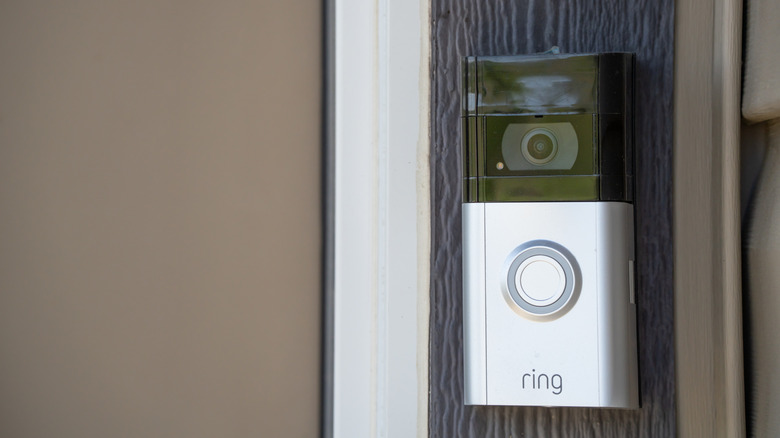
While a Ring camera is recording, anyone who looks at the camera will see a solid blue light. This does not necessarily mean someone is watching through it at that specific time, however. Viewing through the Ring app is up to the owner, which can be done at any time through the use of the Ring app's Live View. Doing so would allow the owner to do several additional tasks through the camera itself.
The light patterns on a Ring camera do not let you know if you are being watched, but one way to tell is when the owner chooses the two-way talk option on the camera. This allows them to open a way to communicate between the person near the camera and the person using the app. Other options users can select through Live View mode are the siren, lights, and replies.
A solid blue light on a Ring camera means that the camera is in record mode. While recording, the Ring camera captures video and stores it for users to view later. Users can also watch as a camera is recording. Ring cameras offer a sense of extra security around the house, but they aren't the only camera available, as there are a few alternatives actually worth trying.