

10 Things You Didn't Know Your Ring Camera Can Do
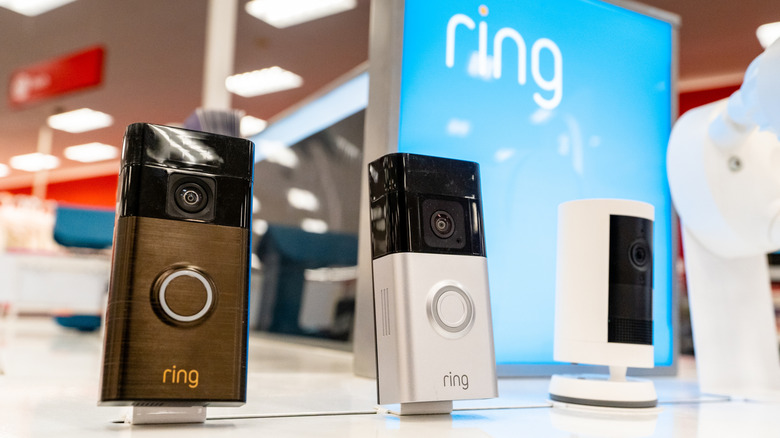
Ring is a famous video doorbell brand that launched in 2013 and it went on to gain massive popularity, including an appearance on "Shark Tank." And with the brand consistently earning sky-high ratings on Amazon, we understand why you chose it. These devices let you see who's at your door and answer it from your couch.
But are you using it to its full potential? Most people treat the gadget as nothing more than a fancy peephole to check if their pizza delivery has arrived. That camera feature is just the tip of the iceberg. Your Ring camera punches well above its weight when it comes to state-of-the-art features. With options like Search Party and Quick Replies, you can make everyday tasks far more facile.
So what you need to do is stop seeing the doorbell as just a camera and wasting its utility, and start treating it like the central command it's meant to be. To help you, in this article, we'll walk you through lesser-known yet godsend tricks and automations of the doorbell, and show you how to turn that basic buzzer into a well-automated security guard.
1. Ignore passing buses to stop notification fatigue

Doorbells tend to alert you about everything, from passing city buses to stray cats, and, to be dramatic, even a gust of wind — much like Phoebe's buzzing alarm in "Friends" that just wouldn't quit. And before you know it, you're dealing with notification fatigue and want it to stop. Well, Ring owner, lucky you, because here comes the Custom Motion Zones feature.
This is your best friend, as it lets you draw a digital boundary on the camera's view right in your Ring app. That means you can make your doorbell turn a blind eye to the road, the sidewalk, or even your neighbor's swaying oak tree. From then on, you'll only get alerts when someone enters your property. This way, all the unnecessary noise is cut out, and you only get alerts that are worth your attention.
To do this, open the app, select your camera, then go to Device Settings. From there, tap Motion Settings, where you'll find the Motion Zones option. Create your zone and save yourself from reaching the point where you feel like smashing your doorbell with a hammer — oh my, Phoebe!
2. Double its battery life with one quick recording tweak
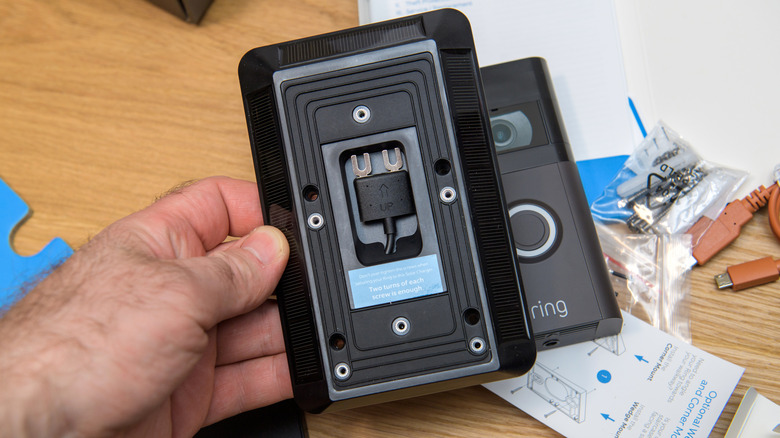
Your camera doorbell acts as your digital sentry, but if it starts feeling high-maintenance because you're standing on your toes every two weeks trying to unclip it as the battery is dead again, that's a bit much. Many Ring battery doorbells last one to two months on a charge with moderate activity. However, if your camera is triggered very often, that can drop to a few weeks.
Now, the internet may be flooded with helpful guides on how to get better battery life on your laptops or phones, but the good news is you can do the same for your doorbell. Trimming just five seconds off each clip can save a good chunk of battery over time. We know, just five seconds? It doesn't sound like much, but those seconds add up quickly and, even with frequent triggers, can push your battery life closer to two months.
How do you do this? Open the Ring app, select your camera, and tap the gear icon. Next, choose Video Settings, where you can adjust the clip duration. Then shave off a few seconds, and your Ring device will thank you for taking that barnacles worth of load off its back.
3. Automatically tell delivery drivers where to hide your packages
We're familiar with the anxiety you feel when you receive that "Package Delivered" notification while you're stuck in a three-hour budget meeting, knowing a brand-new laptop is sitting in plain sight on your front porch. Is it going to get stolen before you even unpack it for your tech video? We know you can't excuse yourself to talk to the courier during an important meeting.
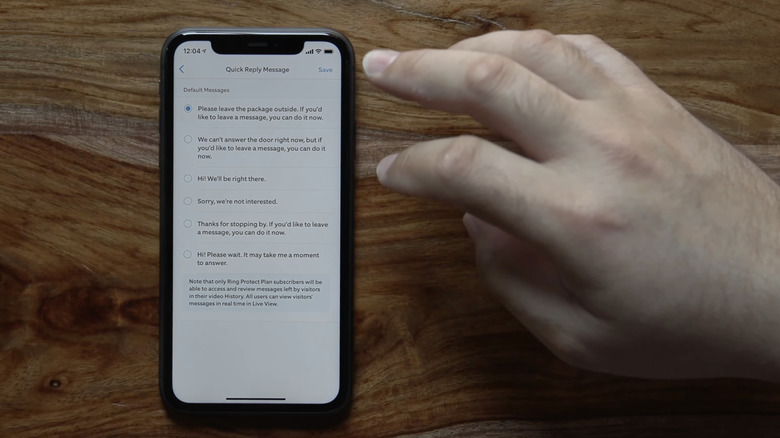
Here, the Quick Replies feature steals the spotlight. When you're unable to answer the bell or aren't home to receive your parcel, the Ring camera can play a pre-selected audio message for the courier. With that automated message, you can instruct the driver to hide the box behind a planter, leave it on the side porch, or simply let them know you're unavailable.
This takes the stress out of daytime deliveries and keeps your packages out of sight from porch pirates. Setting it up is pretty simple. Just go to the Ring app, open Device Settings, and find Smart Responses. Then, tap Quick Replies and turn the feature on. Whoop, now you can set a response time and record a message, voicemail styles.
4. Show you the past with four-second time machine
Have you ever gotten a motion alert on your doorbell app, only to see nothing but the back of someone's head as they walk away? That delay is a dealbreaker because by the time the camera wakes up and starts recording, the actual event is already over. You may never know who stole your parcel just because your camera woke up too late and missed capturing the thief's face.
With that said, Ring sets itself apart from its competitors by fixing this problem with its Pre-Roll feature. It buffers video in its local memory, allowing the camera to act like a mini time machine. In other words, when the motion sensor is triggered, it attaches four seconds of footage from before the event started to the beginning of your video clip. Thanks to this feature, you're not just catching the aftermath, you get the complete context of an event. So, you can see how a person approached your door, not just how they left with your package.
We've seen some awesome time machines in movies, but this real one takes the cake. Now, when the cops arrive, you can show them the clip with the bonus four seconds, and voilà, your camera doorbell has just made their job much easier.
5. Black out your neighbour's windows for legal peace of mind
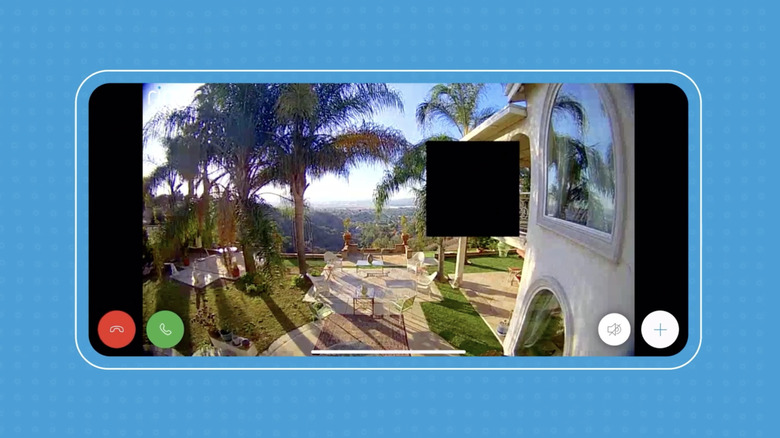
We love wide-angle lenses for our camera doorbell because they're great for capturing the entire front yard. You can spot someone sneaking in from the far left or even catch something like a stone being thrown from the road. But they can also unintentionally capture a crystal-clear view into your neighbor's living room window or backyard pool. Now, unless you're the gang from "Friends" and want a peek into the life of ugly naked guy, nobody wants to be that neighbor who ends up in a legal fiasco over stalking allegations.
Once again, Ring's doorbell saves the day with its Privacy Zones feature. Using this, you can draw solid black rectangles over specific areas within the camera's field of view. In the same way you tweak your own phone's camera settings to protect your privacy, this helps you stay mindful of your neighbor's privacy too.
When you set a Privacy Zone, the designated area is blocked from being monitored, recorded, or viewed. In conclusion, this ensures your security system minds its own business. To execute this, just open the app, go to Privacy Settings, tap Privacy Zones, and create your rectangles. It's that easy.
6. Shrink a 24-hour day into a 60-second time-lapse
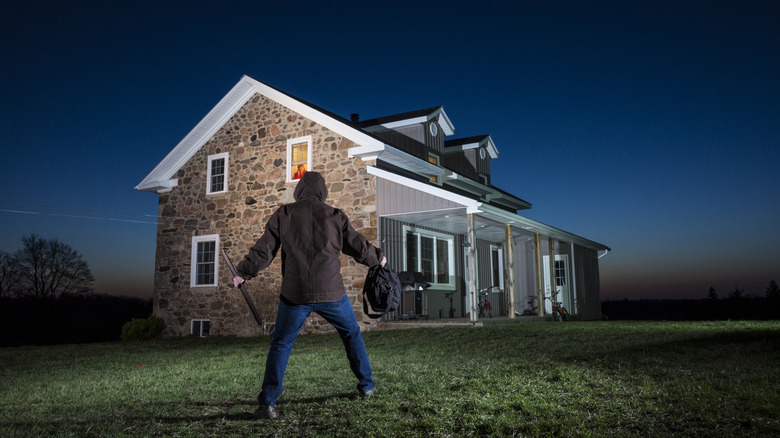
The motion alerts on your doorbell capture specific events, but if someone moves as slow as molasses to stay out of the motion zone, you might miss important alerts because your doorbell won't detect the movement. When that happens, you may never know the full story of what went on around your home. One of the headline features of your Ring's doorbell is the Snapshot Capture. When a user enables this, the device's camera will take a still photo every few minutes or hours throughout the day and night. Then, it stitches these images together into a continuous, scrollable timeline.
This outsmarts anyone trying to be sneaky, because they don't realize they're still being captured even outside the motion alert zone.
However, there are a few other things to keep in mind. To get the most out of your doorbell's motion alerts, make sure it's installed at chest height. That is, around 40 inches from the ground. This minimizes blind spots beneath it. Also, keep the camera squeaky clean so the sensor continues to work properly. This feature is available in the device settings on your Ring app. Just tap Snapshot Capture, then turn it on and set the time frequency, like capturing every 30 seconds or every three minutes.
7. Act as a digital neighborhood watch to help locate pets

Ring delivers a wallop of capabilities when it comes to catching package thieves, but it can also be a useful tool for community support. We all love our pets, even our neighbor's dogs on their daily walks. Sadly, over 10 million pets are lost or stolen every year. We've heard stories of cats making miraculous returns home, but not every pet parent is that fortunate. That said, Ring understands how painful it is to lose a pet, and they've introduced a feature called Search Party. How thoughtful.
What this feature does is, if your neighbor reports a lost dog or cat on the network, Ring users can opt in to let the doorbell's AI system scan their saved cloud footage. It checks whether a matching animal passed by your camera, and if a match is found, you'll be notified and given the option to share the footage to help pinpoint the pet's last known location.
This feature is enabled by default on your camera doorbell, so you don't need to worry about switching it on. Ring assumes you're ready to help.
8. Trigger your other smart devices to scare off nighttime prowlers
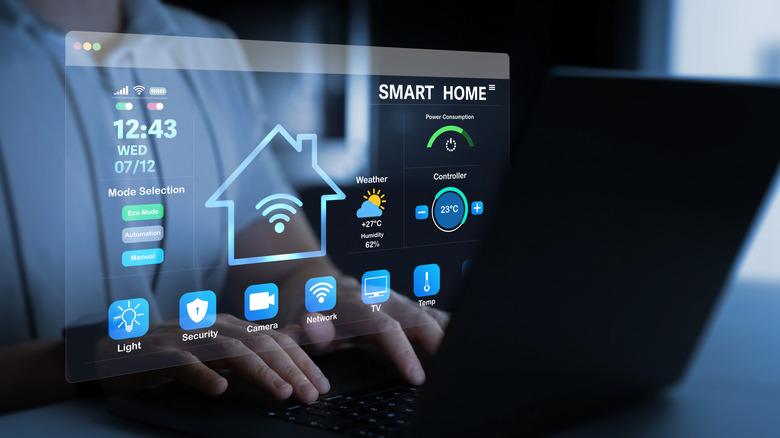
If your camera doorbell records a thief stealing your bicycle at 2 a.m., you can save the footage for a police report. But, there's always a chance you may never get your stuff back. To solve this, you can use your Ring doorbell's Linked Devices automation feature to prevent theft before it even happens. As they say, security should be proactive, not just reactive. If you have smart home gadgets like smart lights, a smart T.V., or smart floodlights, your Ring camera can act as the trigger for a whole symphony of deterrents.
All you need to do is set specific rules. For example, if your doorbell detects motion in the middle of the night, your linked floodlights can turn on, and an indoor smart chime can start sounding off. This creates the illusion that someone inside the home is awake, moving around, and aware of the intruder, which can send prowlers running before they ever reach the door. Plus, you get alerted, too.
Just head to the settings in your Ring app then select Linked Devices, and for a smoother setup idea, do check out Ring's YouTube guide on how to connect your smart devices.
9. Keep a sleeping baby undisturbed when guests arrive

A baby sleeping soundly. That sentence is pure gold for any parent who has spent hours awake because their baby just wouldn't stop crying. And just when you do get them to sleep, someone rings the doorbell, the dog goes bonkers barking, and the baby wakes up screaming. Makes you want to rip the doorbell off the wall, doesn't it?
Here to the rescue is Ring's Alexa smart lighting integration. It lets you disable the physical chime through the app and instead set your living room's smart bulbs to flash a specific color, like blue or green, when the doorbell is pressed. While studies suggest we may one day reap the benefits of sleep without actually sleeping, that's still far off. For now, this is a simple way to protect your sleep and your sanity. All in all, this feature provides a silent, visual alert that lets you know guests have arrived while keeping everyone asleep.
10. Show you the front porch without pausing your movie
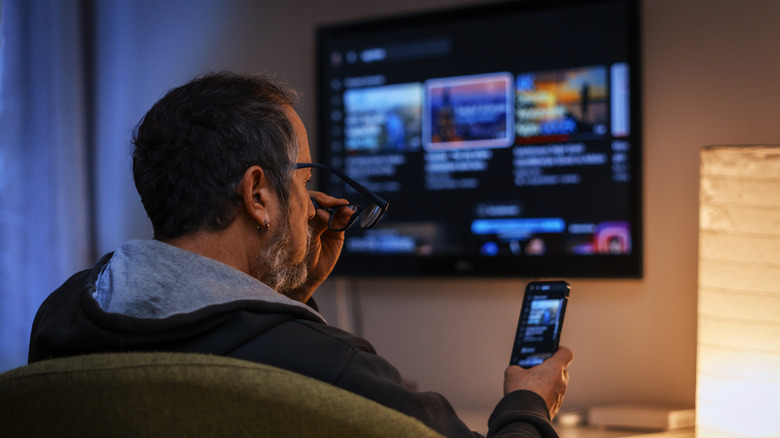
Sunday noon is for movie marathons. You're all comfy in your pajamas on the couch, and, uh oh, what's that? A strange noise outside that needs a quick check to make sure everything's fine on your front porch. Then comes the whole routine. You pause your movie, hunt for your phone, unlock it, wait for the app to load, and finally see... just some kid being pushed by a playful friend on your doorstep.
One of the many underrated features of a smart T.V. is its integration with the Ring doorbell. If you have a compatible Fire T.V. or Samsung Smart T.V., it can double as a security monitor. It's as simple as asking your voice assistant to show the front door, and the system will pull up a live picture-in-picture feed right on your big screen. This way, you can see what's happening outside without ever pausing your movie or leaving the couch. If you're eager to try this out, check out Daniel Westow's YouTube video, where he shows you exactly how to enable this standout feature.