

5 Clever Uses For Bluetooth In Your Smart Home
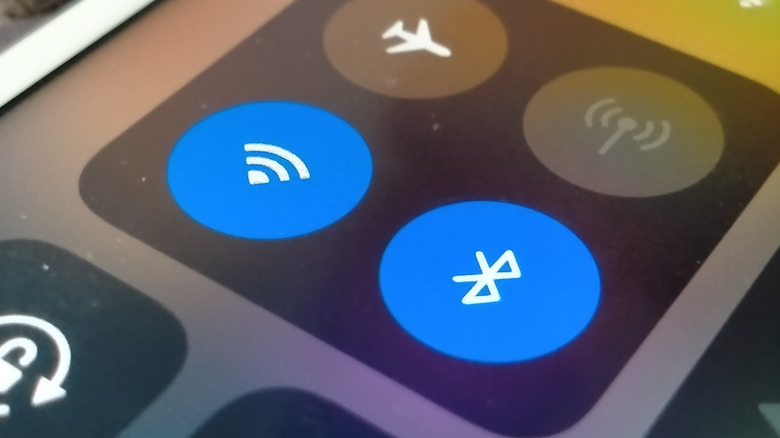
Smart home setups, generally speaking, are designed to piggyback off of your home Wi-Fi connection in order to connect all of your gadgets to each other. There's nothing inherently wrong with this, but there are ways you could optimize the process a bit, setting up new, homemade functions and reducing your overall power and network usage. All it takes is some Bluetooth-compatible hardware and a few clever ideas, from programing automations to specialized home monitors.
Many smart devices are equipped with Bluetooth functionality as part of their basic connectivity, but the majority of their functions are governed by Wi-Fi connections instead. Using a combination of a Bluetooth module and a handful of Bluetooth proxies as signal-extenders, you can rework your smart home setup to function even without Wi-Fi or dedicated apps. This allows you to fine-tune your homebrew setup to your precise needs, as well as reduce the presence of potentially-intrusive network-monitors in your home. It does take a little more work than setting up a normal smart home device, and requires some know-how, but these clever applications are more than worth it.
Set up a temperature monitor
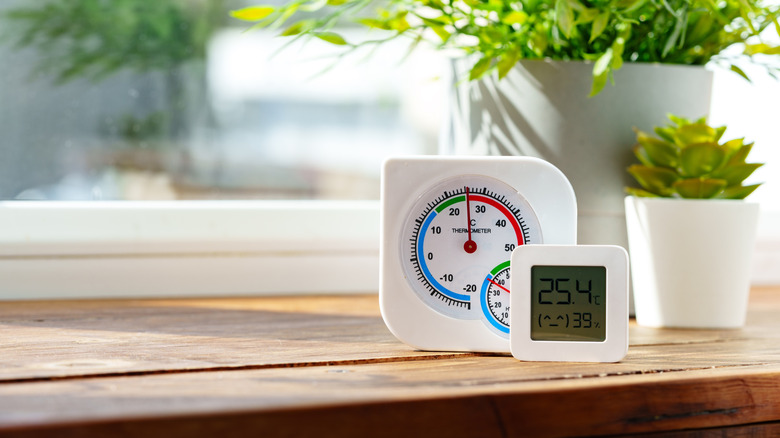
A temperature and humidity monitor is a smart addition to any smart home setup, particularly in rooms where you store sensitive equipment like PCs. There are plenty of smart temperature monitors on the market, but these usually require you to use a brand's dedicated app, which generally means sending them data about the state of your home. To get around that, just connect the monitor to a Bluetooth module via an open-source program like Home Assistant.
Home Assistant can be used to automatically detect nearby devices and connect to whatever functions they possess. In the case of a temperature monitor, using Bluetooth and Home Assistant, you can see a readout of temperature, humidity, and whatever else the monitor is picking up in a given room, without requiring a branded app. In the event the temperature monitor isn't within range of the main module, you can install individual Bluetooth proxies throughout your home to extend the signal, circumventing limitations like broadcasting through walls.
Program automations

Smart home frameworks can generally handle very basic automation, at least assuming the app for whatever smart devices you're using have that function programmed in. Schedules for connected devices like lighting can be set up ahead of time, for example. If you want to get more complicated than that, though, smart devices on their own tend to fall short. This is where Bluetooth connections can step in and let you get creative.
Using a Bluetooth automation app, such as Tasker for Android, Shortcuts for iPhones, or our old friend Home Assistant, you can program all kinds of automated routines to run between your Bluetooth-connected devices. For example, if your home's air conditioning has smart tech compatibility, you can program it to turn on as soon as you get home from a long run on a hot day and disconnect your Bluetooth headphones. You can even program multiple events to run in sequence. Starting with those headphones disconnecting, the AC turns on, your Bluetooth speaker starts playing the same playlist you had on while running, the smart kettle in the kitchen starts boiling water for afternoon tea, and so on.
Create a security network
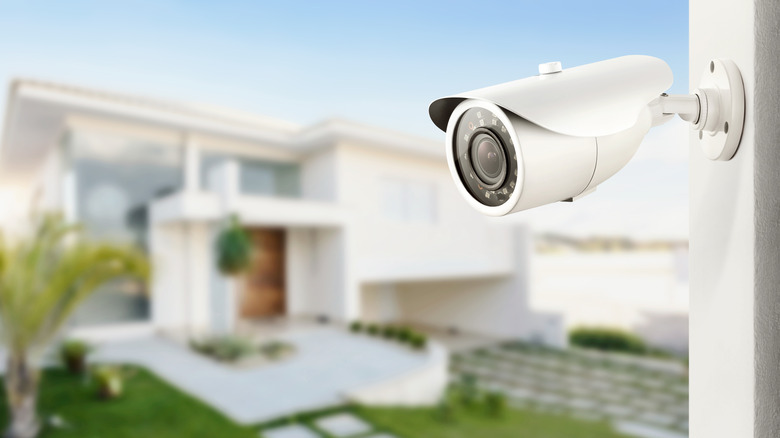
Bluetooth-powered automation isn't just for saving time or handling mundane tasks. It can also be used to shore up your home's safety and security, particularly in a manner that doesn't require as much external monitoring from an outside company, and isn't as vulnerable to network problems or interference. Using security devices like cameras and motion sensors alongside Bluetooth modules, proxies, and automation apps, you can create a variety of contextual security actions to handle emergency situations.
For example, using a Bluetooth-connected motion sensor, speaker, and outdoor lighting, you could set up your lights to begin strobing and your speaker to blare an alarm if an intruder is detected. While some network-connected smart setups could manage something similar, Wi-Fi-powered smart home setups are potentially vulnerable to intruders using jammers to evade your home security, not to mention ordinary network outages. Bluetooth connections are on an isolated signal, and are generally better suited to avoiding interference from bad actors.
Command devices with your voice
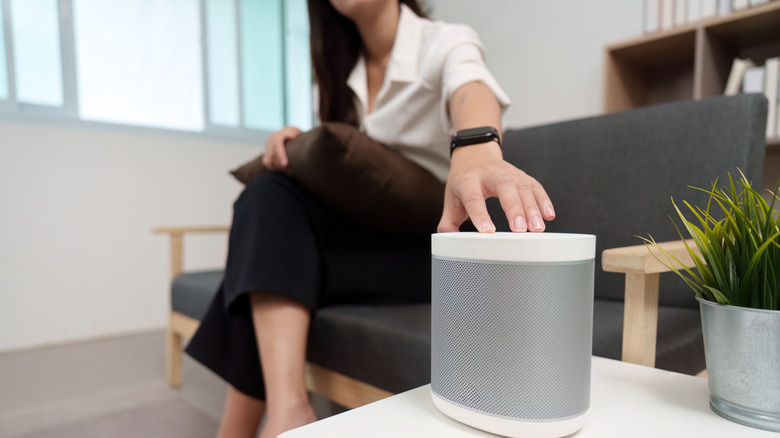
A major appeal of a smart home setup, particularly one containing a smart speaker from one of the major brands, like an Amazon Echo, is the ability to control devices and functions with your voice. It's a convenient way to manage your setup, as opposed to fiddling with a smartphone. But it does raise some privacy concerns, as these kinds of systems usually save voice recordings and patterns in order to properly recognize them. If you want to use voice control, consider keeping it local with Bluetooth.
Opting for an open-source voice command system, such as the Assist function offered by Home Assistant, lets you add the convenience of voice commands to your Bluetooth-powered smart home setup. This means less worry about tech companies spying on you and the ability to set up elaborate automation sequences with a single command. Using Home Assistant, you can program an entire list of if-then-because functions throughout your Bluetooth-connected devices, then trigger them all at once with a single voice command. You can have some fun with it too, making the trigger a pop culture reference like "execute Order 66" or "do the thing."
Remotely disable plugs and devices
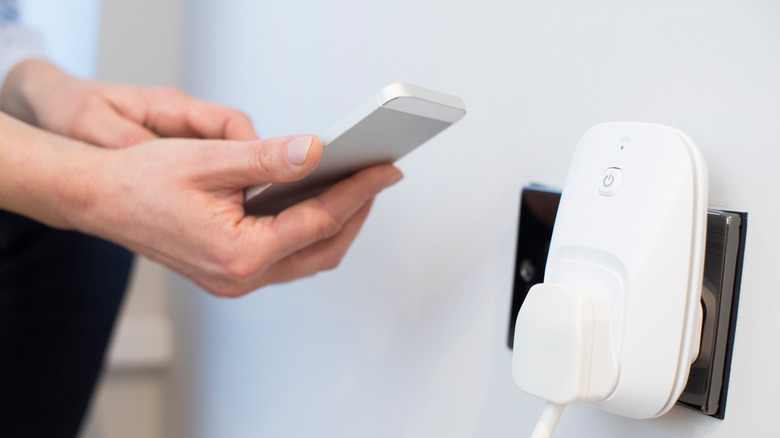
Relying on Bluetooth-connected devices instead of Wi-Fi helps consume less electricity. Unlike with Wi-Fi, Bluetooth connections don't need to remain on at all times, only activating when they're called upon. This can save on power bills in the long run, especially if you're using Bluetooth Low Energy devices. For even more power-saving in your smart home, look to Bluetooth-connected smart plugs.
These clever little devices normally monitor an appliances' power intake, allowing you to track how much juice they're using and remotely deactivate them. But again, doing this through a branded app requires you to share information about your home. So, for a cool way to use a smart plug, just connect it to a Bluetooth module, and program it to automatically switch off when a device isn't in active use. This may take some trial and error, as not every appliance has the same idle power draw, but it's a great project for optimizing your smart home's electricity use and, eventually, decreasing power bill costs.