

Incognito Mode Vs. VPN: Which Is Better For Your Online Privacy?
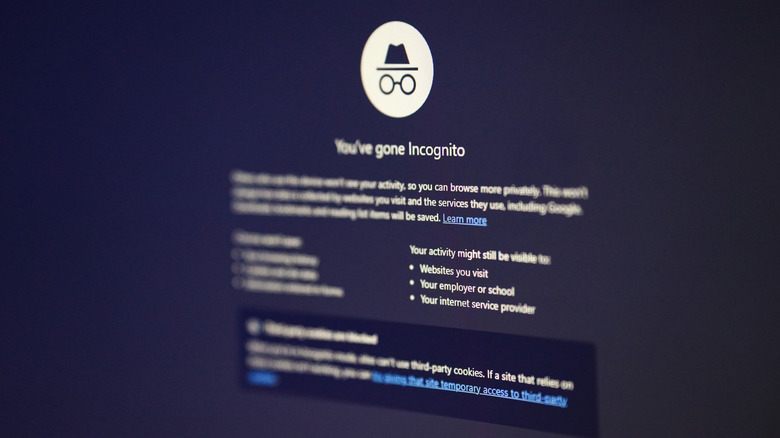
Almost every browser these days comes with an incognito mode, although it's often named differently. Google Chrome calls it Incognito Mode, Microsoft Edge dubs it InPrivate Browsing, and Mozilla Firefox refers to it as Private Mode. They all do the same basic job, adding a level of privacy to your browsing. But is it the same as using a VPN, or even close? The answer is a plain "No."
Keep in mind that VPNs and incognito mode serve very different purposes, although both are marketed around privacy. Incognito mode hides your browsing history, cache, and cookies locally (i.e., from other people using the same PC), while a VPN masks your internet traffic by encrypting and routing it through servers based in another location. Myths about incognito mode being completely safe likely stem from the "Private" label it uses. But with Incognito mode, your activity is still visible to the ISP and the website. All it does is clear cookies, cache, and browsing history after the session ends.
For improved privacy and anonymity on the web, VPNs remain a popular choice. For this reason, VPN adoption has witnessed a massive rise in the last decade, especially in regions with heavy censorship. At the same time, setting up and using a VPN has become much easier. With a single click, you can quickly route your traffic through a server based in another country or continent.
VPNs offer better protection than incognito mode
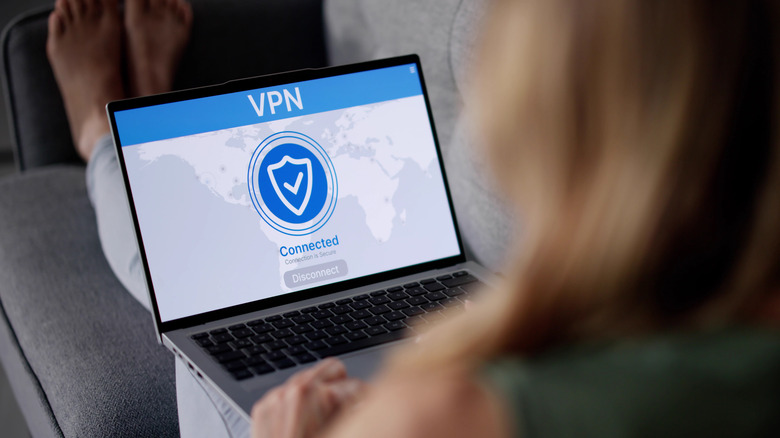
A VPN does more than simply offer a higher level of privacy. First, it encrypts your traffic. That makes it nearly impossible for anyone, whether it be your ISP or a hacker trying to intercept your connection, to actually monitor your web activity. That's why it's recommended to use VPNs on public Wi-Fi for enhanced security. By encrypting traffic and masking the IP address, a VPN also helps you remain anonymous on the web. Your activity can't be easily traced by websites. In an ad-driven world, a VPN also makes it harder for advertisers to serve targeted ads. For privacy-conscious users, this is another reason to use a VPN. Incognito mode, on the other hand, doesn't offer any of these features.
Remember, while VPNs deliver a more private browsing experience, there are still some risks. Most importantly, it doesn't protect you against browser fingerprinting, a technique that allows websites to build a profile of you using data collected from the browser. This includes information about your device, operating system, browser, and audio and media settings. And VPNs are largely ineffective against this script-based data collection. Apart from that, your choice of VPN plays a major role too. While VPNs from reputed providers are generally safe, some collect logs and even sell data to third parties. That's why it's recommended that you stick with top-rated VPNs. Lastly, your browsing history is still stored locally even while using a VPN, allowing anyone with system access to view it.
Using a VPN and incognito mode together is the smart approach
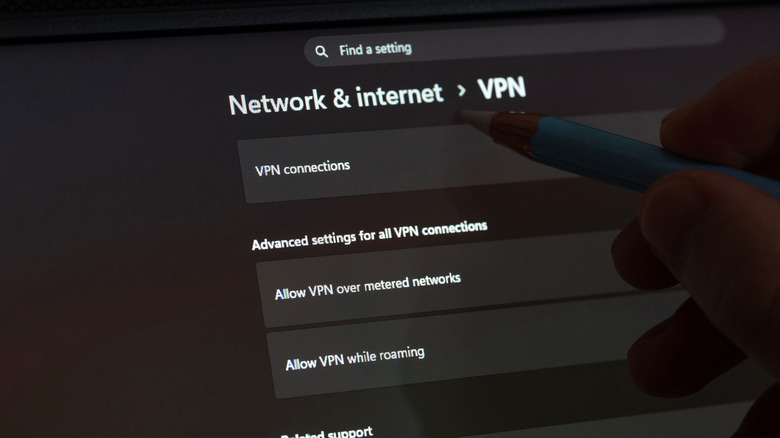
As we've established, VPNs and incognito mode serve different purposes. And for maximum privacy, it's best to use both. This way, others using the same PC won't see your browsing history, and the ISP and network administrators will have a harder time monitoring your traffic. For example, if you are using a shared computer in a public space, incognito mode clears your local tracks, while a VPN offers network-based privacy. Even on home computers shared between family members, this combination makes sense.
To do this, launch the VPN app, enable the connection, and then open your browser in incognito mode. If you are using a VPN extension within your browser, things get a little tricky because extensions are disabled by default in incognito mode. But you can easily enable one. To do that, simply head to your browser's extensions page, click on "Details" under the VPN, then enable the "Allow in Incognito" option (or similar).
All that said, the smartest approach for maximum privacy is to practice cyber hygiene. This includes keeping your system and software up-to-date, avoiding sharing personal information online, securing the router and network, and not downloading files from unknown sources. By doing all of this, your web experience will be far more private and secure.