

How To Clean Your Webcam Lens The Right Way
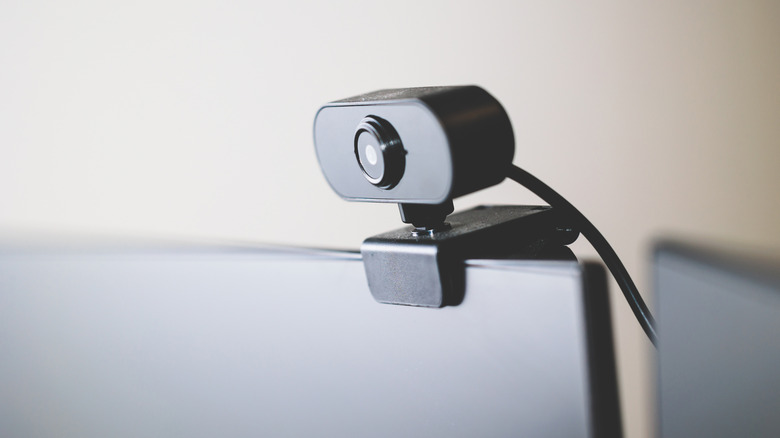
Whether it's a vestige from the Covid era or just an emerging phenomenon in the age of remote work, workplace meetings now commonly take place over webcams. In this context, how you appear on webcam can influence how people perceive you both personally and professionally. A study at the National Library of Medicine, for instance, demonstrated that the position of a webcam can influence how tall a viewer perceives a subject to be, and that people viewing a subject from below "tended to act against their own interests more often than those that looked down at the other person."
This means that a smudged web camera can actually become a professional liability. That said, webcams and other delicate electronic cameras are notoriously susceptible to scratches and damage. To clean one without risking making the blurry image worse, you need to deploy a soft cloth and proper cleaning solution, while avoiding harsh chemicals that could damage the glass. There are also some preventative measures you can take to prevent your webcam from getting filthy in the first place, like proper placement and storage.
The best tools for cleaning a webcam
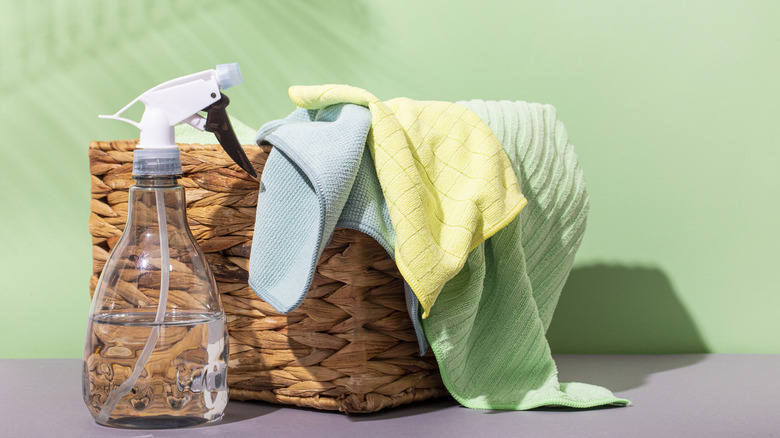
Whether you're using your webcam as an ersatz home security system or looking for ways to make use of an older webcam, your first step in cleaning any delicate lens should be to secure a soft microfiber cloth. With one in hand, try giving your dry webcam a thorough once-over, applying soft pressure with just the tips of your fingers. In many cases, assuming the build-up isn't too extreme, just a light rubbing with a very soft cloth may be enough to properly de-smudge the lens. Ask any regular glasses wearer: sometimes introducing cleaning liquids adds more issues than it solves.
However, there are certainly cases where a dry cloth won't suffice, like if there's significant build-up of oil, dirt, or other gunk on or around the edges of the lens. In this case, grab a cleaning solution specifically designated for camera lenses, ideally a streak-free solution that's free of ammonia, toxins, or other volatile organic chemicals (VOCs). Lightly spritz the cloth — not the camera itself — and then clean your camera's lens with a gentle circular motion, again applying pressure only with the tips of your fingers. When you're satisfied that the surface is clean, wipe it down with a dry corner of your microfiber cloth.
What to avoid when cleaning your webcam lens
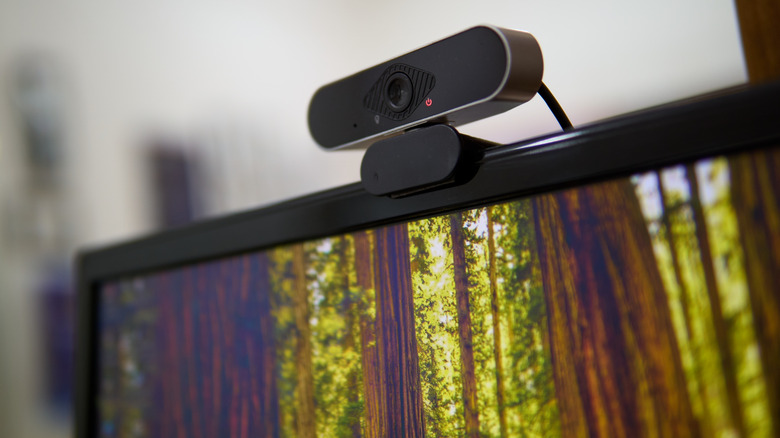
As mentioned in the previous section, you want to avoid cleaners that are based on ammonia, toxins, or other VOCs. In the same vein, steer clear of any compounds that include bleach or hydrogen peroxide. Many common household, general purpose cleaners include harsh chemicals that can be abrasive when applied to glass, so you're best off avoiding any products that aren't specifically designated for lenses. Also avoid stuff like acetone, which can similarly damage the glass or strip away protective coatings.
For much the same reason, you'll also want to avoid cleaning a lens with paper towels or rough fabrics. It may be tempting, but polishing your webcam with the corner of your shirt may end up leaving permanent scratches on the glass, or wide abraded areas that look like smudges that can't be washed away. You'll also want to avoid getting too enthusiastic when you're scrubbing, as well as excessive moisture (which includes spraying cleaner directly onto the lens).
Finally, while that bottle of canned air on your desk may look tempting, you'll want to avoid using it on a webcam lens. Blasting the surface with air can actually force dirt and dust further into the webcam's housing, or may even over-stress sensitive elements of your setup, especially if it's a webcam with a built-in microphone. Finally, be sure to cap your webcam when not in use to protect it, and avoid storing it in overly dusty or cramped areas.