

4 Cheap Ways To Upgrade Your 3D Printer
We may receive a commission on purchases made from links.
Buying a 3D printer might be expensive, considering how much these machines can cost, but many upgrades can be cheap. There are several options you can buy online or make yourself that cost only a fraction of what you paid for your printer. Even entry-level models can start to deliver better performance with these upgrades.
In many cases, these cheap components also help address common 3D printing mistakes, such as poor adhesion, calibration issues, or trouble monitoring longer projects. Because of that, many of these small upgrades usually involve simple accessories that do not require much investment. At the same time, they deliver noticeable results in daily use.
So, instead of buying parts only because they seem popular, the best path is to prioritize cheap upgrades that solve problems with your printer. Many of these choices can help you improve the reliability of your project without expending more on this hobby. That way, you can make the 3D printer more efficient without needing to invest in a more advanced model.
Solve first-layer adhesion issues with a flexible build plate
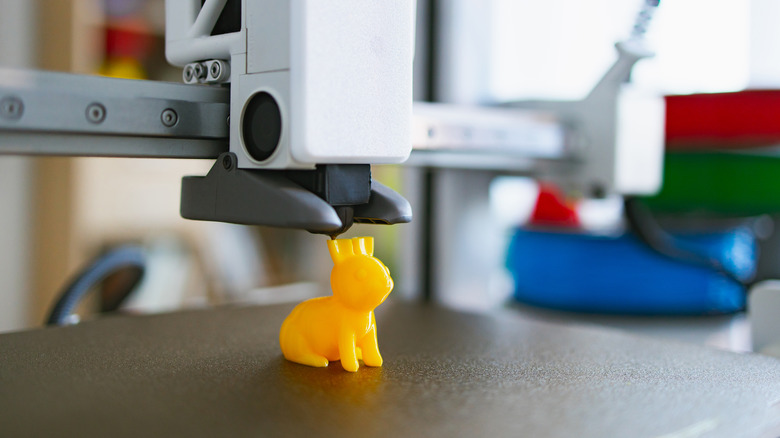
One of the cheapest ways to upgrade your projects is to buy a flexible build plate, which you can find among the 3D printing accessories online for under $30. This accessory helps address one of the biggest problems in many projects: first-layer adhesion. When printing parts that need higher precision, a solid base to support them becomes one of the most important factors.
Flexible build plates use a material that helps ensure the filament stays stuck during the first stage of the thermal process. That also helps prevent warping, which often compromises the integrity and final dimensions of your projects. Another factor that makes this accessory useful is how easy it is to remove printed models once they are ready.
This happens because most of these plates use spring steel with a PEI coating, a material that sticks well during printing but releases the model with ease after cooling. You only need to flex the plate slightly, and the parts come loose without a scraper or much force. This also lowers the chance of breaking the model after waiting hours for it to finish.
A multi-size nozzle pack improves print speed and finer details
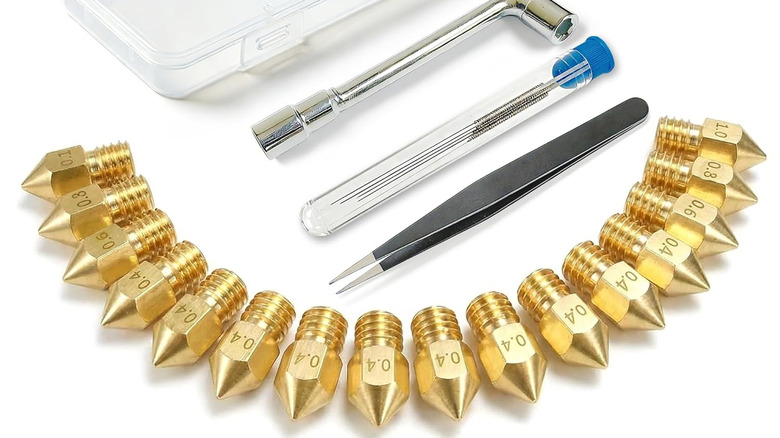
If you bought a beginner 3D printer, the nozzle that came with it is most likely designed mainly for standard PLA. Although it works well for that purpose, this nozzle isn't the best if you want to try other filaments on your projects. That's why you should buy a nozzle pack when possible, since they cost around $10, come in different sizes, and can improve your printing in many ways.
In addition to giving you an easy way to replace your nozzle whenever it wears out, the different 3D printer nozzles included in the package also come in handy. Wider nozzles are particularly effective whenever you intend to make a less detailed model but require fast results. At the same time, narrow nozzles can produce finer details if you want.
Finally, if you plan to print abrasive materials, such as carbon fiber, you need a hardened steel nozzle. These projects usually wear down the standard nozzles that come with 3D printers very fast. Because of that, these tougher versions usually last much longer and help prevent constant replacements.
A cheap printer enclosure stabilizes temperatures for ABS and PETG
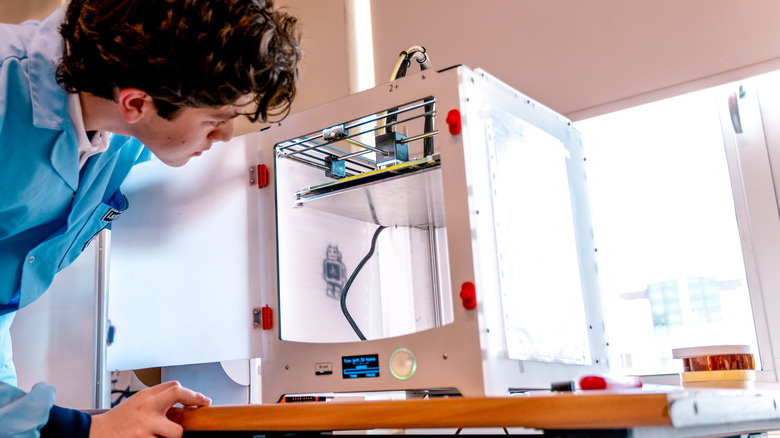
If you bought one of the cheap 3D printers with an open-frame design, a printer enclosure should become one of your priorities. That is because you can find basic models online for under $30, or even build one at home. Either way, a controlled environment for your printer matters.
When you use it during printing, you can keep the temperature stable around the machine. Open-frame models are sensitive to drafts and cold air, which can hurt projects made with materials such as ABS or PETG. So, when you keep that heat trapped in a closed space, you maintain an ideal temperature and reduce the risk of project failures.
In addition to temperature control, a dust enclosure also offers other benefits. It reduces the external dirt that can reach your 3D printer, and stops filament particles from spreading through the rest of the house. It's a cheap upgrade that makes your projects more consistent and reduces the mess they create.
Proper filament storage and drying prevents excessive stringing
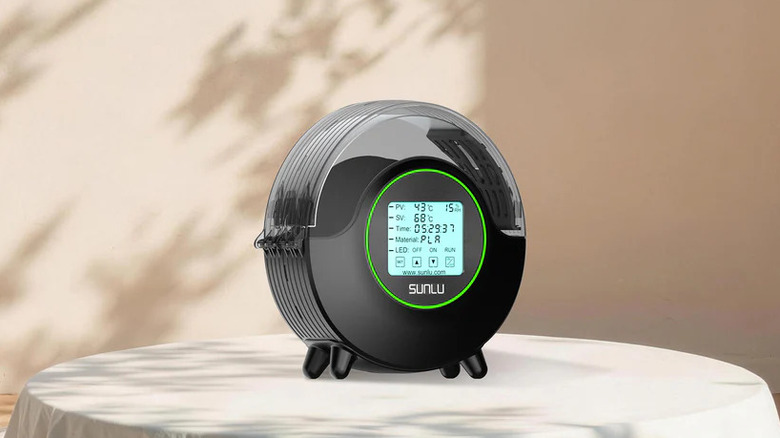
Although it requires a slightly larger investment, a 3D printing filament dryer justifies the extra cost. Depending on how you store your filaments, they can absorb moisture from the air over time, causing print issues. Common examples include excessive stringing, bubbles, and even material breaking before it enters the machine.
Filaments like Nylon and PVA, for example, are more sensitive, and moisture can affect them within a few hours outside. Other options, such as PLA, PETG, and TPU, can also degrade over time, even though they are more moisture-resistant. So, with a filament dryer, you can address this problem by maintaining a controlled temperature for each material.
For those who do not want to spend too much, the SUNLU FilaDryer S2 is a good recommendation, as it reaches a maximum temperature of 70 °C, which is sufficient for most popular filaments. Its convenient touchscreen display shows temperature, humidity, timer, and the type of material in real time. It may sound pricy at around $55, but it's worth it when you consider the savings you can make in preserving your filament.