

This Common Phone Accessory Could Have A Major Impact On Battery Health
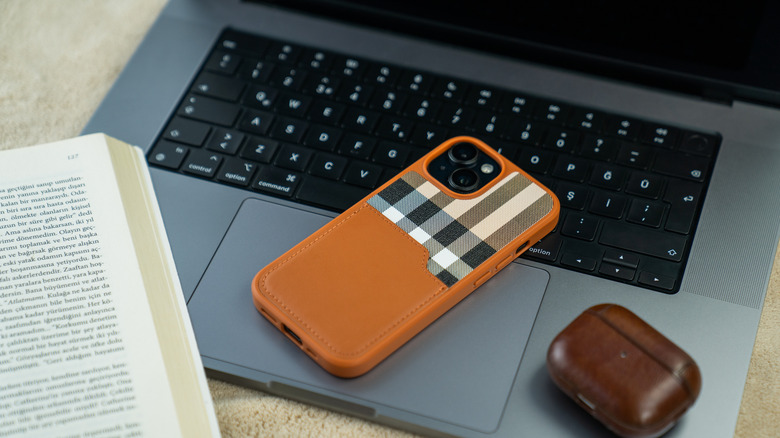
Smartphone cases, while handy, can also be responsible for shaving off your phone's lifespan. This is because some smartphone cases cannot dissipate heat properly. When your phone is charging, it tends to heat up as a result of the process. If you are charging your phone with your case on, it won't cool down effectively.
Thermal degradation is why components like batteries often degrade more quickly, even if you use good charging practices, such as disabling fast charging when you don't need it or capping the maximum charge to limit strain on the battery. If you notice your phone getting too hot, then it's high time to give it some breathing room to properly ventilate. If you're worried about going caseless, remember that phone cases aren't always needed anymore. The fact is that smartphone manufacturers have vastly improved on durability over the past decade, so many premium phones are built with impact and drop resistance and are less likely to shatter if accidentally dropped.
Not all phone cases will harm your device's battery health
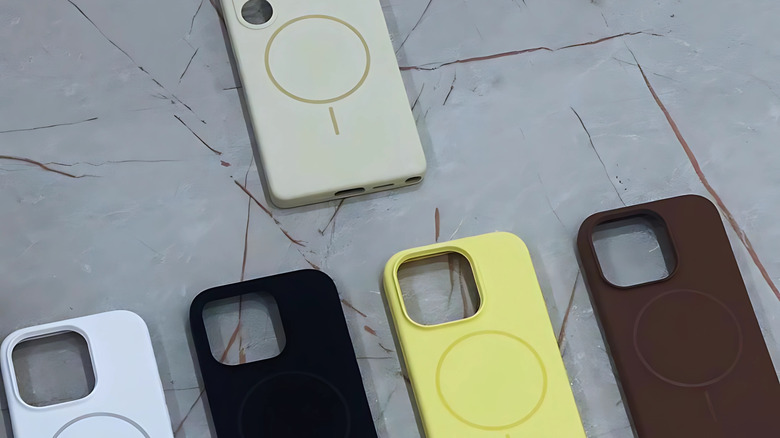
If you want to find a phone case you can leave on without overheating the hardware and impacting your device's battery health, you probably want to avoid heavy-duty cases and leaving them on while charging. Phone cases made of materials like leather, silicone, wood, rubber, metal, and even some lower-quality plastic can be ones to avoid, as they trap heat inside the case. Anything that is tightly bound or is too thick (like rugged cases) can impede airflow or provide poor ventilation. If you are unsure, it is best to avoid charging or running CPU-intensive tasks when these cases are in use, as they do not handle excessive heat well.
Of course, these are general rules, as some manufacturers procure higher-quality materials that help dissipate heat and keep them thin enough for heat to still transfer into the surroundings. If you are charging wirelessly, good MagSafe cases will prevent overheating, the primary culprit in essentially ruining your smartphone's battery health. But of course, you will need to ensure it is still thin enough, has solid alignment, and that the materials used don't trap heat.
As a precaution: Consider changing your charging habits
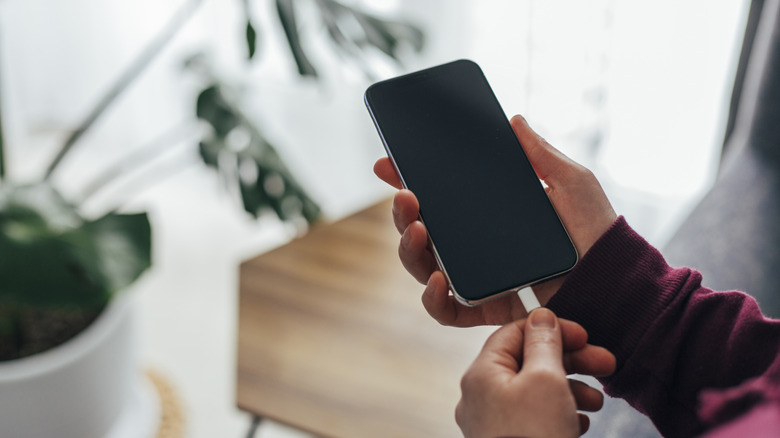
Going caseless while your phone is charging or for general use doesn't do you any good if you don't change your usage habits, since your phone will still generate heat naturally. Phones usually have an optimization setting that makes it easier to set the charging limit to 80%. The 80% limit is designed to protect the phone from high-voltage stress during the final 20% of charging.
Some phones have a bypass charging feature that helps you handle a newly set limit, since you might be tempted to turn it off when you feel you need that extra 20% while playing a game or doing a battery-depleting task. Bypass charging supplies your phone with power without using your battery, as long as you are plugged in, alleviating stress on the battery from overuse. Then, of course, you'll want to be judicious with fast charging, since it can generate more heat than regular charging.
The last tip for good charging practices is to use high-quality chargers, whether the ones that came with your device or highly rated ones. That way, you know you get the proper wattage and regulated current needed to charge the battery. If it does not meet the standards, your phone could be exposed to unstable voltage, or the charger may be unable to dissipate heat properly (due to poor build quality).