

What Polling Rate Actually Means (And Why You Should Care)
We may receive a commission on purchases made from links.
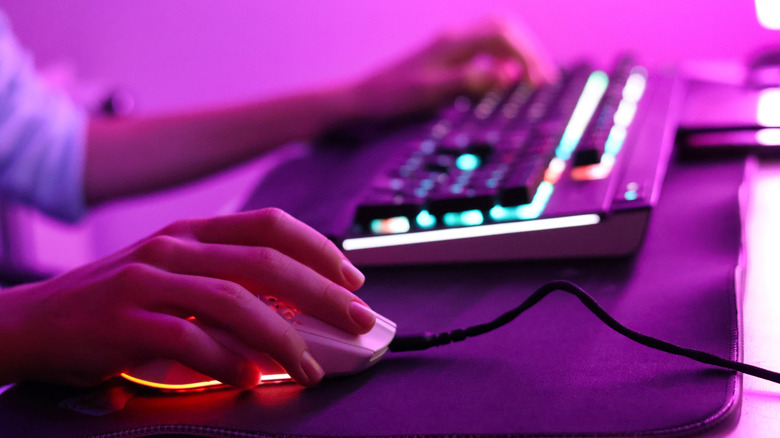
When you shop for a new mouse, wired or wireless, you'll notice a couple of specifications listed, like DPI and hertz (Hz). DPI stands for dots per inch and denotes the mouse sensitivity, which is usually adjustable in varying increments. The Hz, or hertz, is the polling rate, which details the number of times the mouse reports its position per second. So, 125 Hz would mean the mouse reports 125 times per second, while 2,000 Hz would translate to 2,000 times per second. Both DPI and hertz numbers matter, as they tell you more about the performance and capabilities of the mouse, especially while playing games. However, the polling rate is an important metric that too many people overlook when choosing a new mouse.
Polling rate basically tells you how fast and how often the mouse is communicating with your computer. A higher number means more updates, more responsive movement, and better control, the latter of which improves precision for certain activities. In a game like Counter-Strike 2, where speed and precision can make all the difference, even by just a few milliseconds, higher polling rates enhance the user experience. For graphic design or digital illustration applications, it can mean smoother line movements and reduced lag during adjustments — latency can introduce complications when scrolling the mouse.
Ultimately, that's why you'll see mice — like keyboards — relegated to certain use cases or activities, such as a gaming-specific mouse. If you're simply browsing the web or doing basic tasks, like updating some spreadsheets or documents, a high polling rate is not necessary at all. But if you're gaming competitively, something like the Logitech Pro X2 Superstrike Lightspeed gaming mouse, with an 8 kHz (8,000 Hz) polling rate, could give you quite the edge.
Polling rate is important for all peripherals and controllers
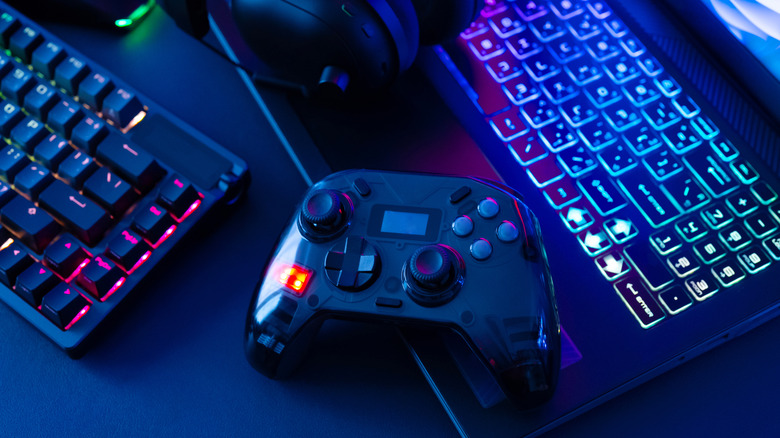
Believe it or not, the polling rate is also important for other computer peripherals and devices, including game controllers. Even with consoles, which are like computers, the wireless or wired devices update their movements at various intervals. This is how sometimes a wired device may feel more responsive or slightly faster than a wireless device, since wired peripherals often have higher polling rates with less interference or latency. Controller manufacturers don't always list the polling rate or response times, but it is something you see often with pro-grade or competitive controllers.
Back to the computer mouse, or a gaming mouse in this case, where the same principle applies. A higher polling rate leads to less interference or delay, less latency, and better precision when you're making incredibly minor or quick adjustments. That's why an upgraded gaming mouse is one of the cheapest ways to upgrade your gaming station, alongside some other quick swaps. It's not necessarily a specialized use case, though, in the sense that it's exclusively needed, since you can play games fine with any mouse, and a high polling rate or high precision mouse isn't always going to be a game-changer depending on what you're doing.
If you're gaming, working on graphic design or digital illustration tasks, or anything that requires accurate cursor movements, though, it will help. It may also make a small difference if you're using a high refresh rate monitor above 120 Hz. A lower polling rate can make the mouse seem sluggish or delayed on high refresh rate displays.
What are some mouse options with high polling rates?

Polling rates vary, with high-performance options starting at 1,000 Hz and spanning up to 8kHz (8,000 Hz) or beyond. The standard Razer Basilisk V3 has a maximum polling rate of 1,000 Hz. There are also upgraded versions with higher rates. Meanwhile, the Logitech already mentioned (G Pro X2 Superstrike), Razer Viper V3 Pro, Corsair Sabre V2 Pro, and Mchose L7 Ultra all have 8K polling rates. Those are all excellent choices if you're looking for gaming mouse candidates, as well. The Razer, Corsair, and Logitech models are great all-around, and Mchose is viable for a mid-grade option. If you prefer wired, you might consider the HyperX Pulsefire Haste 2 with an 8K (8,000 Hz) polling rate. Alternatively, Asus ROG, Keychron, and Redragon make some solid options with high polling rates.
Among that list, you'll find models across a wide price range, all of them offering high polling rates. A few are also among the best gaming mice overall, and, more importantly, span a range of capabilities and prices, giving everyone a chance to find something that matches their preferences and needs.
There are other options that prioritize unique mouse designs, which may or may not improve your experience during other tasks. For instance, Amazon users call one $50 Logitech ergonomic mouse a game-changer for wrist pain. In general, ergonomic mouse designs can actually help reduce pain if you spend a lot of time at your desk or computer. It presents another reason why you might want to break from the norm of your average mouse, polling rates notwithstanding.