

Is It Safe To Use A Third-Party USB-C Charger For Your MacBook?
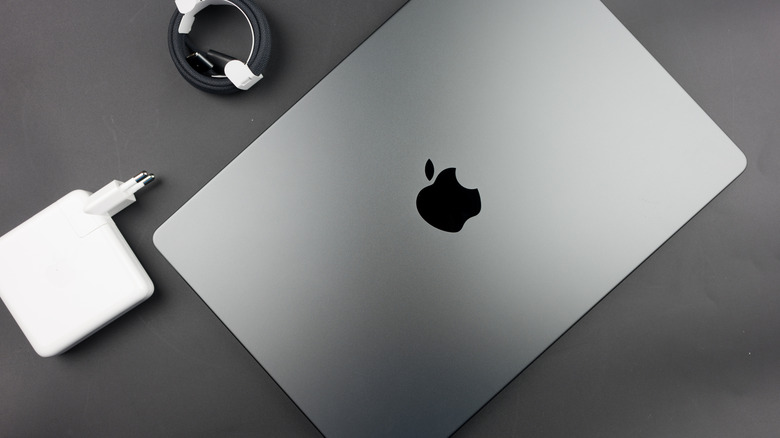
Buy a brand-new MacBook Neo, MacBook Air, or MacBook Pro, and the laptop will come with a charger in the box, except for the European Union and U.K. markets. The Apple charger can be used to charge the device via USB-C (MacBook Neo) and MagSafe 3 (MacBook Air and Pro). Regardless of market, all new laptops will ship with cables in the box. But these laptops can also be charged safely with compatible third-party USB-C chargers that are available from various retailers.
These third-party chargers can come in handy in various scenarios. Maybe you want more charging ports on the power adapter than Apple chargers provide, or maybe you need multiple chargers conveniently placed at home and at the office. You may be looking for more compact chargers to take on your travels, or you may be in search of replacements for lost and/or damaged original Apple chargers.
Whatever the reason you want to buy a third-party product over an Apple charger, you shouldn't buy the cheapest possible USB-C power brick before ensuring that it can support your MacBook's power requirements, and that it's as safe as the chargers made by Apple.
The safety considerations
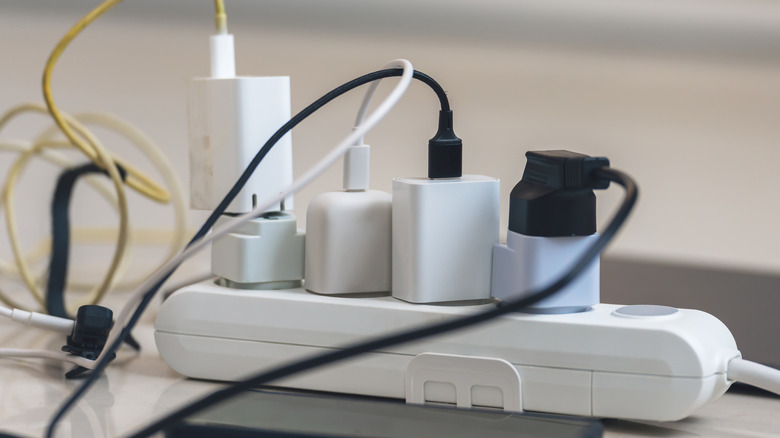
Safety should be your primary concern when buying a power adapter for any device, whether it's an iPhone or MacBook. You want to avoid charger malfunction that can cause injury, fires, and other damage. Apple says in a support document that "third-party power adapters or displays should be compliant with applicable international and regional regulations and safety standards." In a separate support document, Apple says that all its USB power adapters "undergo rigorous testing for safety and reliability and are designed to meet government safety standards around the world."
That's why it's important to look for certified products when buying USB-C chargers. Look for official markings on these products that indicate the product has been independently tested. Consumer Reports mentioned two key symbols customers may find on smartphone chargers: Underwriters Laboratories (UL) and Intertek or Electrical Testing Laboratories (ETL). These indicate the products are safe to use. Apple USB-C chargers may feature at least one of these markings. Consumer Reports also mentions a "CE" marking that may appear on chargers, which is short for "Conformité Européenne" (European Conformity). It indicates the product meets European regulations, including safety, which means the device can be trusted.
However, some of these logos can be faked, so buyers should also pay attention to other factors, like the price. If a charger is much cheaper than you'd expect and comes from a vendor without a proven history, you should avoid it. Apple's official prices for USB-C power adapters (found below) should give you an idea of what prices to expect for a particular type of MacBook charger.
The power needs
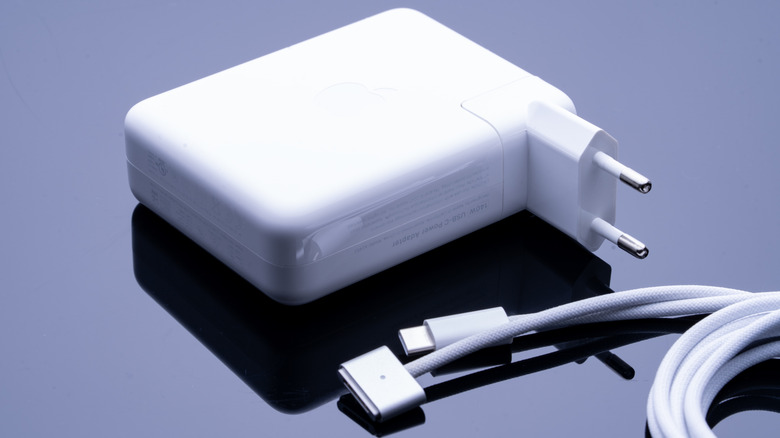
Consumers should also pay attention to the power needs of their MacBooks. Apple says its USB power adapters support 100 V to 240 V at 50 Hz to 60 Hz. MacBooks with USB-C ports support USB Power Delivery (USB PD), a standard that allows a cable to deliver the wattage the MacBook needs, going up to 100 W (PD 3.0) and 140 W (PD 3.1). When choosing a USB-C charger, you'll want to pick a model that supports the minimum wattage recommended for your MacBook. Finally, MacBook Air and Pro owners should know they can fast-charge their laptop with both USB-C and MagSafe 3 cables.
The MacBook Neo needs a USB-C power adapter that can support at least 20 W, but the laptop doesn't support fast charging. Apple's single-port 20 W USB-C charger costs $19. MacBook Air models released since 2022 can use either 30 W or 35 W chargers. The 13.6-inch models support fast charging with 67 W chargers, while the 15-inch models will need 70 W. Apple sells 35 W (dual-port) and 70 W chargers for $59. A 40 W dynamic charger that can reach 60 W sells for $39. MacBook Pro models released since 2021 support USB-C and MagSafe 3 fast charging. The 14-inch models work with 67 W (or higher) chargers, but you'll need 96 W or 140 W chargers for fast charging. The 16-inch models need 140 W chargers for fast charging. Apple sells 96 W and 140 W chargers for $79 and $99, respectively.
Older USB-C MacBooks not mentioned above may have different power needs. Separately, Apple explains that MacBooks can be safely charged with higher or lower power USB-C chargers than what Apple recommends. You may want to buy multi-port chargers with higher wattage to charge multiple devices simultaneously.