

Why There's Simply No Need For Scanners Anymore
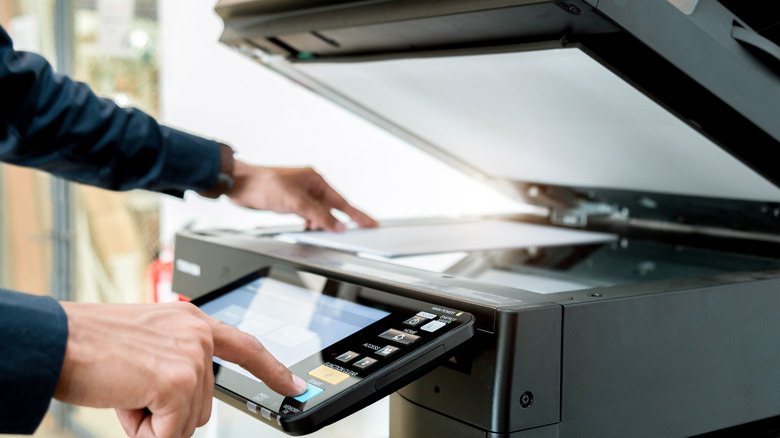
Dedicated scanners are now something of a niche need. Most people who own a scanner only ended up with one because it was attached to the home office printer they bought to print return labels. Since Optical Character Recognition (OCR) and scanner apps have improved over the last few years, plenty of users are likely to find that their phones make for a better scanning solution than bulky, lidded scanner beds do.
Digital scanning as we know it made its debut in 1957. Back then, Russell Kirsch from the National Institute of Standards and Technology created the first-ever digital image by scanning a photo of his three-month-old child. It was a mere 176 pixels on each side. Scanning technology has obviously improved by leaps and bounds since the '50s, but now that phones can serve as effective, pocket-sized, all-in-one tools for everyday use cases — including scanning — the need for a separate scanner has faded dramatically.
Document scanning is now baked into iPhones. You can scan a document using Apple's own Preview app, which is available on both iPhone and iPad. The app has a dedicated tool designed for digitizing your physical documents. It can detect a document, capture it, and then save it directly to your device. Users can then share the "scanned" file as a PDF or an image, or they can send the snapshot straight to a printer. On Android devices, you can access document scanning tools using the Google Drive app, as well as other third-party apps like Adobe Scan.
For many, mobile tech can easily replace scanners
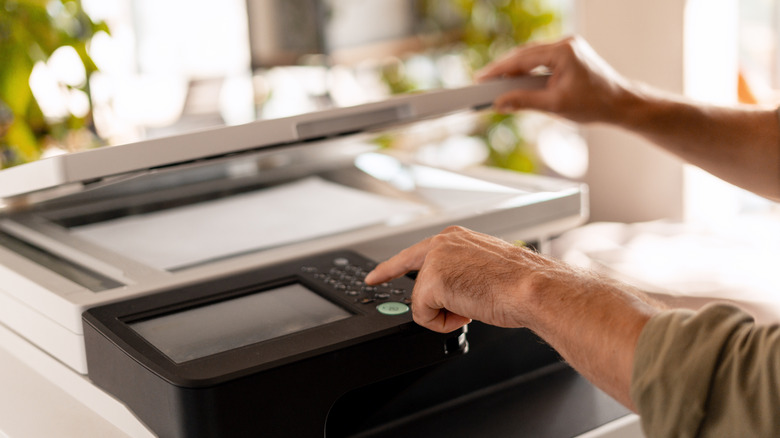
Now that phones can recognize, copy, and paste text from photographs with the help of OCR technology, scanning documents with phones largely trumps the original method of using a flatbed scanner. For instance, Apple introduced Live Text, an OCR tool that recognizes text in images, as a new iPhone feature in iOS 15 back in 2021. With this feature, a small icon appears in the bottom right corner of images with legible text in them, which you can tap to highlight all recognizable image text. Even some social media apps, such as Bluesky, promote accessibility by leveraging Apple's Live Text feature to recognize text in posted images so it can easily be copied as alt text.
Scanning text documents is one thing, but what about other media formats? When it comes to physical photographs or pieces of artwork that need to be edited or printed, high-resolution scans are essential. The standard resolution for high-quality content printed from a computer to physical media is 300 DPI (dots per inch). However, because many phone cameras now boast substantial megapixel counts — especially newer phones rated at 48MP, such as the iPhone 17 Pro — you can print photos taken on your phone at a high resolution, although a high-quality print output would only be possible up to a certain size.
These creative use cases, however, are a niche within a niche; most users don't need a dedicated device that takes up more than a laptop's worth of space on your tabletop. Whether you need to attach a signed agreement to an email or digitize one of your own personal documents, scanning and sharing files from your phone can now be done in a couple of minutes, all without having to touch anything but your smartphone.