

5 Audio Features Every Bose Headphones User Needs To Try
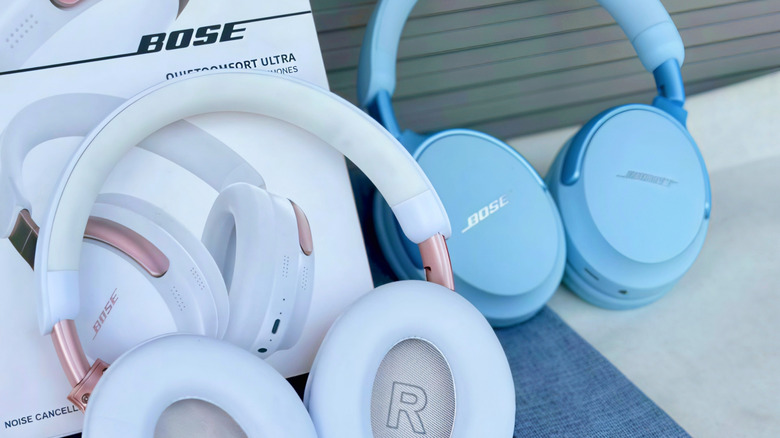
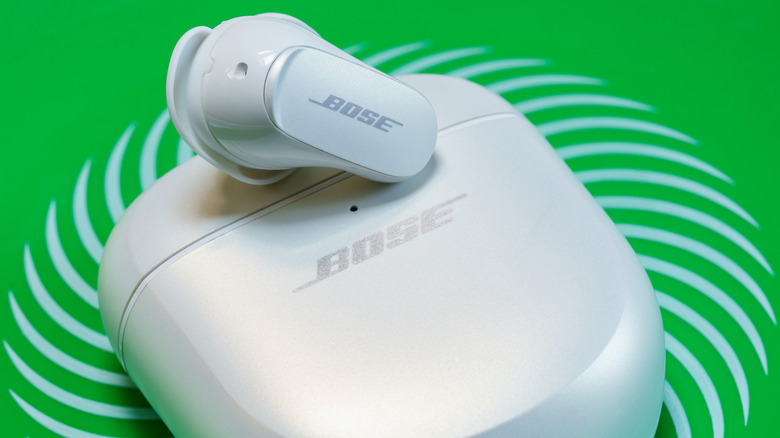
When it comes to midrange and premium headphones and earbuds, one brand that stands tall amongst the competition is Bose. The "QuietComfort" sub-label has essentially become a household name that's directly tied to Bose's robust noise-canceling technology, making products like the QC Ultra Headphones and QC Ultra Earbuds a must-have for music lovers, movie fans, and even gamers.
There are plenty of advanced audio features you'll be able to find across the best headphones for audiophiles, but Bose isn't content to be just like everyone else. If you've done any research on Bose cans and buds, you may have come across a handful of terms that allude to some of Bose's in-house engineering. We also know that fielding a bunch of unexplained terminology can be exhausting, so we went ahead and put together this roundup of five audio features you'll only be able to find on Bose headphones and earbuds.
CustomTune

While there are a number of headphone manufacturers that allow you to create custom sound profiles in their companion apps, Bose takes things a step further with its CustomTune technology. This is a calibration feature that automatically adjusts sound output and noise canceling based on the unique shape of your ears.
Pioneered by John Rule, PhD, a senior systems engineer at Bose, CustomTune leans on algorithms and acoustic engineering to optimize audio in real time. The calibration involves a tone, or thwomp noise, that the user's ear will naturally amplify and rebound to the microphones for analysis. From there, your CustomTune headphones will start analyzing and adapting to environmental sound, adjusting treble, mids, lows, and noise canceling to best accommodate your hearing and listening space.
Introduced with the Bose QuietComfort Earbuds II, CustomTune has since rolled out to both generations of Bose's QuietComfort Ultra Headphones, as well as the QuietComfort Ultra Earbuds. It's also the kind of algorithmic feature that gets smarter and more predictive the more you use it, so definitely give it a try.
Immersive Audio
Spatial audio has become a bit of a home theater and wearable audio phenomenon over the past several years. Brands like Sony, Apple, and Sonos have made the technology a core feature across flagship headphones and earbuds, but Bose decided to put its own spin on the soundstage tool. It's called Immersive Audio, and you can experience it by turning on Immersion Mode in the Bose app (tap Modes > Immersion).
Once activated, Immersion Mode combines Bose's spatial audio and noise-canceling technology to up-mix stereo audio, resulting in a wider and more immersive soundstage. You'll also have two unique presets to choose from: Still and Motion. The former is best for when you're sitting down, and makes it sound like there's a pair of speakers placed right in front of you. The Motion preset helps to preserve the wider, up-mixed soundstage while you're walking or running.
Immersion Mode may sound like more of a clever trick than a legitimate up-mixer, but the feature actually works well. While Bose isn't the only audio company that's getting into up-mixing and head-tracking, Bose's Immersion Mode does a fantastic job at upscaling stereo audio for music, movies, shows, and video games. In contrast, a feature like Sony's 360 Reality Audio Upmix is best utilized for movies and shows.
Cinema Mode
Watching movies and shows with a pair of noise-canceling headphones or earbuds is an experience that's tough to beat. But Bose wanted its customers to feel like they're sitting in a movie theater when enjoying video content, so the company came up with Cinema Mode. This is a specialized preset that leverages Bose's Immersive Audio technology to steep you in a detail-oriented, cinematic soundscape.
Technically, Bose's Cinema Mode is really just a spatial audio extension, but the software does an exceptional job at honing in on dialogue and background effects. Cinema Mode works in unison with Bose's powerful noise-canceling, too, so your headphones and earbuds will constantly monitor and optimize based on your listening space.
Cinema Mode can be used with the Bose QuietComfort Ultra Headphones (2nd Gen) and Bose QuietComfort Ultra Earbuds (2nd Gen). You'll also want to make sure you're running the latest version of the Bose app.
ActiveSense
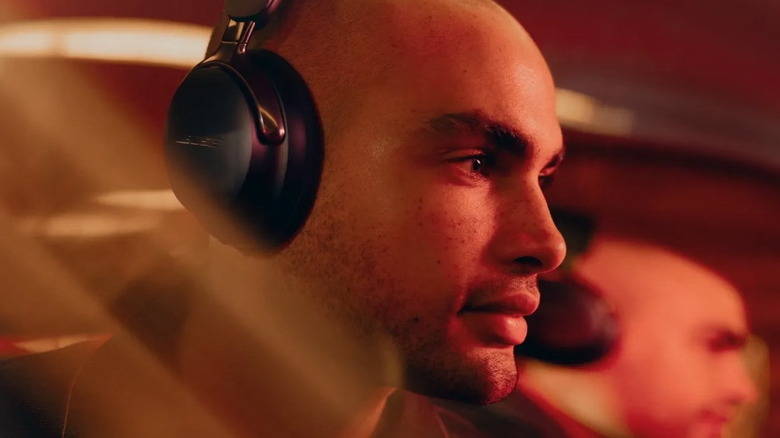
Active noise-canceling (ANC) can sometimes drown out too much sound, which is why most headphone and earbud manufacturers include some type of ambient-listening or transparency mode in their over-ears and in-ears. As you can guess, Bose does too, and the company also concocted a feature that makes ambient listening even better: ActiveSense.
ActiveSense is a dynamic noise-canceling feature that's only available when you're using Aware Mode (ActiveSense also needs to be toggled on). It works when a sudden spike of unwanted noise is detected in your listening space. ActiveSense then kicks in to reduce the volume and distortion that could potentially hurt your ears.
Generally speaking, most ambient listening modes will only amplify sounds around you. But Bose's ActiveSense tech adds the brand's industry-lauded, adaptive ANC to the fold. So, instead of making you pick between ANC-only or ambient-only listening, Bose opted for a best of both worlds approach.
OpenAudio
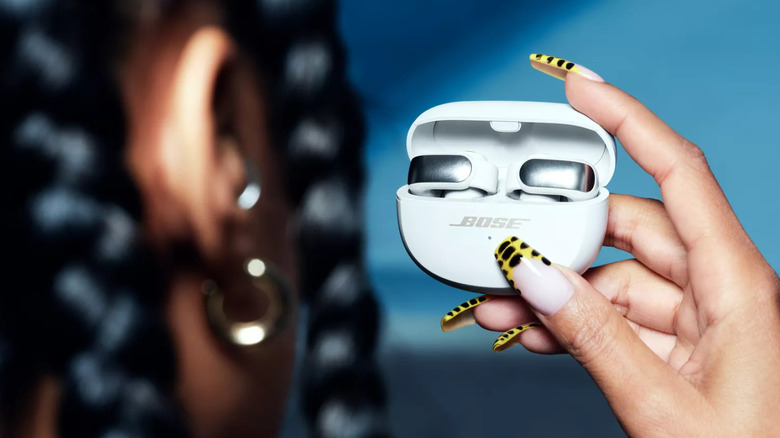
Open-ear headphones continue to grow in popularity, and the Bose Ultra Open Earbuds are a great example of air conduction done right. Unlike bone conduction — which literally relies on vibrations traveling through facial bones to create sound — air conduction simply directs frequencies into your ear canal. Bose's Ultra Open buds hook on the outside of your ear, and the bud's driver directs sound into your inner ear.
But Bose also added a bit of secret sauce to the dish, and it's a feature called OpenAudio. A patented audio enhancer, OpenAudio allows the Ultra Open Earbuds to deliver crisp, clear, detailed audio to your ears, without sacrificing treble, bass, and other important parts of the mix. OpenAudio also helps to reduce sound leakage and delivers even stronger ambient-listening than what you'd get through the Aware Mode on Bose QuietComfort Ultra Earbuds.
Preserving as much audio as possible is one of the main challenges headphone makers face with bone and air conduction technology. Still, we're not surprised that Bose already figured out a way to make open-ear listening the best it could be.