

How To Prevent Your Router From Overheating
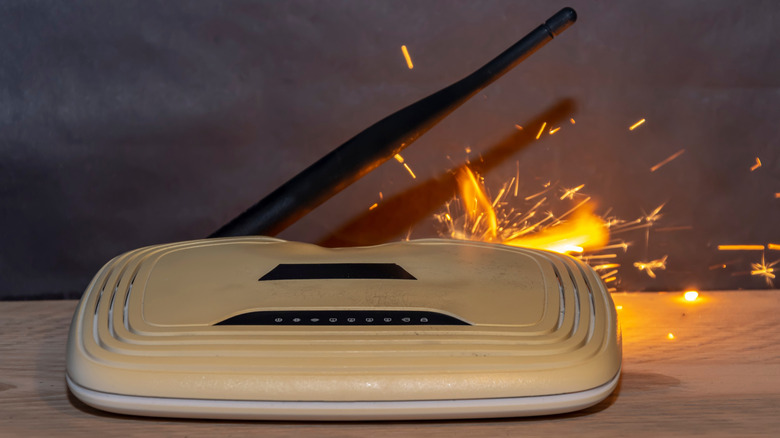
Many of us have routers that stay powered on for weeks at a stretch. While routers are designed to run continuously, they can still overheat. When that happens, a reboot seems like a good idea. But it's almost always a temporary solution because a reboot rarely eliminates the root cause of overheating. If your router overheats, the first thing you need to check is whether there's ample space around it for effective heat dissipation. Routers are known to overheat in confined spaces, especially when running under constant load. For instance, connecting too many devices, streaming 4K videos, and uploading or downloading large files at the same time can overload the router.
Signs of router overheating include weaker signal strength, slower internet speeds, and random reboots due to built-in thermal protection. If the problem is not addressed at this stage, overheating can damage internal components and reduce the router's lifespan. The good news is that you don't need to replace an overheating router right away, as long as it doesn't suffer from a hardware malfunction. A few simple changes will bring the temperature back to safe operating levels.
Optimal router placement is key

One of the simplest ways to prevent router overheating is to know where to place the router. This involves moving it to an open, well-ventilated area. That's something many people are either unaware of or ignore to keep the router out of sight. It may not be the most visually appealing thing in your home, but your router is certainly one of the most important. So, the first thing you should do is place the router in an open area where its vents are not blocked. If the router is placed on the ground, raising it by a few feet can help improve wireless coverage and reduce dust buildup.
Apart from that, make sure that the router does not sit under direct sunlight or even near a window where it's exposed to indirect sunlight. This will increase the router's temperature, especially during the summer. You should also never place the router near other heat sources for the same reason. This includes radiators, PCs, gaming consoles, smart TVs, or any other similar device that generates heat. Moreover, never place the router on top of a couch, any uneven surface, or an electrical appliance. It should ideally rest on a flat surface or be mounted on a wall such that the vents are not blocked. Even regular reboots help control overheating by clearing temporary processes and cache that are straining your router's resources. You should ideally reboot or unplug the router once a month.
Ensure proper ventilation and cooling
If the router still overheats after you have moved it to another location, the next thing you need to ensure is proper airflow and ventilation. Most home routers rely on passive cooling mechanisms for heat dissipation. This means they release heat through vents built into the router's body. While this works well under everyday use, problems start when the very vents responsible for releasing heat are clogged with dust. If so, clear dust accumulation in and around the vents. To do that, you will need a can of compressed air and some cotton swabs. First, turn off the router, then gently wipe it clean, and use compressed air to remove dust clogging the vents. Finally, use a cotton swab to clear any remaining dust buildup. While cleaning, make sure the compressed air and cotton swab are directed outward so that they remove dust instead of pushing it deeper inside the router.
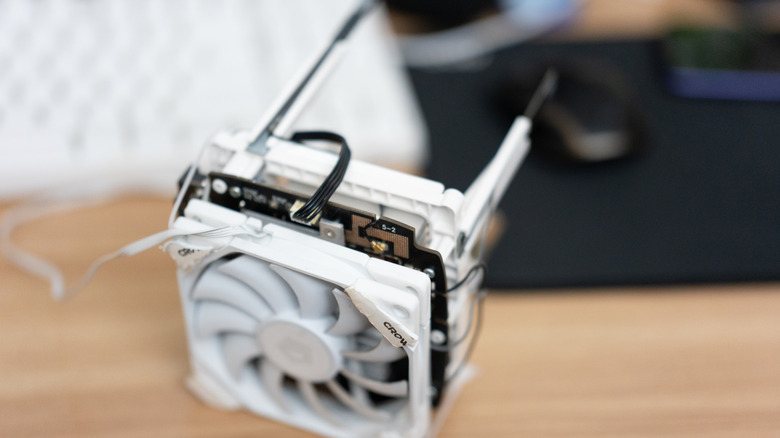
If none of this works, the last option is to install a small fan close to the router. This can make a huge difference, especially for routers that rely on passive cooling, bringing the router's temperature down significantly. Many advanced, modern-day routers come equipped with fans for this reason. You don't necessarily need a fancy setup. Even a small USB-powered or battery-operated fan directed at or attached to the router's vent should do the trick. These small changes will keep your router from overheating and extend its lifespan.