

Power Off Or Restart: Which Is Better For Your Mac Mini?
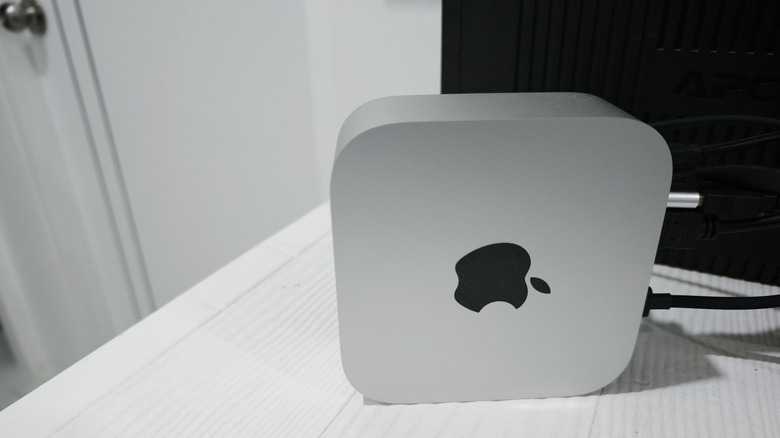
The Apple Mac Mini remains a user-favorite for its convenience. While this device doesn't force you to worry about battery levels like a MacBook, its design can still benefit from a complete power off or a restart. Still, every operation, whether it's shut down, restart, or sleep, has a distinct set of advantages, depending on the use case.
The Mac Mini is designed to run continually, but at night, sleep mode is generally the preferred option, as it takes less time to wake up. Shutting down powers off a Mac Mini completely, and Apple notes this action is an option if the system becomes unresponsive. You may also want to shut down your Mac Mini if you're moving it or not using the device for an extended period. Alternatively, a restart works best when updates are ready or your system shows signs of slowing, which can occur after 1-2 weeks of ongoing operation.
Essentially, there's no single answer that works for everyone. In the end, it comes down to your requirements, the Mac Mini's use case, power supply availability, and your energy management approach. Let's take a closer look at what actually happens with restarting versus shutting down.
Restarting clears RAM, while shutting down saves the most power
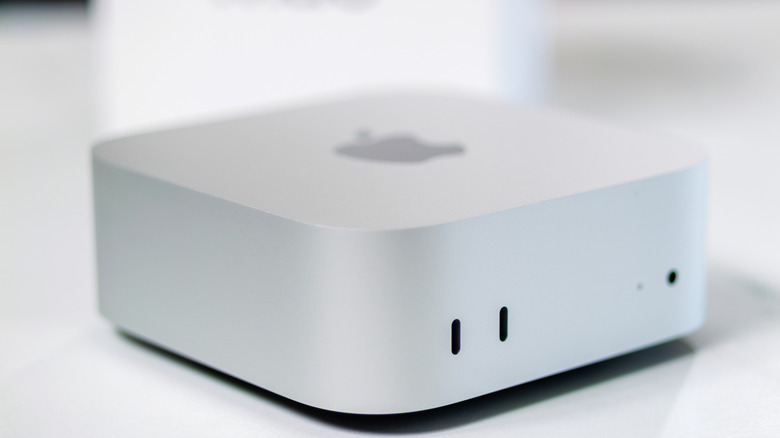
When you restart a Mac Mini, it clears processes loaded into RAM memory slowed by idle or background operations and other data like caches and temporary files, increasing system responsiveness. Restarts are also typically a requirement when you have to install pending updates.
A shutdown serves similar functions like clearing temporary system files, but remains distinct. While modern Macs are more energy efficient, a shutdown helps if you are extremely conscious about wanting to reduce your power bill, especially if the Mini won't be used for extended periods. Additionally, if you don't have an external power backup for your Mac Mini, consider shutting it down when not in use, as a sudden power cut could cause data loss. Like a restart, a shutdown will clear temporary system files to increase system responsiveness, but restarts are preferred for their higher speed. Macs can ultimately run for days at a time without needing a shutdown, and this reliability is one of the reasons why the Mac Mini's power button is located under its body, according to an Apple executive.
For most Mac Mini users, sleep is still the best daily option over shutdowns and restarts. Besides not affecting active tasks and quickly resuming activity, the energy savings between sleep and shutdowns are negligible. When your Mac Mini is in sleep, it continues fetching emails, updating your calendar, and syncing iCloud data among other tasks while consuming little power. Only opt for a restart or shut down when the situation calls for it, not every night.