

Can You Use An HDMI Splitter To Extend Your Display?
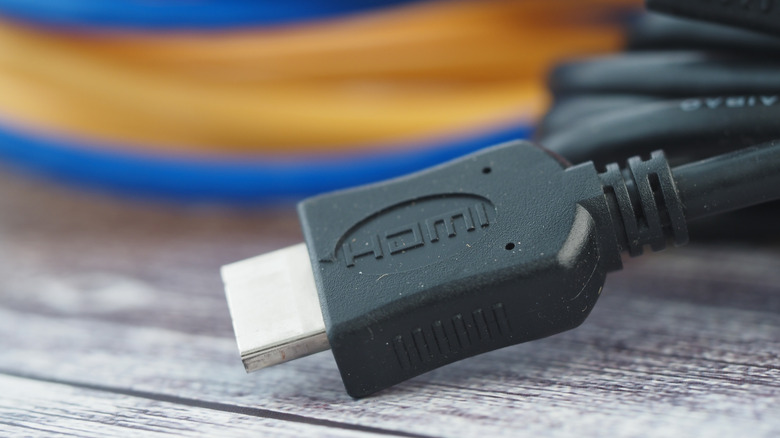
HDMI cables connect devices such as gaming consoles and Blu-ray players to TVs, computers, and projectors. They transfer images from one source to another, allowing viewers to access content from another source. There are many options to choose from, including the best HDMI cables around.
If you need to display the same image from one source across multiple screens, you will also need an HDMI splitter and an additional HDMI cable for each additional display. It's important to understand that HDMI splitters serve a very specific purpose and cannot help if you are trying to gain more space to have multiple windows open at your workstation.
If your goal is to extend your workspace across multiple monitors, an HDMI splitter will not work. Extending the workspace adds more screen space, creating a larger viewing area and workstation, without duplication. Many computers these days provide support for multiple monitors through internal system design, or a DisplayPort Multi-Stream Transport (MST) hub can create true extended displays by sending separate video streams to each monitor.
Using an HDMI splitter

How do HDMI splitters work? They copy a single incoming signal from your source and send identical versions to each output port. HDMI splitters cannot extend a display because of limitations in how HDMI splitters handle video signals. The device does not create new video outputs or generate additional display streams.
Common scenarios when an HDMI splitter is used include presentations in a meeting room, a home theater setup, or even a retail environment. Need to set up multiple displays? Make sure you know these three HDMI splitter rules before you plug it in.
If you are looking to create duplicate displays, it's important to make sure you have the right configuration of cables for your setup. There are different types of HDMI splitters to accommodate different numbers of displays. Plus, you need a separate HDMI cable for each output device.
When shopping, make sure you chose a reliable HDMI splitter to get the best picture on each monitor.