

Vertical Or Horizontal: What's The Best Position To Mount A GPU?
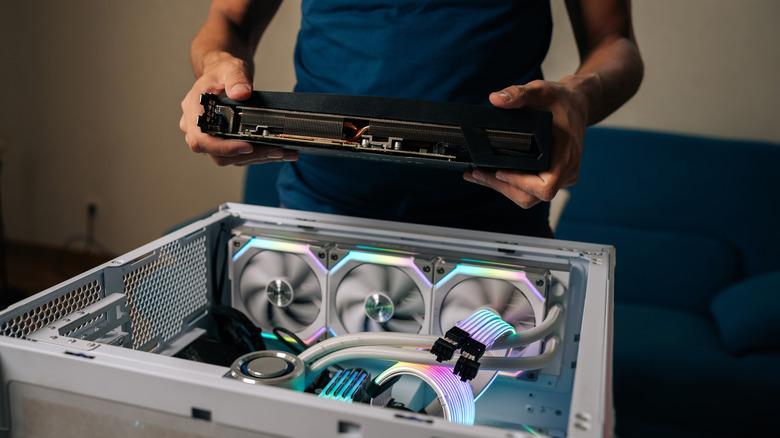
These days, when you purchase a new graphics card (or GPU) for your gaming setup, you can often choose between mounting your new GPU vertically or horizontally. The horizontal method is traditional, but the vertical method lets you show off your new GPU, as long as your side panel is clear. You might thus be left wondering whether mounting your GPU vertically or horizontally is "better" for the unit.
There's no universal answer to that question. That said, there are reasons why the horizontal method of mounting a GPU has historically been more common. On the other hand, if aesthetic appeal is an important element of a DIY gaming PC for you, vertical mounting might be the preferred option. Understanding the pros and cons of each mounting orientation will help you better determine which is ideal for your needs. If you're not sure whether you even need a new GPU right now, it's worth familiarizing yourself with common signs that a GPU is failing. It's also wise to research graphics card rankings to find out which new GPU may be most worth your money.
Vertical or horizontal GPU mounting: Understanding the benefits of each option
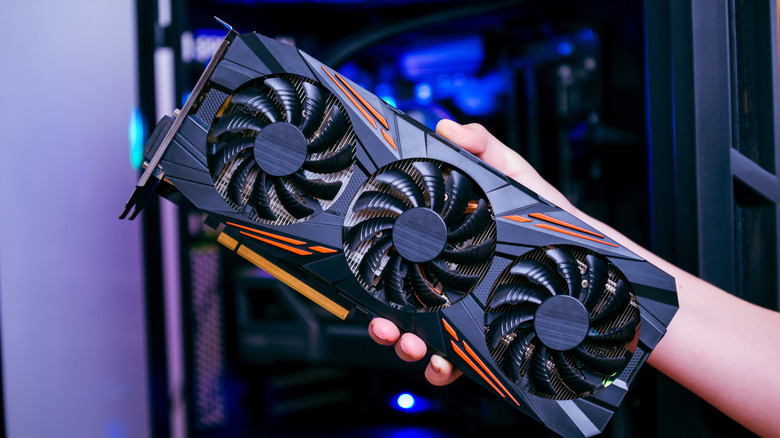
Let's begin by establishing why horizontal GPU mounting has long been the go-to option, despite vertical mounting being more visually impressive. With vertical mounting, the GPU may be particularly close to the side panel. This can block airflow, resulting in potential overheating of PC components. That's not an issue when you stick with the more common horizontal mounting approach. The improved airflow that horizontal mounting offers can also yield improved GPU performance. Mounting your GPU horizontally might also boost its lifespan when compared to vertical mounting. In addition, some premium GPU models use vapor chambers for cooling purposes. The mechanisms through which these chambers work tend to be less effective when a GPU is mounted vertically.
That's not to say there aren't any legitimate reasons to mount a GPU vertically. First of all, GPUs come in different sizes. A smaller GPU will cause less airflow blockage when mounted vertically than a larger one will, so this is a factor worth accounting for when considering mounting options. If your new GPU also features RGB lighting effects, you might understandably want to put it on display. Vertical mounting lets you do so.
If you do opt for vertical mounting, just keep an eye on your GPU's performance to confirm airflow issues aren't causing significant disruptions. In the meantime, after you've upgraded to a new GPU, don't make the mistake of immediately getting rid of your old one. Instead, look into clever ways to use an old GPU to get the most value out of this component.