

USB Vs. SD Card: Which Is Better For Storing Photos?
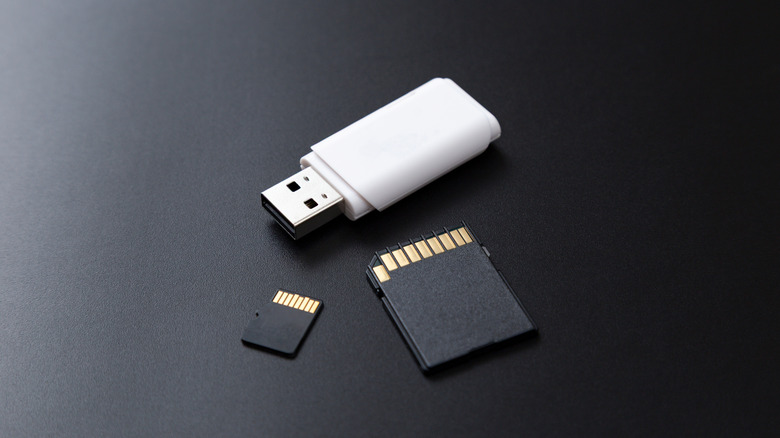
Whether you're a photographer or casual snapper, chances are you have a backlog of photos piling up on your phone or computer. Freeing up space and getting organized is a huge plus, but how exactly do you go about this task? Using a USB or an SD card for your photo storage needs can let you say goodbye to deleting old photos.
The first thing you need to ask yourself is what your goal is. If you need something to store photos long-term, neither USB nor SD cards are a reliable option. This is because both mediums rely on flash cells, which are susceptible to decay and aren't expected to last longer than 10 years. Instead, an HDD is still worth buying if you've got the long haul in your sights.
Naturally, USB sticks and SD cards can work if you're looking for quick, cheap, portable storage. Which one you roll with will ultimately depend on your needs. Both have their strengths and weaknesses, and most importantly, write speeds, which make them appealing to different users.
What are USB sticks good for?
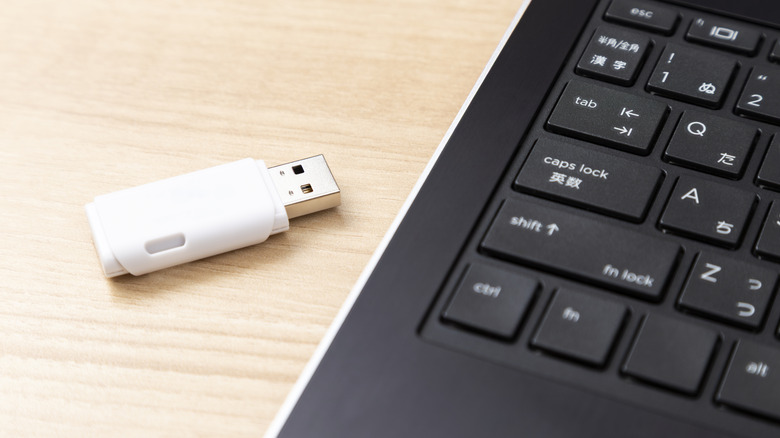
You've likely used the classic USB stick. Though it's a flash drive, it has a USB connector built-in, making it the most convenient way to copy and store files. Don't let the small size factor fool you, though. Even mini USB sticks give hard drives a run for their money, offering capacities ranging from a couple of gigabytes to over 1TB.
The biggest advantage of USB sticks is their ability to work with almost anything that has a USB port. This universal nature is something you're bound to appreciate if you want to move photos between computers or other devices. Depending on the USB type, the transfer speed can range from 5 Gbps with the run-of-the-mill 3.0 drive to 40 Gbps with the more sophisticated USB 4, which is more than capable of moving photos.
But is a USB stick still convenient for smartphone photographers? After all, you'd need to transfer the files from your phone to the PC. Or would you? If this point is too much to bear, you can opt for USB-C flash drive and connect it directly to your phone.
When is an SD card a better choice?
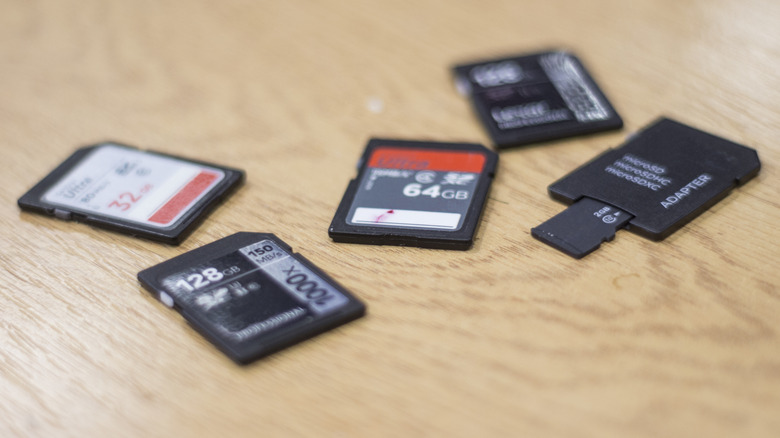
If you're a smartphone user who wants to free up clutter, then the choice between USB and SD card for photo storage is much simpler. Slot in the card, move the photos, and you're done. Similar to USB sticks, SD cards can last up to 10 years. Yet, there are quite a few varieties of this storage medium.
In addition to size (standard, mini, and micro), there are also types corresponding to capacity. For instance, the SDSC may provide just 2GB of storage, while SDXC and SDUC provide up to 2TB and 128TB, respectively. You should also note the varieties in writing and reading speed. Depending on the speed class, you can find models that provide anywhere from 30 Mbps (U3), 90 Mbps (V90), to 600 Mbps (E600). While these numbers refer to writing speeds, which are crucial when shooting video to avoid dropped frames, reading speeds are much more dependent on the manufacturer.
Keep in mind that SD cards require a dedicated card reader for transferring files. This may not be a huge deal, as a card reader is one of the most inexpensive USB gadgets you can get for your laptop. Some laptops even have SD card slots built-in. But if you're looking for something more plug-and-play, then the extra bit of friction may be a hard pass for you.
Ultimately, both USB sticks and SD cards have different roles. If you plan to view your photos on a smart TV, for example, or move the files to other computers, the USB stick will do the job quite well. An SD card, on the other hand, will allow you to keep the photos on your device while helping you free up some much-needed space.