

4 Tips To Free Up Storage Space On Your Smart TV
Smart TVs may be impressive when compared to TVs of just a couple decades ago, but that doesn't mean they're completely free of limitations. For example, all smart TVs have a finite amount of storage space. How much space they have can vary from one unit to another. As such, ways of freeing up space can also vary. That said, there are some general ways to clear up a smart TV's storage that all smart TV owners should be aware of.
Naturally, taking these steps can let a user download more apps and content. More importantly, freeing up the storage on your smart TV can address performance issues that may otherwise result from limited capacity. Sometimes, using up too much storage space can lead to problems ranging from apps taking a long time to open to buffering being more common. Have you noticed such issues? If so, see if managing your smart TV's storage fixes them.
Decide which apps you no longer need
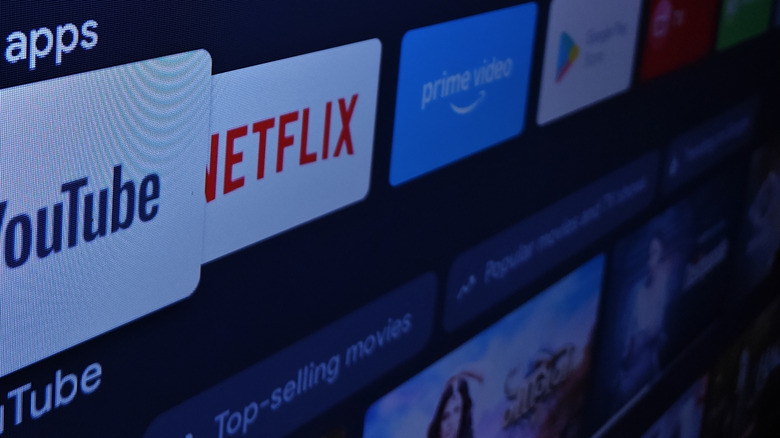
As with many of our devices in the digital age, smart TVs make it easy to download apps. That ease may come with a price for some users. Over time, you might have accumulated a number of apps that are taking up space on your smart TV. At least some of these may be apps that you no longer use. You may have even downloaded some apps that looked appealing, only to open them once or twice and never use them again.
Review the apps on your smart TV and take stock of how often you actually use all of them. You may determine that a few are worth deleting. Again, while the process for doing so may depend on the model of smart TV you own, deleting apps is almost always something that can be done via the settings menu. It's also an easy and effective way to free up space and potentially boost your smart TV's overall performance.
Don't ignore software updates
It's wise to stay on top of laptop software updates. Keeping a device's software up-to-date is key to optimizing performance, ensuring compatibility with new apps, and addressing security issues. Similarly, it's a good idea to regularly update your smart TV's software.
Different software updates may serve different purposes. Generally, though, it's not uncommon for software updates to optimize the way a smart TV leverages its storage space. As always, the type of smart TV you have might influence your approach to updates. With some TVs, you can opt for automatic updates. In other instances, you might have to routinely check for updates manually to find out if any are available. Just be aware that taking this step can theoretically make a significant difference in your smart TV's storage situation. Depending on the specific nature and purpose of a given software update, it can also ensure you're taking full advantage of your unit's current potential and features.
Clear the cache
The cache serves a useful function in terms of your smart TV's immediate performance. Cached data allows for easy access, letting apps and other functions load up quickly. For instance, cached data may consist of background images and thumbnails that are immediately visible when you open an app. However, as the cache fills up, you may run into storage issues. That's why it's important to clear the cache from time to time.
This is another example where the specifics of the process vary based on the make and model of a smart TV. You'll have to research how to complete this step with your TV, but it's usually fairly straightforward. The process typically involves opening the TV's settings menu and finding the option related to storage management. Or, you may navigate to the apps manager section of the settings menu to clear the cache for individual apps.
It's worth noting that clearing the cache can do more than simply free up space and correct associated performance issues. If cached data (such as login info) contains personal information, clearing the cache can boost privacy. Apps may also malfunction when cached data is corrupted. Clearing the cache can fix these malfunctions.
Consider external storage solutions
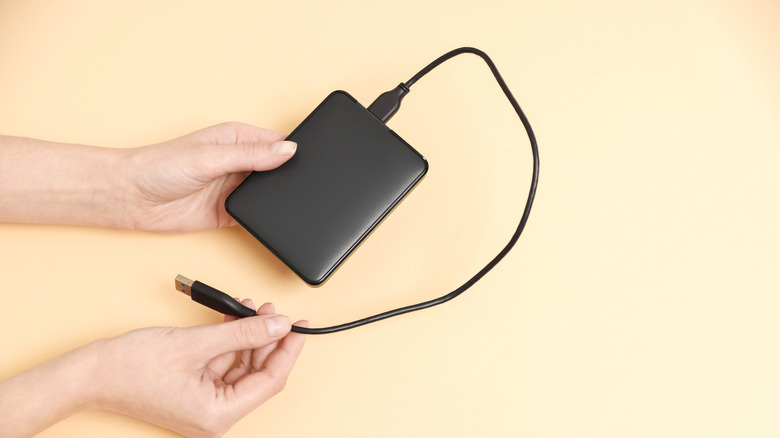
Clearing up space isn't the only way to address your smart TV's storage issues. You can also potentially add to its space by using external storage. For example, some smart TVs allow users to expand storage via options like external hard disks and USB drives. Research whether this is an option with your current smart TV.
Also, keep in mind that freeing up storage space is just one way you can improve a smart TV's performance. There are also certain steps you should take immediately upon installing your smart TV to help it perform to its full potential. In addition, lack of storage space isn't the only problem that can plague a smart TV. While following the advice here is wise, it's also important to familiarize yourself with common smart TV issues. When you know what's wrong with a smart TV that's performing poorly, you're better equipped to fix the problem.