

Before You Buy A Used Nintendo Switch, Check For These 4 Problems
We may receive a commission on purchases made from links.
If you're just trying to dip your toes in the world of Nintendo, then the original Nintendo Switch is still an excellent choice at $339, but you can always go with the cheaper and handheld-only Switch Lite for $229.99. You won't get the 4K resolution and up to 120 FPS provided by the Switch 2, but it is significantly cheaper, and will only get cheaper when the Switch 2 price goes up to $499.99 in September 2026.
If any of these prices still sound high to you, you can always get these consoles used. Just keep in mind that the used console market is like the Wild West. It's best to arrange a meeting with the person in a public place (avoid meeting strangers in private) to do a physical inspection. After all, you're paying someone to sell you a console they've been using for a while. Sometimes this can backfire tremendously unless you know what problems to look for.
Beyond the standard physical checks, you also need to ensure that the console isn't banned online, that there's no Joy-Con drift, and that there are no serious errors. It's used, so you know it likely won't be in perfect condition. Some problems are small and can actually give you more room to negotiate. For the serious ones, it's best to skip that purchase entirely.
Get the standard checks out of the way
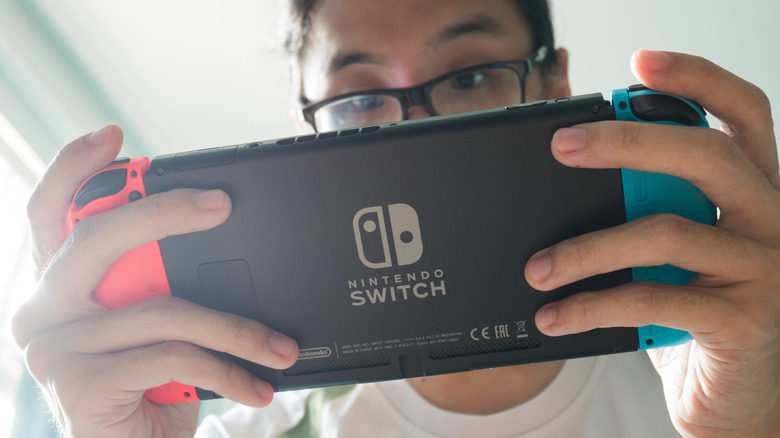
When you get your hands on the console for the inspection, check the screen for any scratches and cracks. Tiny scratches can be barely noticeable and may not be a big deal. If you're lucky, the person used a screen protector. Inspect the ports to ensure nothing looks damaged or worn out. Test whether you can easily eject the Joy-Con and snap it back in. Also check that the Joy-Con rail doesn't feel loose and that it holds the controllers tightly. Plug in the charging cable and ensure the console is charging. For this reason, it's best to meet at a location with a wall outlet.
Press the power button in the top-left corner of the Switch and see if the console turns on (people do attempt to sell bricked Nintendo Switch consoles) or if the screen shows any pixelation. You also need to ensure that the Switch can run games properly. So, have a cartridge ready (borrow from a friend if you have to) or ask the seller to bring one to test with. If they only have digital games, that's okay too. Play the game for a minute or two to ensure that the console can sustain gameplay without crashing or overheating and that the Joy-Con and its buttons are working.
Make sure the console is not banned
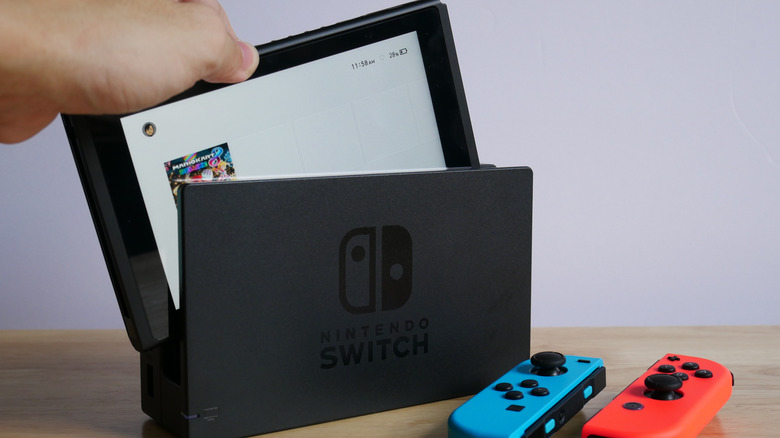
There are reports of people buying a used Nintendo Switch 2 only to discover the console was banned from using online features, a result of the previous owner being banned for a Terms of Service violation, like using piracy tools. This happens when the previous owner breaks Nintendo's terms of service for any number of reasons, such as using a MiG flash card.
These banned Switch 2 units aren't entirely useless; you can still complete the console setup without an internet connection, so they're not bricked. They still work offline, but you won't be able to download digital games, play Game-Key-only cartridges, transfer your saved data, use GameChat, or pretty much any online functionality. A factory reset also won't help since this is a hardware ban.
Still, not being able to go online can dampen the full Nintendo Switch experience. Before you buy a used Switch, make sure it can access Nintendo's online features. The safest way to avoid buying a banned Switch is to get a refurbished unit directly from Nintendo or from a certified reseller (just be sure to ask them the right questions). These consoles would have been inspected, cleaned, and restored to ensure they are safe and working.
Rule out Joy-Con drift
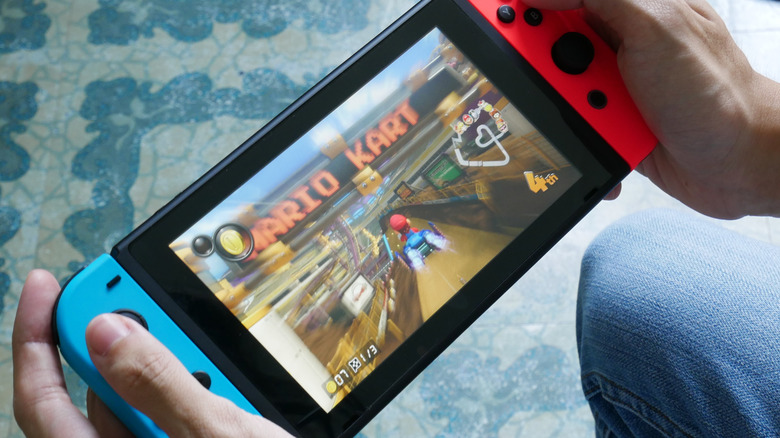
Joy-Con drift is a recurring issue where the Switch's analog sticks detect movement when there's none. For instance, if you try to play "Super Mario Odyssey," Mario will move on his own if it's the left stick that is drifting. If it's the right analog stick, the camera will rotate on its own. This can make the game extremely hard to play, especially since there's no way to adjust the dead zones at the system level.
With a Joy-Con being expensive ($89 for the original Joy-Con and $99 for the Joy-Con 2), you don't need the added costs. If the problem is on the Switch Lite, you might need a professional repair person to replace the drifting analog sticks, since that console has integrated controllers — which means more cost for you.
Here's how you check for Joy-Con drift:
-
Go to Settings > System Settings > Controllers and Sensors or Controllers and Accessories.
-
Select "Calibrate Control Sticks."
-
Tilt the analog stick you want to check.
-
Check the reticle on the screen. If there is a plus sign in its center, there's no drift. But if there is an off-center dot, the analog is drifting.
-
Repeat these steps on the other analog.
If the console is still under warranty, the Joy-Con can be sent back to Nintendo for repair. If not, don't purchase the console or negotiate a lower price since a Joy-Con replacement is needed.
Check for serious errors
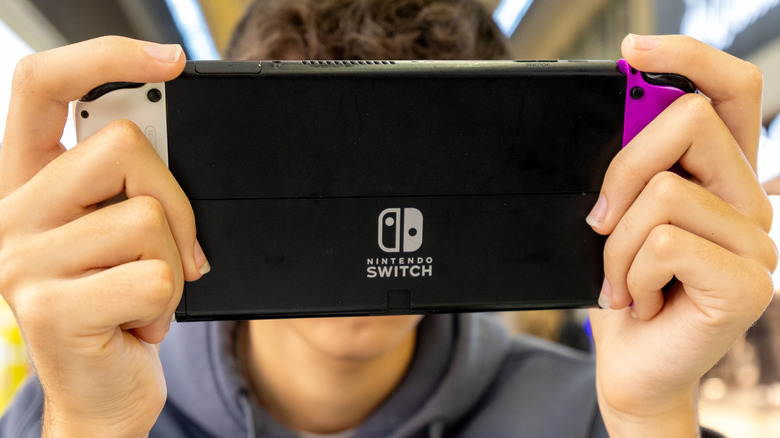
The next thing to check is whether the system has any major errors. This can be hard to catch organically, but you can check the Switch's error log to get to the bottom of it. You can find it by going to System > Support > Error History. Here, you will find a list containing the 10 most recent errors, along with an error code and a brief description. All you have to do is Google the error codes (if they aren't obvious from the description) and see what people are saying.
Most of the time, the errors are minor game or network issues. Sometimes, you will find one that signals a serious hardware fault. For example, if you see the error code 2101-0001, it means the Switch is experiencing charging issues due to problems with the charging port or chip. The error code 2124-4508 indicates that the console has been banned from accessing the internet by Nintendo, which will tell you the console is banned even if you don't have an internet connection to test it. You should also look for the error code 2168-0002, which indicates a serious hardware fault. While Nintendo has generic troubleshooting steps for many Switch error codes, error code 2168-0002 requires it to be sent to Nintendo for service.
The one important thing you can't check
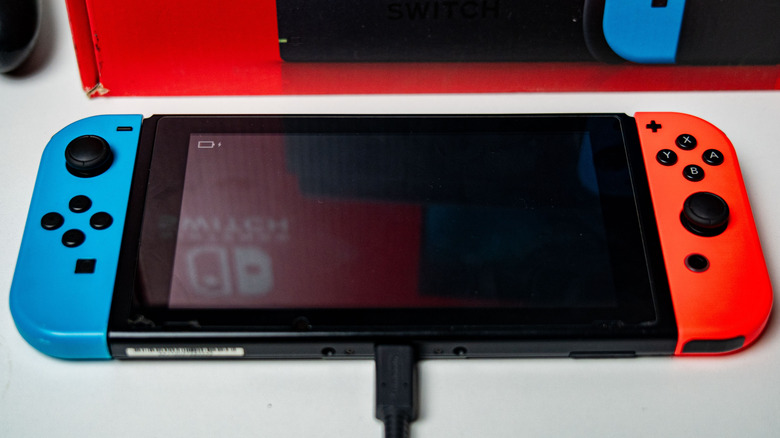
Knowing how much the battery has degraded over time can be important. For lithium-ion batteries, which the console uses, a capacity of 80% or above indicates a healthy battery. When it falls below that, the battery has significantly lost its capacity to hold a charge.
Unfortunately, there's no built-in way to check the Switch's battery health. All you can see is the battery level in the top-right corner indicating the remaining charge. So the only way to determine the battery's health is a discharge test. Depending on the game you're playing, a Nintendo Switch's battery should last two to nine hours. It's doubtful that the seller is going to sit there and wait for you to test this, so you'll really need to gamble with this one if either one of you is short on time.
You can ask for proof of purchase to see when the console was bought. A Switch will lose 80% of its capacity after 800 charge cycles (about two to three years of heavy use). So be sure to inquire about usage history to make an informed guess. Alternatively, you can purchase a refurbished unit, as these are tested to ensure that the battery is healthy.