

The Pros And Cons Of Using Ethernet Cables For Your Home Internet
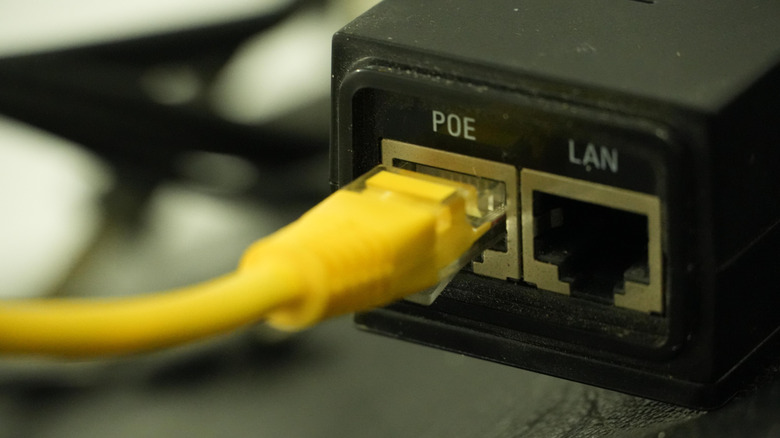
In the past few decades, Wi-Fi has become the mainstream medium for internet connectivity. From laptops and smartphones to home devices and smart plugs, everything is connected to your Wi-Fi router for seamless internet access. Even so, many people still rely on Ethernet, which isn't all that surprising when you think about it. Remember, Ethernet has been around for much longer than Wi-Fi. The latter was introduced in 1997, while Ethernet dates back to 1973. Even after all these years, and despite the vast majority of users switching to Wi-Fi, Ethernet hasn't entirely lost its appeal.
Simply put, Ethernet relies on a physical cable to connect devices to the modem or router. It is usually the first choice for gamers and power users due to lower latency, less lag, and higher internet speeds compared to Wi-Fi. Ethernet is also widely used in data centers, healthcare, and finance-centric industries because it's often faster and more secure than Wi-Fi.
All that said, this doesn't mean that Ethernet is the right choice for everyone, especially home users. While a wired connection is undoubtedly faster and more reliable, it comes at a cost. You may have to invest in cables, run them through walls, and even give up on the flexibility and convenience of Wi-Fi. And let's not forget how tricky it can be to connect some devices to an Ethernet cable. So, if you are planning to switch to Ethernet, it's important to understand the pros and cons.
Pros: better performance, stability, and reliability
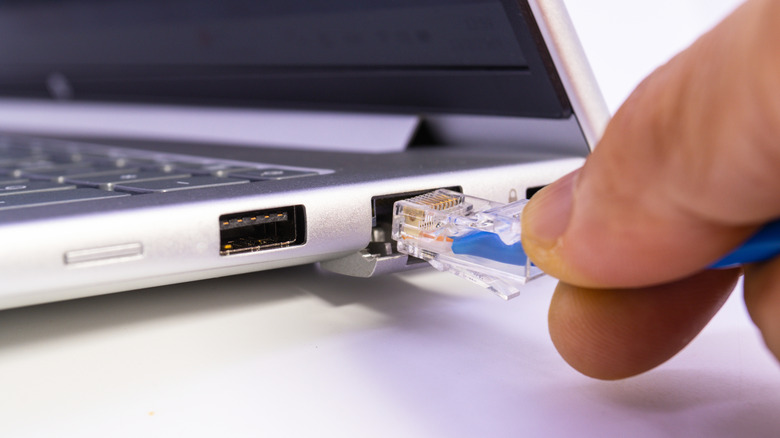
One of the biggest benefits of Ethernet is consistency. Unlike Wi-Fi, where the internet speed is affected by interference from nearby devices and even drops as you move away from the router, the speed remains largely stable on an Ethernet connection, and it's usually faster. I ran a speed test using Wi-Fi, a CAT5e cable, and a CAT6 LAN cable, and the differences in performance were significant.
On a 200 Mbps plan, Wi-Fi delivered a download speed of 156 Mbps and an upload speed of 144 Mbps. With a CAT5e cable connected to the PC's Ethernet port, the speeds stood at 196 Mbps for download and 163 Mbps for upload. Upon switching to CAT6, the download speed increased to 197 Mbps and the upload speed to 173 Mbps. This clearly highlights two things: Ethernet is typically faster than Wi-Fi, and a CAT5 or CAT5e cable is still more than enough for most home users, with CAT6 offering no meaningful improvements.
Apart from that, Ethernet is less prone to lag and latency, allowing a smoother and more reliable connection. This is one of the reasons gamers often choose Ethernet over Wi-Fi, as even a small spike can affect gameplay. Also, Ethernet is less susceptible to network congestion. Wi-Fi networks have to deal with both internal congestion from connected devices as well as external interference. Ethernet is more secure too, as it's relatively easier to intercept data transmitted wirelessly than over a wired connection.
Cons: higher costs and inconvenience
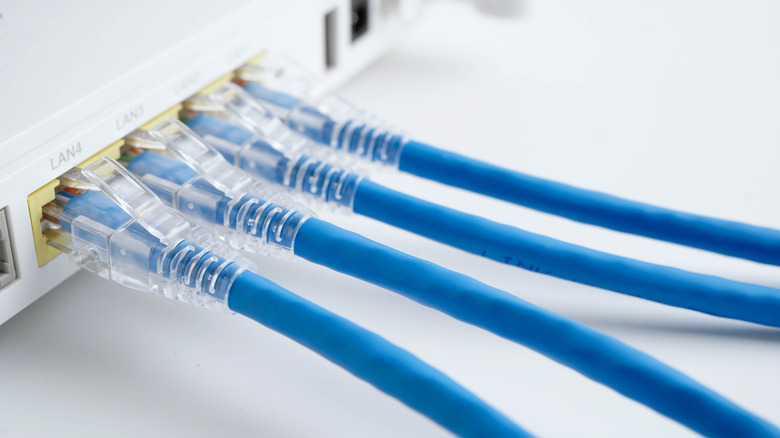
As impressive as Ethernet is, there are still drawbacks, aspects that drove the majority towards Wi-Fi connections in the first place. When you switch to Ethernet, you lose out on convenience and portability. On a Wi-Fi network, you can move your laptop around the house without having to worry about cables. With an Ethernet connection, you have to be wired if you want an internet connection. This, of course, applies to portable devices, not desktop computers.
Another drawback of Ethernet is cable management. You will have to run cables through the entire house if the setup doesn't already exist. We also can't ignore how manufacturers are now ditching Ethernet ports to make laptops slimmer, and if yours doesn't feature a LAN port, you will need to buy an Ethernet adapter or a docking station, which is both an inconvenience and adds to the total expense. If you add network switches and professional assistance to the equation, the overall cost runs even higher. That makes Wi-Fi more cost-effective than Ethernet for most users.
As for Ethernet eliminating dead zones around the house, you can always buy a Wi-Fi range extender or a mesh network for increased wireless coverage. So, while Ethernet has its advantages, the drawbacks are hard to ignore. In the end, the choice comes down to your requirements. If you need a fast and stable connection for your computer, gaming console, or Network Attached Storage (NAS), Ethernet is hard to beat. But for those who prioritize portability and convenience, Wi-Fi is often a better choice.