

Why Your Internet Is Slow Even When Your Speed Test Is Fast
You've done all the research, looked at user reviews, prices, plans, and available speeds, and you chose your internet service based on the best possible performance and value for your area. You're confident you'll see a marked improvement once the equipment is installed. Unfortunately, when installation day comes, that doesn't appear to be the case. A quick speed test shows excellent coverage, around 1Gbps, but that's not what you're getting from your devices. What is going on, and why is your internet slow despite the highly capable speeds shown?
Without factoring in specifics for your situation, there are a few things that could be happening. For example, a slight misunderstanding in speed measurements is possible. Internet Service Providers usually advertise speeds in megabits per second, because it tends to be a larger number and sounds impressive. But a 300 Mbps (megabits per second) plan amounts to only 37.5 MB/s (megabytes per second), while a 1 Gbps plan is only 125 MB/s. You may be misinterpreting or mixing up those numbers.
However, other things may be causing the slowdown on your end of the connection. An aging or less capable router may limit the speeds your device can take advantage of. Wireless interference from other devices on the network, including traffic congestion, or poorly placed extenders can reduce speeds. Moreover, external issues such as a neighbor's router or a nearby network operating on the same Wi-Fi channel may cause interruptions or slowdowns. The problem may not actually be on your end, either. Even with faster or premium plans, real-world speeds can be different. However, what's evident here and now is that there are more than a few hidden bottlenecks that can present themselves.
How to troubleshoot slow internet speeds
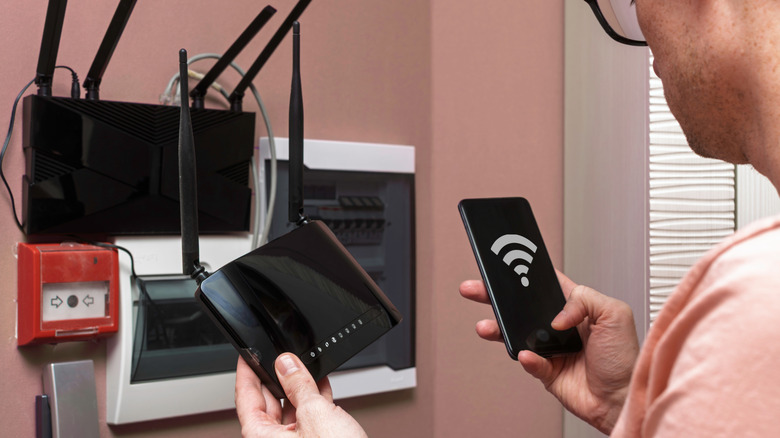
Assuming your ISP's speeds are as advertised, start with your router. If it's a newer model with Wi-Fi 5 or above – ideally Wi-Fi 6 — you may need to power cycle and reboot your equipment. If it's older, look up the product specifications to reference maximum supported speeds. The router itself may be limiting the bandwidth on your internal network. Poor router placement can also be an issue and is one of the most common Wi-Fi mistakes people make. Try relocating yours to improve signal quality. Moreover, test adjustments to router settings that can fix Wi-Fi dead zones or slow speeds, like changing the broadcast channel.
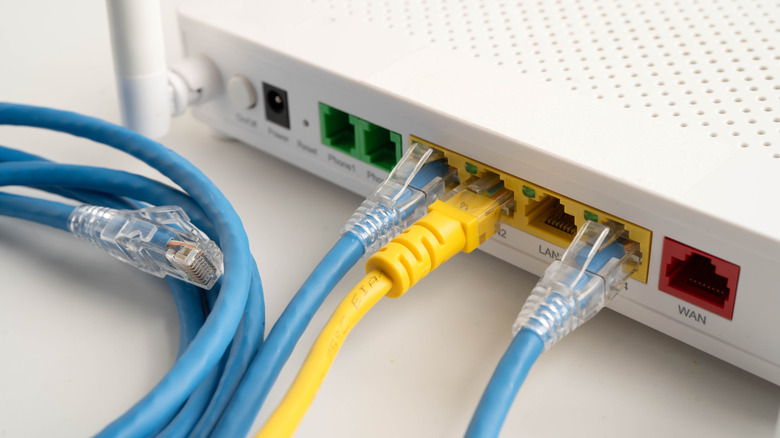
From there, update your client devices, check for latency and network congestion, and, if you're using wired Ethernet, check the cable and ensure it's the right grade and not damaged. You can use command-line tools to check latency and congestion, online web-based tools like testmy-net, or mobile apps. Certain router providers, such as TP-Link and Netgear, may also provide tools in their administrative dashboards. For instance, in TP-Link's Tether app or the web admin interface, there are network diagnostics and optimization tools to help you identify issues.
It could also be that your router is not powerful enough and therefore is not producing a strong or reliable signal in certain areas of your home. That can lead to slower speeds or connection issues for devices on the fringe of the network. The best move is to swap in a mesh router system. If you don't have the budget for an upgrade, you might install a Wi-Fi range extender. You can also find out what's blocking your home Wi-Fi signal and fix it.
Slow internet speeds are not always because of your network
Maybe you tried all the ways to improve your Wi-Fi speed, and nothing changed. You may not even be getting the advertised egress speeds from your ISP. Providers have been known to slow down or throttle speeds during busy times, or intentionally, against the rules or not. Sometimes, enabling a VPN or virtual private network can help you bypass those restrictions and recover the higher speeds, so it's a good way to check if this is happening to you. The unfortunate part is that they may slow down again eventually if it's the ISP's doing, or if you disable the VPN for any reason, you may see the slow speeds again. It's not a permanent solution.
Slow external speeds aren't necessarily malicious or intentional either. Lots of traffic, meaning lots of people using high bandwidth in your area, could contribute to congestion and may even cause interruptions. That's one reason why ISPs sometimes slow down speeds. They can overbook available network bandwidth because most people don't use their full allotment. When lots of people connect during peak hours and create more traffic, it causes performance issues.
There is no guaranteed solution to egress restrictions or slowdowns. You merely have to wait until congestion decreases. But it is good to know it's not something on your end, and you can check this using simple internet speed tests — Internet Health Test is precisely what you need. If it's a persistent problem that shows up over the long term, you may want to contact your ISP for support or switch to a different provider if there's no fix.