

12 Android Features That Were On iPhone First
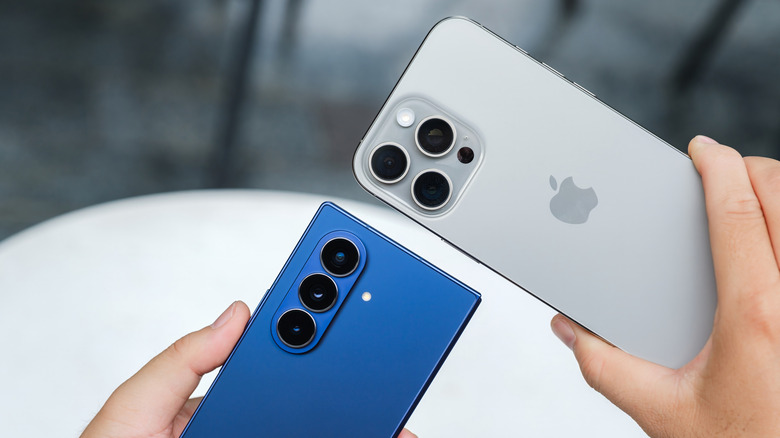
People tend to think that Apple presents all the features on its newest iPhones as groundbreaking additions, even when they have been available on Android for a long time. Stuff like App Libraries, widgets, and swipe-to-type were present in Android devices long before they made their way to iPhones. This leads most people to believe that this feature-lifting is a one-way street ... but this couldn't be further from the truth.
In fact, there's a history of Google's Android OS taking a cue from Apple's iPhones to enhance its functionality. Some of the best and most widespread features across a wide range of Android devices were actually introduced by Apple first, showing that the two operating systems have more in common than people expect. Some of these features were added soon after Apple introduced them, while others took a long time for Android phone owners to gain access to the same functionality.
Gesture navigation
The act of using on-screen touch buttons to navigate your phone seems extremely dated. Both Android devices and iPhones support swipe gestures to move between apps, open the Recent Apps section, and go back from a screen. This feature was added by Apple in the 2017 iPhone X. Depending on where users swiped on the screen, they could check their notifications, unlock their phone, open the Control Center, and perform a myriad of other functions.
Given this massive UI overhaul, it took users a while to get used to the new control scheme. The fact that Apple didn't add an option to restore these buttons meant that people either had to learn how to use gestures to navigate their phone or give up entirely. These gestures from the Apple iPhone X were used in Android Q in 2019, and that's totally fine for non-iOS users who wanted this slicker navigation mode in their phones. Even if these changes aren't up your alley, you can bring back the three-button navigation on most Android devices if that's easier for you.
Notification badges
The concept of a notification drawer was introduced by Android first from day one, letting users swipe down to see a list of all their notifications that was organized per app. This made it easier for them to seek out relevant alerts and open the app if any action was required from their end. This wasn't the case on Apple, which used Push Notifications exclusively until finally introducing the Notification Center with iOS 5 in 2011. However, there's one notification-relevant feature that was on Apple first, well before Android decided to include the same.
An argument can be made that iPhones didn't need a notification drawer, since they had notification badges instead. Depending on the number of alerts an app generated, the same could be seen with a nifty number that showed how many notifications needed your attention on the app icon itself. Eventually, just as Apple compromised with its Notification Drawer, Android did the same, adding notification badges in 2017 with the release of Android 8.0.
Night mode
People who prioritize circadian rhythms and a good night's rest may find it challenging to enjoy the same if they're constantly looking at their phone before sleeping, which is a common practice. After all, experts say your phone's blue light is ruining your sleep. Exposure to this blue light at night reduces the generation of melatonin in your body and tricks your mind into thinking that the sun is still out. However, if it has become an unconscious practice of sorts to browse social media before sleeping, then Night mode is the way to go.
Apple was the first company to include such a mode in its phones with the iOS 9.3 update in March 2016, courtesy of Night Shift. This mode changes the hues of your iPhone to take on warmer colors, reducing the harmful effects of blue light at night. It beat Android's Night Mode by around five months, with the 7.0 "Nougat" update adding the same to help users improve their sleep quality and go to bed on time.
Quick share
The usefulness of AirDrop can't be stated enough. People who prioritized lossless image sharing and needed sensitive documents from other iPhones got it when AirDrop came to iPhones. It's easily one of the biggest perks of the iPhone ecosystem and a far cry ahead of Android's once-dated file-sharing methods, with people having to deal with painfully slow Bluetooth connections or aggressive image compression to send files from one device to another. While Airdrop was a thing on macOS devices since 2011, this feature was expanded to support iPhones and iPads two years later.
Sure, Google had introduced Nearby Share in 2020, but it wasn't as robust as AirDrop and only worked with Google's File Manager. This changed in 2024, when Google and Samsung merged their file-sharing technologies, taking on the moniker of Quick Share and helping this technology work seamlessly across a whole host of Google, ChromeOS, Android, and Apple devices, too! Yes, you heard that right — Android phone owners can finally use Apple AirDrop since late 2025, helping mitigate one of the biggest pain points of owning an Android phone.
Emoji support
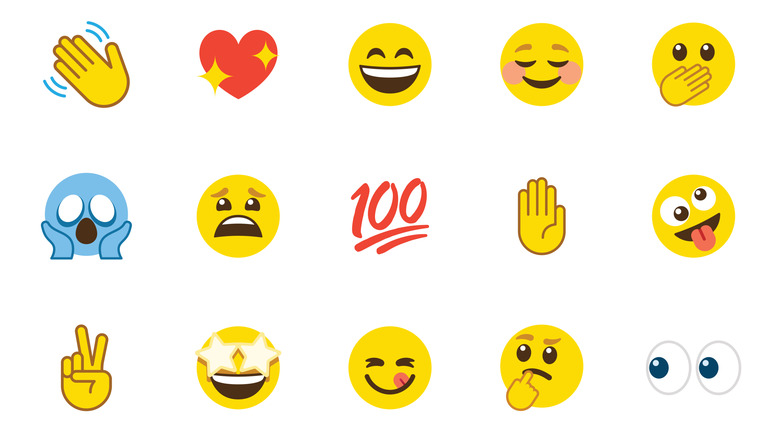
It's hard to imagine a time when phone keyboards didn't have native emoji support. Gone are the days when people had to use special keyboard characters to replicate emojis — now, unless you're trying to be quirky, it's far easier to just open the section of your phone's keyboards that has a ton of emojis for you to choose from.
The history of emojis is fascinating, with these emotive characters making their first appearance with the release of the Sharp PA-8500 PDA , all the way back in 1988! Meanwhile, the SoftBank SkyWalker DP-211SW was released in 1997 and is the first-ever phone to include a set of emojis. Shigetaka Kurita, the creator of emojis himself, stated the same.
Now, while Google technically added emojis before Apple, it did so for Gmail only in 2009. It wasn't until 2011 that Apple added emojis to its keyboard, with the iOS 5 update adding this feature. It took two years for Google to add native emoji support for Android keyboards, courtesy of the "KitKat" 4.4 Android OS update. With Google redesigning emojis in Android 17, it's clear that these quirky digital pictograms are here to stay for a long, long time.
Glass display
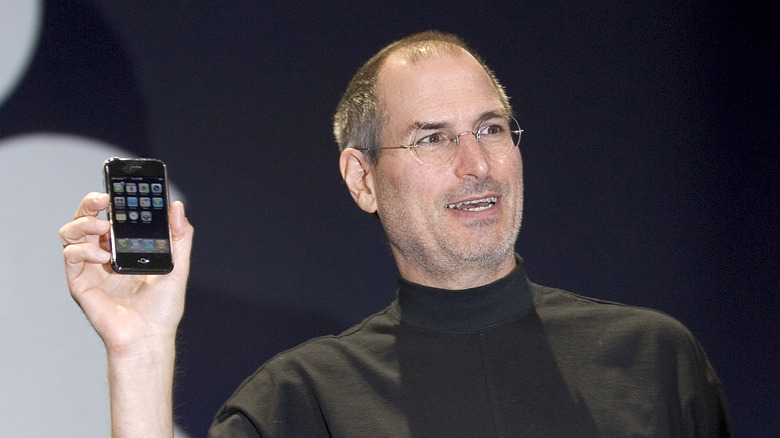
The story of how the original iPhone was released with a glass screen is fascinating. Before this monumental invention, most devices used plastic screens. The prototype iPhone — which was presented in the historic 2007 keynote that introduced this landmark device to the masses — used a 3.5-inch plastic display. The story goes that Steve Jobs kept this phone in his pocket with his keys, only to get annoyed when it turned out that this display, while durable, was prone to scratches.
He raised a hue and cry about how the iPhone needed to launch with a glass display. Jeff Williams, the then-COO of Apple, commented on how it would take years for a scratch-resistant and durable glass display to be ready for commercial use. It didn't help that their in-house solutions to develop a glass display were shattering constantly in tests... but Jobs wasn't having it. He called Corning Inc.'s CEO, Wendel Weeks, making it clear that the new iPhone needed to be equipped with glass displays before shipping in June 2007.
While Weeks admitted that Corning's prototype Chemcor glass — later rebranded as the now-legendary Gorilla Glass — could fit the bill here, scaling up operations to fit all iPhones at launch would be a challenge. However, Jobs was stubborn about requiring a glass display, prompting months of total chaos as people at Apple and Corning pushed themselves to the very limit to meet this requirement. The result was that the iPhone shipped with a glass display — the first-ever smartphone to achieve this feat. The first Android phone, the T-Mobile G1, came out the next year with a similar glass display, clearly taking a page out of Apple's book.
3D-screening face recognition
Technically speaking, face unlock was a feature introduced by Android first, all the way back with the release of the "Ice Cream Sandwich" Android 4 update, all the way back in 2011. While this tech definitely seemed ahead of its time, there was a major catch — it relied on a 2D scan of your face, meaning that people could either use a printout of your face or use a picture from your phone to trigger this unlock. This made it a geeky novelty at best and far from a secure option to lock your phone.
To make up for this drawback, Apple decided to add 3D screening to its face recognition technology with the launch of the iPhone X in 2017. This is achieved via the TrueDepth tech in its front-facing cameras, using a Dot projector to project a grid via LEDs to record the depth of a subject in little to no time at all. This way, it made up for the 2D limitations of Android's Face Unlock tech. Eventually, other smartphone manufacturers followed suit, with Samsung and Huawei phones adding secure face unlock tech that used 3D mapping to ensure people couldn't use a subject's 2D photo to unlock their phones.
Granular app permissions
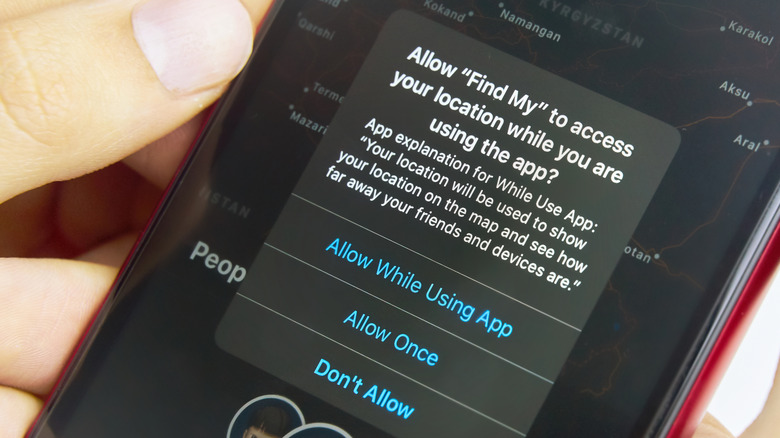
Privacy and security are of paramount importance for any smartphone owner, especially given the sheer number of apps they download on these devices that access a wealth of their personal data. Apple identified the need for smartphone users to safeguard their data all the way back in 2012, with iOS 6 adding prompts to let you decide which apps could access your data. These permissions were tightened up in 2014 with the release of iOS 8, preventing apps from tracking your location all the time and only doing the same when the app was active.
Meanwhile, Android was notorious for forcing users to grant all permissions when installing an app if they wanted to use the program. It wasn't until 2015, with the release of Android M, that fans could finally enjoy one of their most wanted features. With the 6.0 update, Google finally added granular app permissions, giving users more control over in-app permissions. It was a much-needed feature to reassure Android users that Google was serious about preventing their privacy from being hampered by intrusive apps, which couldn't just run in the background and harvest all their data anymore.
Do Not Disturb mode
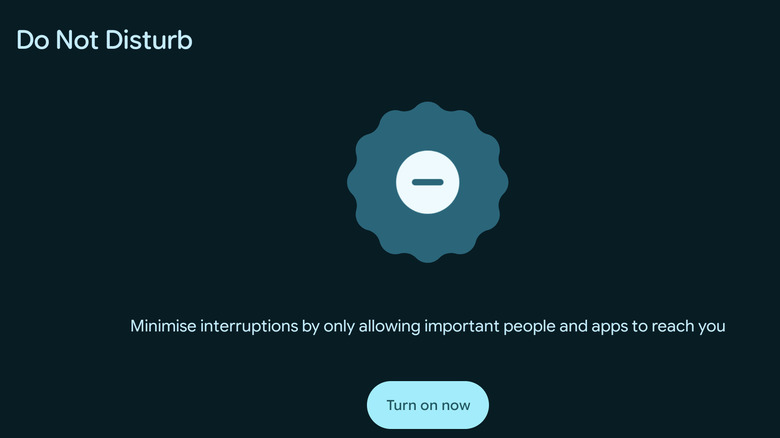
Notifications are convenient for letting you know when a message or in-app development requires your attention. However, your phone notifications can also be a major distraction when you're in a working flow state or trying to focus on something else. This is an issue that Apple identified, adding a Do Not Disturb mode that mutes notifications when turned on to prevent any unnecessary distractions for a particular time period. This was included in the suite of features enabled by iOS 6 in 2012.
It took Android two years to add a similar feature, courtesy of the "Lollipop" Android 5.0 update in 2014. Fast-forward to now, and DND Mode has expanded to cover a suite of profiles, meaning that you can enable a custom version of this mode across both iOS and Android devices when gaming, driving, working, or performing any action that requires you to remain focused and distraction-free.
A digital assistant
Siri has become synonymous with the notion of a digital assistant on your phone, with Apple leading the charge and adding this useful voice-activated assistant to your iPhones from 2010 onwards. While it was initially launched as a separate app on the store, its functionality was baked into the OS with the launch of the iPhone 4S in 2011 after Apple acquired this tech for upwards of $200 million.
Meanwhile, Google Now was Android's first digital assistant that came out in 2012, alongside the launch of the "Jelly Bean" Android 4.1 update. Eventually, it was rebranded as Google Assistant in 2016 to embody its functions as a proper digital assistant. It could finally have two-way conversations with you, as opposed to Google Now, which just used your statements as elaborate search queries.
Both these digital assistants have evolved by leaps and bounds, being able to read out your messages, set timers, and use hands-free control for certain apps — the latter being especially invaluable when driving. The rise of smart home technology has made these digital assistants even more versatile, allowing you to control your home's lights and appliances with simple voice commands.
Screen recorder
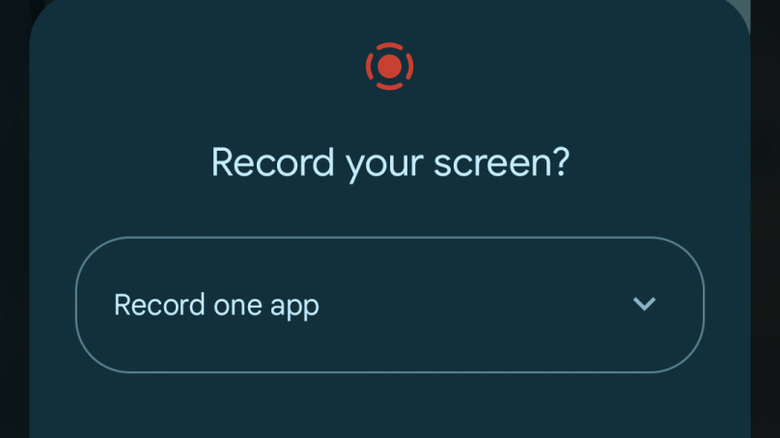
Before the inclusion of native screen recorders on phones, people had to rely on third-party apps for this functionality. It was a pain point that Apple addressed first with the inclusion of an in-house screen recorder in iOS 11, which came in 2017. It took three years for Google to add a similar feature to Android, with the release of Android 11 in 2020.
Depending on whether you're using an Android device or an iPhone, you can access the Screen recorder option from Quick Settings or the Control Center, respectively. In case you can't see this option, you'll have to dive into your phone's settings and add the Screen recorder option, letting you use it almost instantly via a simple swipe and tap. It's a very handy feature that is far more useful than you'd expect, letting you capture important information on your screen at a moment's notice.
Screenshot shortcuts and annotations
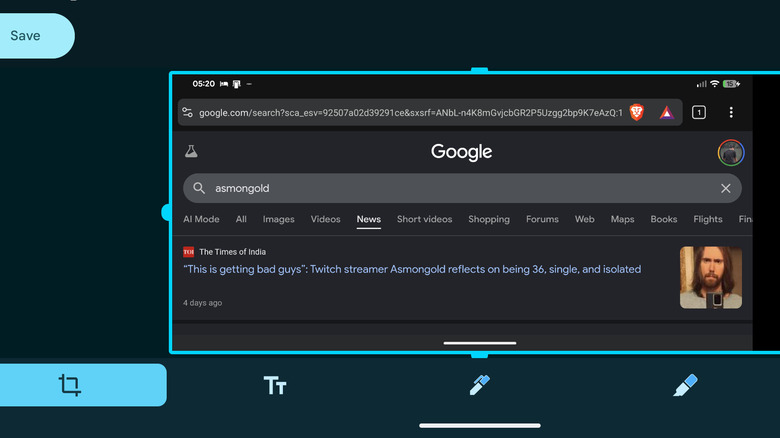
To illustrate just how much of a technological marvel the original iPhone was, the shortcut to take phone screenshots by pressing two buttons was added from the get-go. All people needed to do was press the Home and Power buttons. With the removal of the home button in the iPhone X, this shortcut was changed so that you could achieve the same function by pressing the Power and Volume Up buttons together. Meanwhile, Google took its sweet time adding a screenshot shortcut to its OS, with the release of the "Ice Cream Sandwich" Android 4.0 update finally letting you press both the Power and Volume Down buttons together to take screenshots.
This isn't the only screenshot-related feature where Apple beat Android to the punch. With the launch of iOS 11 in 2007, Apple also added screenshot annotations. This basically allowed you to select a screenshot from the moment you take it and access the iPhone Markup tool to add a bunch of quick edits, such as doodles, text, or crops. It wasn't until the "Pie" Android 9.0 update that these screenshot annotations were added to Android devices, letting you carry out these edits near-instantly after taking a screenshot.