

Touchpad Vs. Mouse: Which Is Better For Laptop Users?
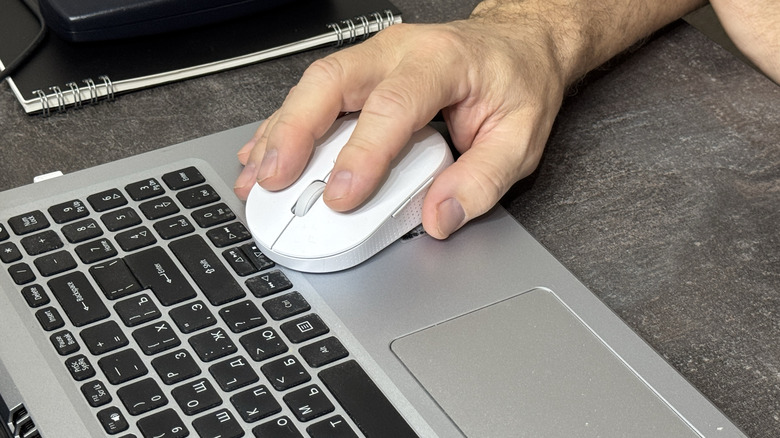
There's nothing wrong with using your laptop's touchpad. In fact, you can fine-tune your experience by learning a few nifty touchpad tricks like making custom gestures or changing cursor speeds. Yet, even the most elaborate gestures will fall short of the speed you can achieve with a mouse.
So, should you use a touchpad or a mouse on your laptop? A mouse is simply faster and more accurate. If you've ever had to drag something on a screen, you probably know how much harder it is to pull off with a touchpad. It's not even a debate: a mouse is a clear winner for both gaming and most professional work settings.
Does that mean you should completely ditch the touchpad? Context matters. If you're doing stuff on the go, it's actually more convenient as an input method if you can get over its clunky nature. You don't need to lug a mouse around in your laptop bag, carry a mousepad, or worry if a random desk will have enough space to house the mouse. Put the laptop on any desk, accept the clunk, and you'll be fine.
When should you choose a mouse?
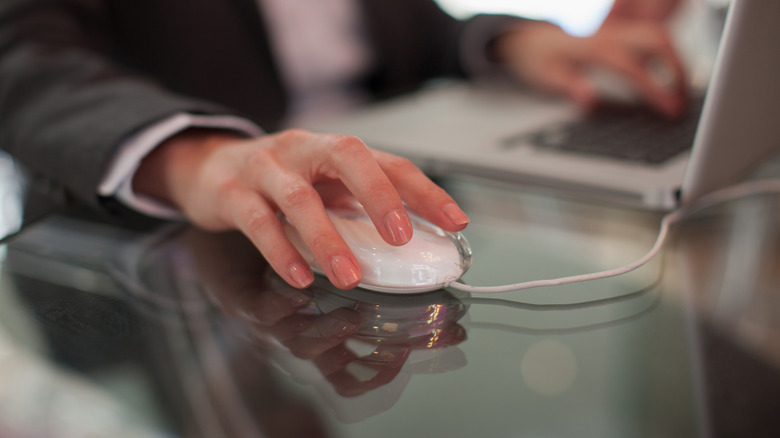
Computer mice have been around since the '60s, and while it did take a couple of decades for them to become mainstream, they're now widely considered the most reliable input method. A mouse is fast and accurate, so it's really a no-brainer in areas where speed and precision are the bread and butter. This goes for professional uses like design or programming and especially gaming (have you ever tried gaming with a touchpad?).
There's also the comfort side. Sure, a mouse may cause strain for some, but it's generally more comfortable for extended use. Heck, you can make the experience even more comfy by switching to an ergonomic mouse (if you can get past how uncool they look) or getting a larger mousepad, which unlocks some extra surface for the mouse while also providing a nice cushion for your wrist.
Considering that you're a laptop user, chances are, you'll eventually leave the cozy confines of your primary workstation. In that case, a mouse could become a point of annoyance. Though chucking a small wireless mouse into your laptop bag isn't much of a problem (unless you're forgetful), you'll also want to carry a mousepad with you. So, for that coffee shop work session to go smoothly, you'll also need to scope out tables with enough room for your entire setup — overkill when you've got a working touchpad right there.
When does a touchpad make more sense?
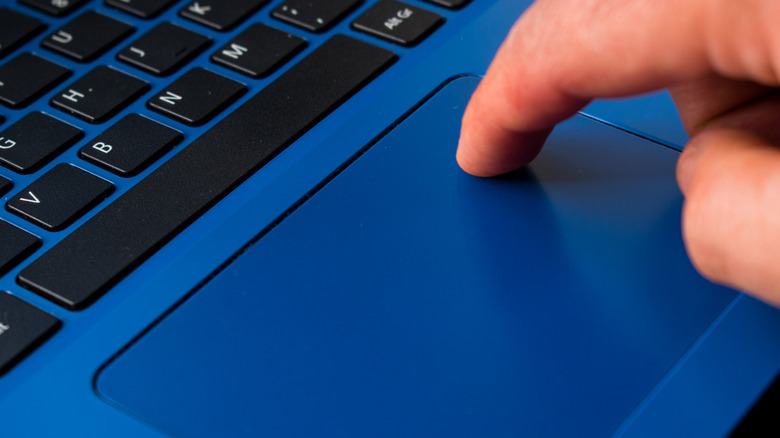
While a mouse wins for laptop use, a touchpad is still a viable choice. It's simple and doesn't require a flat surface — and when you're out and about, what else do you need? If you're not doing anything that requires much precision (think sending emails, typing, or just general browsing), the touchpad will get the job done, and you likely won't notice any major drops in efficiency.
For more intensive tasks, you might get frustrated fast. Touchpads are slow, with the fastest thing about them being the speed at which you'll get annoyed at pinch gestures. This might not be that big of a deal if you need to do some quick work, but if you plan on grinding for hours, the minuscule touchpad surface is a recipe for hand pain.
Fortunately, it's not one or the other. Buying a mouse isn't something you won't be able to recover from financially (you can get a wireless one for $10 or less). When you're doing serious work, just stick with the mouse. Meanwhile, your touchpad will always be there, ready and willing if you're feeling in the mood for a quick on-the-go work session.