

4 Problems With Android Phones No One Really Warns You About
We may have seen a large increase in people ditching their iPhones for Android phones in 2026, but that doesn't mean Android is without its flaws. In fact, there are plenty of problems with Android phones that users looking to make the switch should be aware of. These can range from expected things, like the fact that you won't be able to use iMessage if you switch from an iPhone to an Android phone, to the fact that your Apple accessories and other devices won't work seamlessly with your Android phone. However, there are also some problems that you might not expect.
Some of these issues can be smaller and less annoying to deal with — like how Android's notification system isn't nearly as easy to use as the iPhone's, despite arguably offering more customization- to more foundational issues like how fragmented the Android ecosystem is, which can affect how quickly your phone gets its operating system updates. If you are thinking about making the switch from an iPhone to one of the latest Android phones, like the Galaxy S26 Ultra, then there are a few things you'll want to keep in mind before doing so. That way, you can be prepared for whatever problems might pop up along the way.
New Android updates can be a mess
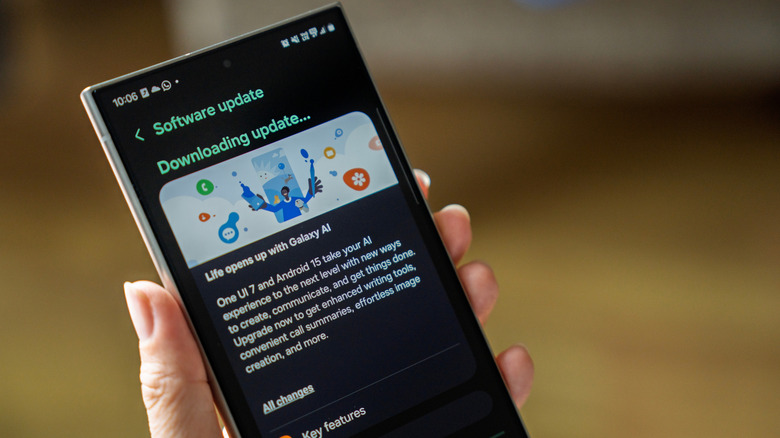
This is perhaps one of the biggest problems plaguing Android devices that many users might not think about when first contemplating a move. One of the boons of using an iPhone is that all iPhones are made by one company: Apple. That means when the latest versions of Apple's operating systems come out, any device Apple still supports at that time will get the update at the same time. However, with new versions of Android, things are not that simple.
Google Pixel phones tend to get Android updates the quickest and are often the first to get the latest beta updates as well. Samsung phones, as well as phones from other popular Android brands, get updates much more slowly, as those companies create their own versions of the operating system with each new update. For Samsung, this comes in the form of One UI, while OnePlus phones will have to wait for the latest Oxygen OS update. Additionally, not all of these manufacturers offer the same timeline for update support. That means, depending on which device you choose, you might end up with less long-term support than many Apple devices get.
Your favorite apps might not make the transition
If you're moving from an iPhone to an Android, or even switching from one brand of Android to another, you might run into a frustrating problem with the applications that you prefer to use. This is especially important to keep in mind if you're switching from an iPhone to an Android. However, it can also affect Android-to-Android transitions if you've grown accustomed to using specific manufacturer-developed applications, such as Samsung's various apps or even OnePlus's brand-specific applications.
For iPhone-to-Android transfers, not every app available on iOS will be available on Android, too. Additionally, the apps you use from Apple will most likely not be available on Android — this includes Apple's Messages app, the built-in Passwords app, and a slew of other Apple-specific applications. If you do swap to Android, make sure there are apps you like on Android by checking the Google Play Store, and you may even need to find similar ones that aren't the same as what you used to have on your iPhone.
If you mostly use the Phone, Messages, and Mail apps on your iPhone, swapping to Google or even your Android phone manufacturer's default options shouldn't be too difficult. However, if you have invested in any third-party applications — specifically those that cost you extra money or have monthly subscriptions — you'll want to see if they are also available on Android before making the swap.
Notifications on Android can be frustrating
Another particularly frustrating area of Android is the notification system. How iPhones and Androids handle notifications has improved over the years, and some even believe Android's notification system is leagues above the iPhone's. However, Android's notification system might be frustrating in one key way, especially for users who have grown accustomed to their iPhone and Face ID. The reason is that Face ID makes it very easy to keep your notifications set to show only details when your device is unlocked. This means you can have notifications on the lock screen, then pick up your phone and glance at it to unlock the device and see the content of those notifications.
With Android devices, though, you may need to rely on fingerprint unlock instead. This can be annoying to deal with, especially if you're doing something where your fingerprints aren't exactly easy to read, or just trying to check notifications quickly while on the move. Depending on the device, you may be able to use face unlock, but many devices still offer fingerprint unlock as the primary biometric security. You'll want to research which Android phones are best, and then check their security features before choosing one if you want to quickly glance at notifications the same way you did on your iPhone.
Your new Android phone might not have face unlock at all
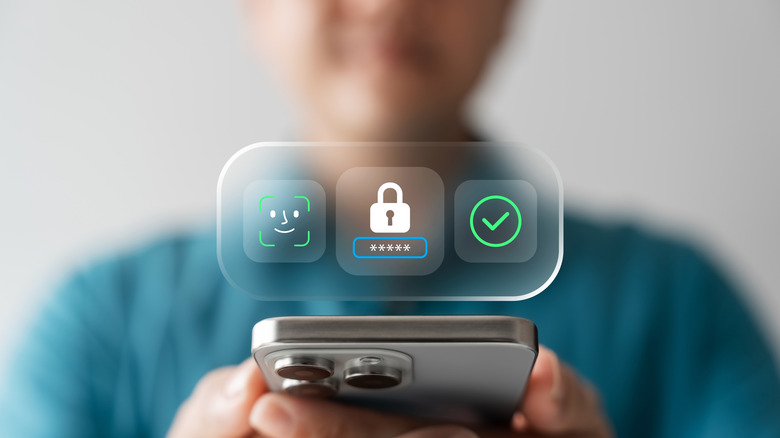
Which brings us to the next thing you should be aware of before buying an Android device, especially if you're coming from an iPhone with Face ID. While face unlock has become more prevalent in recent years, especially on Google and Samsung devices, the tech is still seen as far from as reliable as Face ID is on the iPhone. And, it isn't even offered on many Android devices.
There are a couple of reasons that face unlock hasn't become as big on Android. Many users believe it comes down to the current trend of front-facing camera designs we're seeing in those devices, as well as the general type of technology used to power the feature. Google Pixel phones, for example, currently rely on a 2D facial recognition system, while iPhones' more advanced and reliable Face ID uses a 3D system that relies on an infrared projector and an infrared camera built into the device. This helps provide a more reliable functionality, though there are reports that Google is working to upgrade face unlock on Pixel devices in the future.
Google actually used to offer a face unlock system more similar to Apple's Face ID on the Pixel 4, however, it was removed in favor of a fingerprint scanner, which Google said was more secure at the time. Still, it's worth being aware of this particular problem if you're planning to buy an Android smartphone, as you may end up relying more on your PIN or fingerprint to unlock your device.