

4 Things You Probably Didn't Know The iPhone's Dynamic Island Could Do
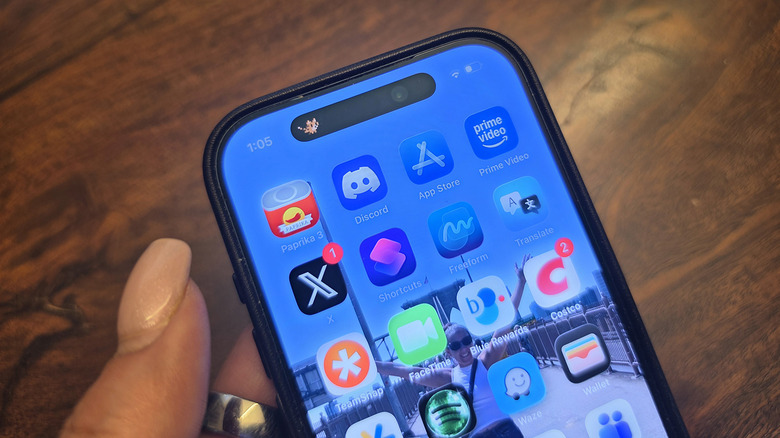
Apple introduced the Dynamic Island with the iPhone 14 Pro and 14 Pro Max back in 2022, and it has been a core part of the iOS experience ever since. This small bubble at the top of the screen serves a useful purpose, adapting to show notifications, details from an app or connected device you're currently using, activities, and more. From maps to your currently playing music, timers, and more, the Dynamic Island is a beloved feature for Apple users. You don't even need to do anything to use it: Once enabled with apps that support it, it just works. And though rumors suggest the upcoming iPhone 18 might include a smaller Dynamic Island, it's still an integral part of the device.
Most commonly, the Dynamic Island is leveraged for things like ride-sharing apps so you can keep on top of the status of your Uber, food delivery so you know when dinner has arrived, flight times and status updates, and other features. When you want more details, tap and hold or tap to open the full app. You can even swipe to view two live activities at once. But you can use it for so much more. Under Settings then Apps, select any app that supports the feature, then enable the Live Activities option to have the app's current status appear in the Dynamic Island when you're actively using it. Not every third-party app supports it, but if you find ones that do, you can get creative with how you use this handy front screen window.
Sports scores from Google
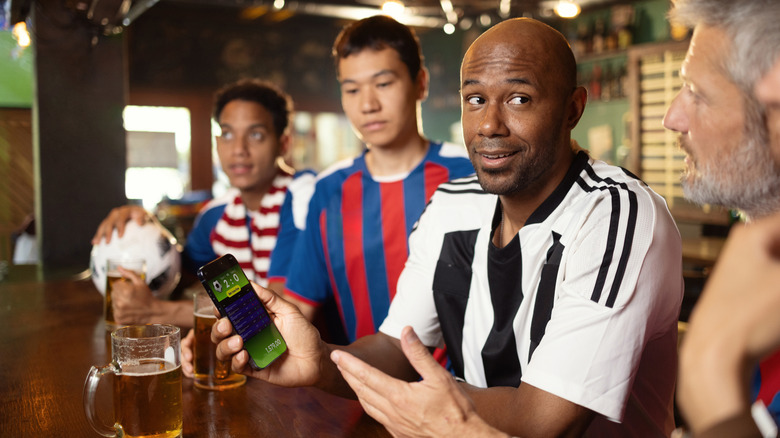
You can use My Sports on an iPhone to follow sports teams, leagues, and even specific athletes, a feature that was added with Apple Sports in 2024. You can also set up Live Activity so the score appears in real-time as the game progresses. But you can also do this with the Google app. Open the Google app on your iPhone, search for the specific game you want to follow, then find the Pin Live Score option and select it. Grant permissions if it pops up, and you'll be able to see the game's score in the Dynamic Island. Note that you need to enable the Live Activity option for the Google app under Settings > Apps > Google first. You won't see the Pin Live Score option beside a game until an hour before it starts.
In addition to the Dynamic Island view, the game score will also show up on the Lock Screen of the iPhone unless you choose to disallow it. This is a great way to sneak a peek at how your team is doing without having to actually pick up and unlock your phone, avoiding this distraction in social gatherings or meetings. A quick glance is all you need to see who is winning and losing. It's worth noting that there are other third-party sports-related apps that work with Dynamic Island as well that you might prefer, like Sports Alerts.
Voice memo live confirmation
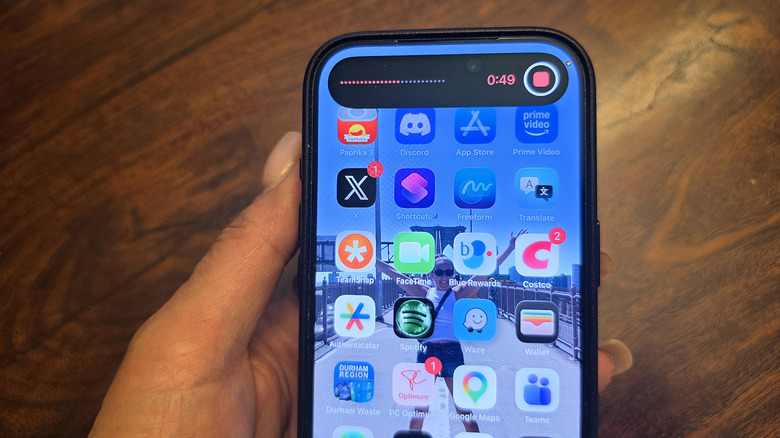
If you're recording a conversation (with permission, of course) like an interview using the Voice Memo app, the Dynamic Island can show a confirmation of the recording while in progress so you don't have to open the bright, white screen with the running timer to verify that recording is still going. It shows a red line with the audio pickup so you can be sure voices are being heard, along with the current recording time.
The latter is helpful if you're on the clock and have to end a meeting in 45 minutes sharp to tend to something else. Maybe the interview subject only has 15 minutes and you want to be able to glance over to make sure you get all your important questions in. For students recording a lecture, this prevents distractions and gives you a running tally of how long the lecture has been going. This is all useful information to see without lighting up the phone and interrupting your flow.
Seeing but also controlling music
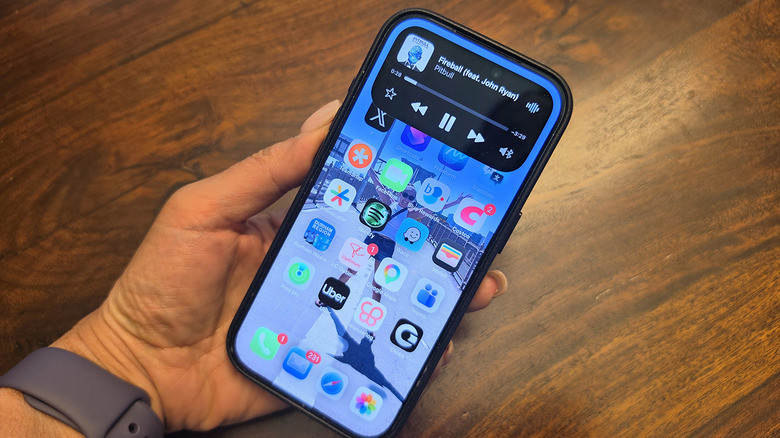
You may know that you can view actively playing music in the Dynamic Island, including the album cover and dancing lines showing that there's active audio. But you can also expand it without opening the app entirely — a useful function, especially for multitaskers and for quick control. Long-press on the Live Activity while music is playing from an app like Apple Music (which is adding tons more features with iOS 26.4) or Spotify. A drop-down rectangle appears showing the song title, artist, play progress bar, and controls, including play, pause, and track-skipping buttons.
This is a simple way to pause the song, see the name if it's a song or artist you aren't familiar with, or skip back or forward to another track. There's also a quick-access button to activate AirPlay if you get home and want to quickly send the music to your whole-home audio system or a single speaker or soundbar. This feature is one you might not have realized works with Dynamic Island to make it even more useful.
Unique games
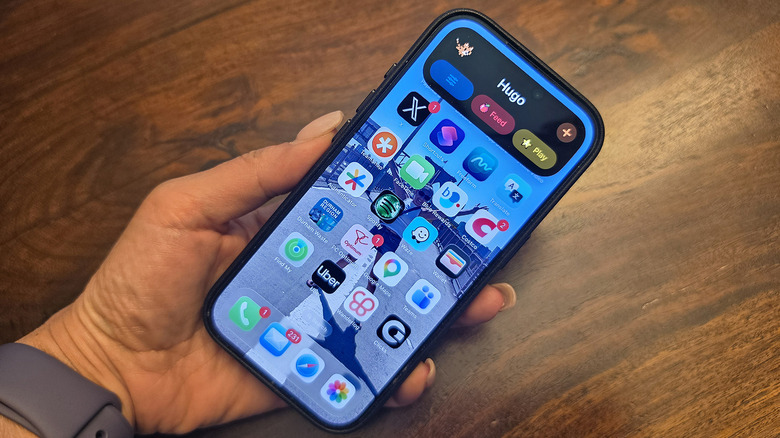
As with anything on iPhones, once the Dynamic Island was announced, third-party brands developed ways to integrate their apps into it. And some made games that specifically use the Dynamic Island for fun. Pixel Pals is a popular one. In the widget pet game, you can select an adorable pixelated virtual pet — from a cat to a dog or a fish to a parrot — and have it appear in your Dynamic Island. The idea is to fill that black bar with something entertaining when you don't have any live activities going on.
Once selected, the adorable Pixel Pal appears in or around the Dynamic Island, running, sleeping, or just chilling out. It's basically a 21st-century version of the Tamagotchi. If you long-press on the Live Activity, you can Feed or Play with the Pixel Pal and check its age (basically, how long you have had it) and weight. To be able to interact, you need to sign up for Premium. But even just downloading the app, picking a pet, and letting it occupy the window so it isn't so bland when nothing is going on might put a smile on your face. Have fun exploring these and other unique ways to enjoy Dynamic Island on iPhone, a feature that's so popular that it might even be coming to MacBooks.