

Don't Buy A Mini LED TV Without Checking These 5 Things First
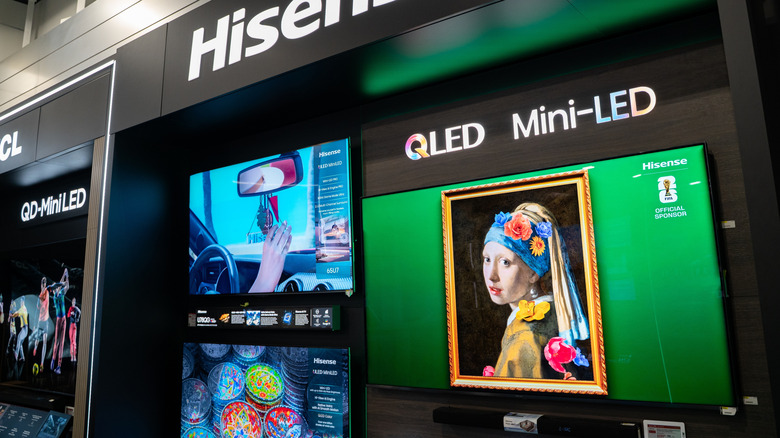
Mini LED TVs are increasingly becoming one of the most common types of televisions on the market. Although these are essentially LCD TVs, they leverage tiny LEDs for backlighting, which gives them the Mini-LED name. This inclusion of smaller LEDs allows TVs to offer a brighter picture and have better backlighting control. All popular TV brands, including major manufacturers like Hisense, LG, Samsung, Sony, and TCL, offer Mini-LED TVs as part of their product portfolio. More importantly, you can find Mini-LED TVs across price segments. However, despite using the same underlying technology, Mini-LED TVs can deliver varying levels of performance. This can make choosing the right model while shopping for a new TV slightly tricky.
Fortunately, a significant part of a Mini-LED TV's performance is governed by specific basic features. By understanding these basics, you can be better informed and select the right model from the plethora of options on the store shelves. Remember, any TV that uses smaller-than-standard LEDs for backlighting can be referred to as a Mini-LED TV, and brands often use different marketing names to help their TVs stand out in a crowded market.
Local dimming zones

One big advantage of using smaller LEDs in a Mini-LED TV is the scope for better backlight control. Your TV can be more precise in where it wants the LEDs to dim to simulate blacks when it has more LEDs. However, as Mini-LED TVs can have anywhere from several thousand to tens of thousands of individual LEDs, TV manufacturers rely on local dimming zones for implementing backlight control. Controlling individual LEDs for backlight control would require lots of hardware and processing power.
The number of dimming zones can significantly impact the overall backlight performance. A TV with a lower number of zones doesn't have the same precision as one with a higher number of zones. As adding more zones increases costs, the more affordable and smaller models typically have fewer zones, compared to more expensive and physically bigger models. Unfortunately, not all TV manufacturers explicitly reveal the number of dimming zones in their TVs, and even when they do, they only market the count for the larger TV sizes, as they have more zones. This is where you may have to rely on third-party websites, like Rtings.com, to get an idea of the zone count.
Besides the number of zones, the dimming algorithm, which governs when a particular zone is dimmed depending on the scene, is equally important. Therefore, just having a higher number of dimming zones isn't a guarantee of better picture quality. That said, no matter how good a dimming algorithm is, it can't magically improve the performance when there are very few zones. While there is no specific figure for a dimming zone count, the best 55/65-inch TVs generally have over 1,000 zones. However, with the right algorithm, some TVs with even around 500 zones perform great. That said, having a higher number of zones certainly helps.
The display panel technology
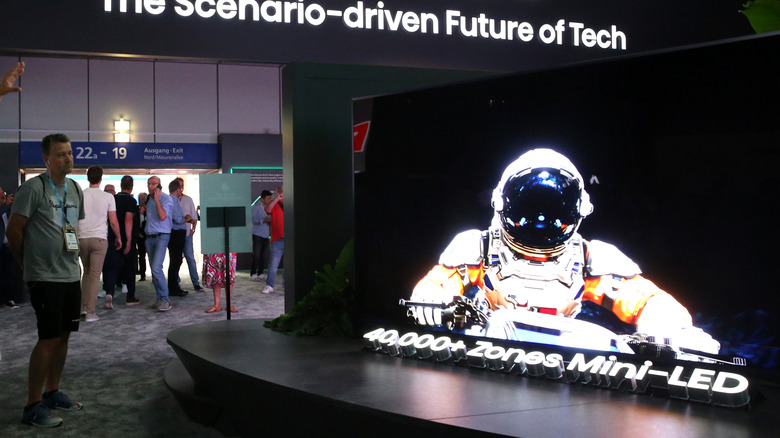
One thing that many Mini-LED TV shoppers don't often think about is the display panel technology of their television. While you may think that all Mini-LED TVs have the same basic panel technology, the reality is different. Modern Mini-LED TVs can have VA (vertical alignment) or IPS (in-plane switching) type LCD panels. Both display panel types have their advantages and disadvantages, and their presence can impact the overall picture quality quite a bit. While the VA-type panels are known for their superior native contrast ratio, the IPS-type panels have significantly better viewing angles. The IPS-type panels also have better native color accuracy, response time, and motion clarity.
That said, other technologies found in modern Mini-LED TVs can often mitigate some of the disadvantages of each panel type. For example, good local dimming implementation can improve the contrast ratio of an IPS-type panel, and the use of quantum dots can enhance the color accuracy of a VA-type panel. Still, if any of these performance parameters are important to your viewing experience, you may want to pick one panel over another. For instance, IPS can make a lot of sense if you are going to watch your TV with a group of friends or family members pretty frequently. Similarly, if you like seeing vibrant colors and deeper blacks on your TV, a VA-type panel would make more sense.
Remember, the majority of Mini-LED TVs leverage VA-type panels because of their superior contrast ratio. However, you can still find IPS-type panels on some budget models or specific sizes of certain TVs.
TV brightness
Although Mini-LED TVs are often touted for their high peak brightness, the individual brightness of different models can vary. This means you can't take it for granted that if you buy a Mini-LED TV, it'll be super bright and will easily handle glare and reflections in a bright room. If the TV is not bright enough, it can look washed out, flat, and hard to see in rooms with a ton of ambient light. Peak brightness levels can also impact the TV's color volume and HDR performance.
Even though TVs are getting brighter every year, the more affordable models tend to have lower peak brightness levels compared to more expensive and high-end models. This makes it incredibly important to check the brightness of the Mini-LED TV you're planning to buy. While TV manufacturers do tout brightness levels in their marketing material, it's better to confirm the numbers via testing done by third-party reviewers.
Advanced gaming features
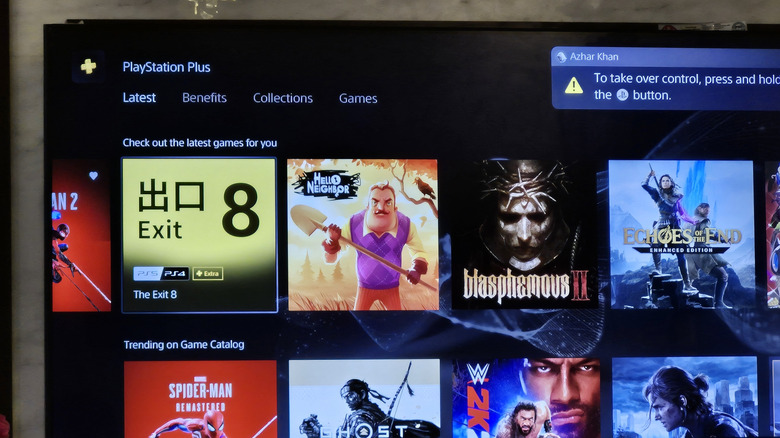
If you're into gaming and would want to use the latest-generation gaming consoles or a gaming PC, it becomes pretty important to ensure your Mini-LED TV has the necessary gaming features to deliver a good experience. One of the first things to look for is HDMI 2.1 ports, which are crucial to enjoy 4K gaming at 120Hz or a higher refresh rate, if supported by your TV. Older HDMI ports don't have sufficient bandwidth to pass such a signal.
Another feature that is a must-have is variable refresh rate (VRR) support. Depending on the game, your hardware can push frames at different rates based on the scene, and if your TV doesn't have VRR support, an uneven frame rate will result in screen-tearing artifacts. VRR essentially ensures that your TV can match the refresh rate with the number of incoming frames. There are different VRR technologies on the market, such as Nvidia G-Sync, AMD FreeSync, and HDMI VRR. Make sure your TV supports the VRR technology used by your gaming hardware.
You'll also want a low input lag for a responsive experience and a fast response time for good motion handling. While you can find the details of HDMI ports and VRR support in the manufacturer's documentation, input lag and response time are best revealed in third-party testing of the TVs.
HDR support and the smart TV OS
Besides all the features that we have mentioned, it's a good idea to ensure that your chosen Mini-LED TV has various good features. One of these features is support for various HDR formats. It's pretty common for popular streaming services to host HDR content, and while HDR10 and HLG support is pretty much a given for a Mini-LED TV, you'll also want support for Dolby Vision and HDR10+. These are dynamic HDR formats that come with frame-by-frame or scene-by-scene metadata that your TV can use to optimize brightness and deliver the best visual experience. Dolby Vision is a more common format, but more and more services are also using HDR10+.
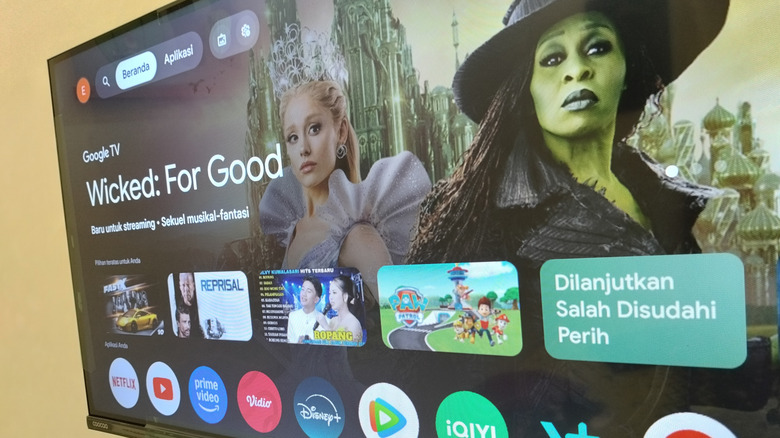
ARC or eARC support is also crucial if you want to connect a soundbar or AV receiver to your TV over HDMI. eARC is more advanced and enables the lossless pass-through for surround sound formats. Finally, the smart TV operating system is pretty important too. Although all modern smart TV operating systems offer access to the best streaming services and apps, many are full of ads, spy on everything you do, and have a cluttered interface. It's best to do a bit of research into the smart TV operating systems that your prospective Mini-LED TV has, and if you aren't happy with it, you can probably invest in a streaming media player as a workaround.