

watchOS 27 Adds 5 New Features And Skips 5 Old Models
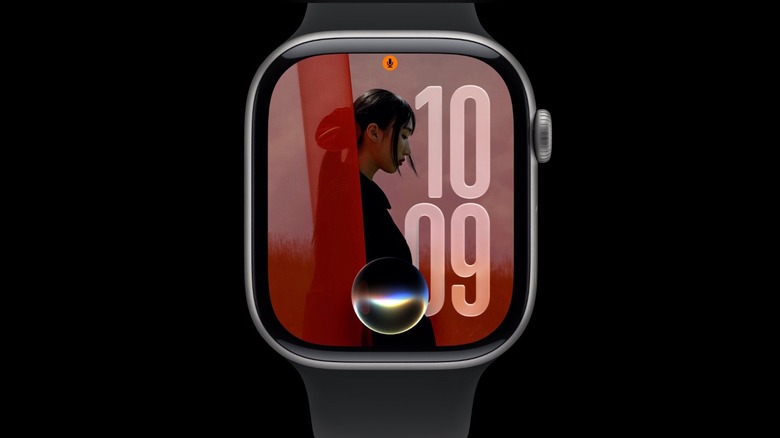
During the WWDC 2026 keynote, Apple made a big push toward upcoming Apple Intelligence features that were first promised a couple of years ago. Unlike other WWDC keynotes where the company goes from iOS to iPadOS, macOS, watchOS, visionOS, and sometimes tvOS, this time, Apple decided to broadly talk about iOS 27, iPadOS 27, and macOS Golden Gate through AI features. Even though it didn't give any keynote time to watchOS 27, it seems this is one of the most enticing updates for Apple Watch models. After all, the company is doubling down on Siri AI for its smartwatch, improved Workout Buddy functionalities, and a Liquid Glass makeover, as the first iteration with watchOS 26 was pretty shy.
Besides the good news, watchOS 27 also greatly limits the models that will support this upcoming software update. Compared to watchOS 26, this new software removes the Apple Watch SE 2, Apple Watch Series 6 to Series 8, and the original Apple Watch Ultra. With that, watchOS 27 only supports six Apple Watch versions.
While the official release date for watchOS 27 is expected for later this fall, developers can already give this system a try through the official beta program. A public test version will be available in July, but users should probably wait until the official one is out, as it's impossible to downgrade an Apple Watch from a beta software. Here's what you need to know about watchOS 27.
Siri AI takes over watchOS 27
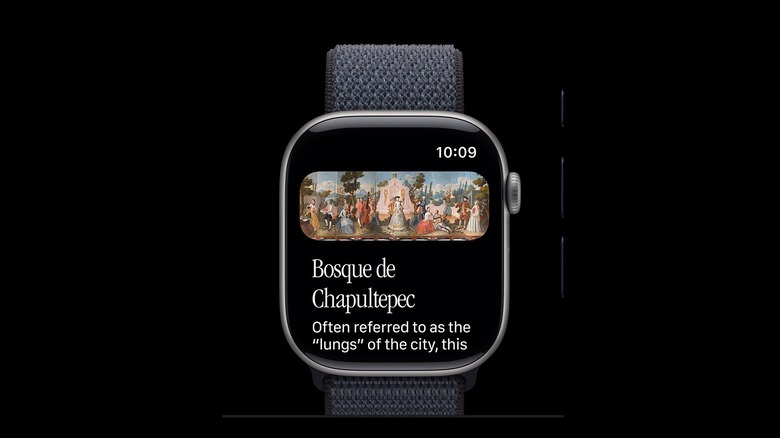
Like watchOS 26, Apple continues to expand Apple Intelligence features to the Apple Watch with watchOS 27. However, it's important to note that these functions require an iPhone 15 Pro or newer, as the wearable uses the iPhone processing power to handle the AI queries. Among the new features, users can ask anything of the new Siri, as the personal assistant will no longer say it can't help users "with that." Apple encourages users to ask "open-ended questions, brainstorm ideas for workout routines," and more, as the personal assistant is also getting revamped across the other system updates as well.
The Siri AI on watchOS 27 understands personal context and takes action inside apps. Previously, users could ask the Apple Watch to resume a workout, play a song, and so on. With the new Siri, it can add photos to albums, read upcoming events, take a photo, help sending an e-mail, and much more.
The Siri app is also coming to the Apple Watch, so you can have access to the current and previous conversations with the personal assistant. Siri can finally tap world knowledge, making the personal assistant the perfect companion for everyday queries, help getting tasks done, and more. That said, the new Siri experience is coming in English later this year, with plans for more language support in the coming months.
Improved Workout Buddy
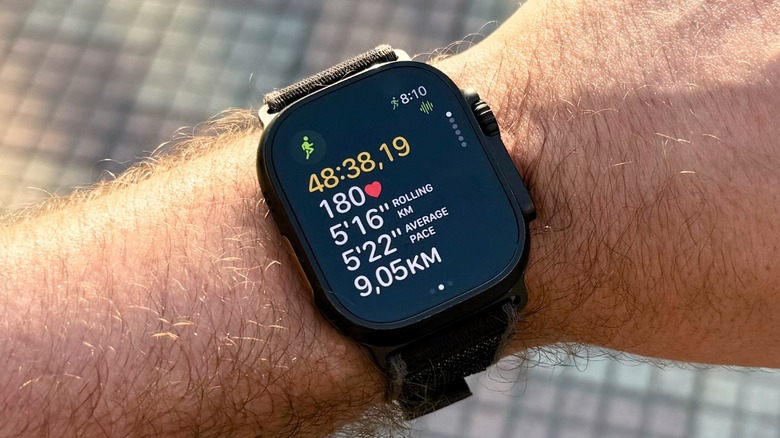
In the health and fitness department, Apple continues to improve the Workout Buddy platform. This feature takes advantage of an AI-supported coach to give you insights about your current workout, your recently achieved goals, and how you've been working out. Apple says that the watchOS 27 version of Workout Buddy brings more data insights, improves run tracking, and expands to Spanish, making this experience available to even more users.
Unlike the previous version, which required your iPhone around, Apple now says that Workout Buddy functions without your iPhone nearby. That said, you can get data insights into how your workout is going, including pace, progression, and other information right from your wrist. This is a major change, as having the iPhone around can be really annoying for long runs with tiny pockets, or when you just want to have the Watch and AirPods with you.
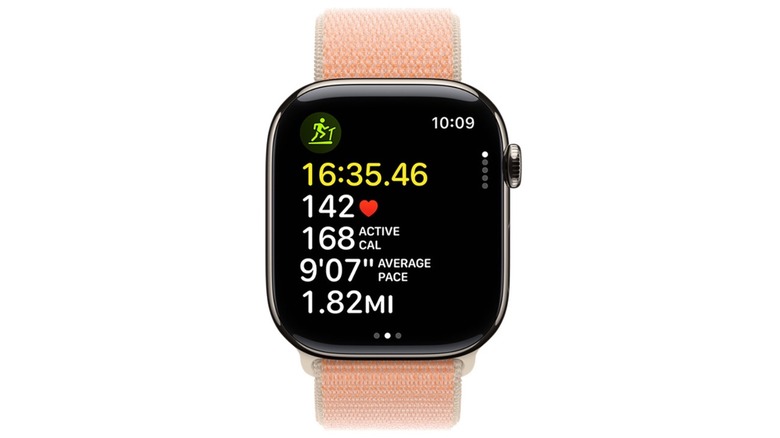
Besides that, Apple says it has improved the motion tracking algorithms of the Apple Watch with watchOS 27. With this change, treadmill runs and walks should better reflect the effort and your mileage during indoor workouts. While some treadmills allow people to sync the information with the Apple Watch, it's really common for the machine to display one distance and the Watch another. Hopefully, watchOS 27 might finally fix that. Last but not least, while Apple is now making Workout Buddy available in Spanish, it's unclear when it might expand to other languages available within Apple Intelligence.
A new tap gesture comes to Apple Watch
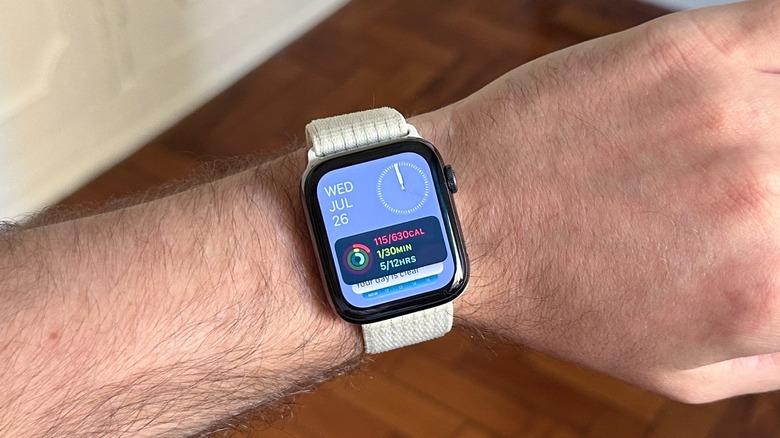
With every new watchOS, Apple seems to be working on a different tap gesture. These gestures are really useful when you have one of your hands busy, or if you require a more accessible experience. With watchOS 27, Apple says that if you tap the index finger and thumb together once to select a widget in the Smart Stack, you can quickly see relevant information. This is especially useful as Apple now offers more widgets in the Smart Stack section.
Some of the examples Apple gives are knowing that it's your friend's birthday and quickly being able to send them a message, seeing the location of a parked car, changing the sleep alarm before a holiday, or even pinning a transit card for balance checks.
With watchOS 26, Apple added the wrist flick gesture, which lets you quickly silence an incoming call, dismiss a notification, mute an alarm, and more. Before that, with watchOS 10, Apple offered the ability to tap the index finger and the thumb together twice to open the Smart Stack, go through notifications in the Control Center, quickly pause a timer, take a call, or even take an action once a notification comes through. What makes these gestures so unique is that they're easy to perform, reliable, and add a new layer of interaction with the Apple Watch.
Liquid Glass and design improvements
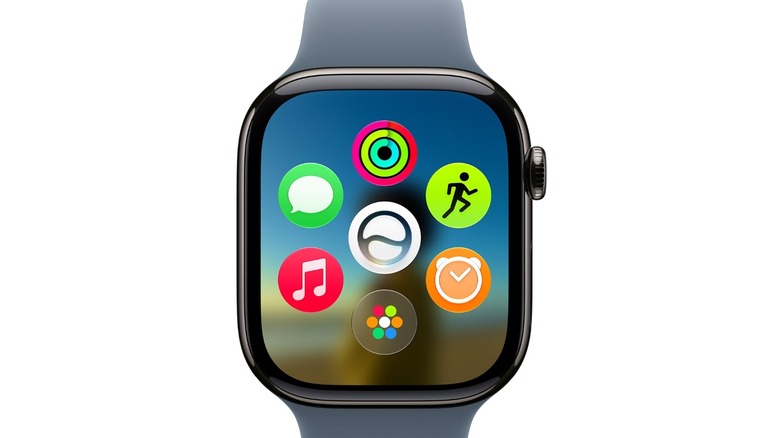
iOS 26 introduced the new Liquid Glass design language. While Apple said that the changes would be applied through all the operating systems, including iPadOS, macOS, watchOS, tvOS, and visionOS, it's true that the company focused its efforts on its biggest software — watchOS 26 didn't particularly look like it was full of glass. With watchOS 27, on the other hand, Apple has improved the experience with "exceptional readability with more uniform refraction," and better contrast. There are little tweaks across the system, inside apps, and more that give the Apple Watch a fresher look.
Once watchOS 27 becomes available to users, one of the most noticeable updates will be the new dynamic app grid. Instead of going through a collection of several apps, Apple will now highlight the ones you use the most and others that have been recently opened. The company says the main app of this grip is going to be Siri, and it's unclear if it might let users change it in the future. Besides that, users can tap the smaller icon on the bottom, which then opens the regular app grid that users have had for years now.
Another important change is that Apple is finally combining the Find Devices, Find People, and Find Items into a singular Find My app. While it's unclear why the company offered these experiences as different apps, now they're part of the same thing.
Improved reliability
Like the other operating system updates, watchOS 27 is also all about offering a more reliable experience to users. Even though limiting this update to just a few watches might feel bittersweet, it will help customers with those select watches to have a better experience.
Among the changes, Apple says that music playback on Apple Watch starts a lot faster, the step count in the Fitness app also syncs with the steps counted in the Health app, and the wearable can now suggest battery optimizations along the way. All of these changes make using the Apple Watch a lot more reliable.
With the Apple Watch Series 11 and Apple Watch Ultra 3, Apple was able to improve the battery life by optimizing the software and the hardware. While the company doesn't say if watchOS 27 might make the battery of older models better, the company has touted improved experiences on iOS, iPadOS, and macOS, such as AirDrop sharing, file searching, and app responsiveness, due to the removal of legacy code and fixed bugs.