

Why Do LG TVs Randomly Turn On?
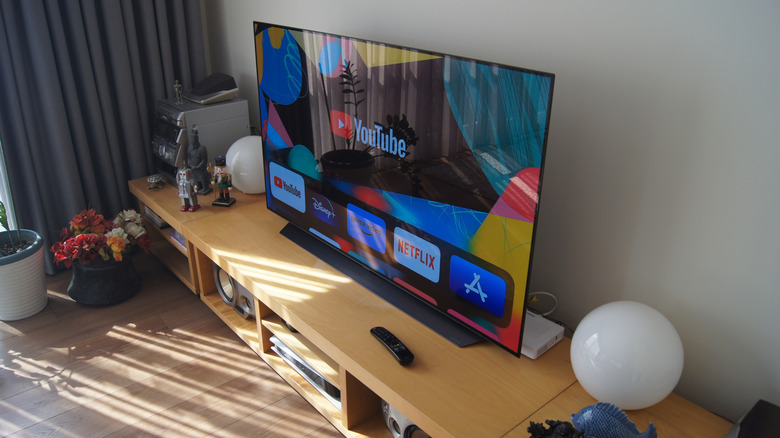
In the middle of the night, your LG TV might suddenly turn on, which, depending on whether you're awake, can give you a bit of a scare. Thankfully, there are no ghosts that are taking possession of your TV remote; instead, there are more plausible, proven factors that can turn your TV on unprompted. The two main factors are usually due to specific timers not being set properly on the TV, while the other can be caused by external devices plugged into it.
External devices that behave like remotes, such as the LG ThinQ app on your mobile device or even another universal remote controller app that can replace the actual remote, can be used as another means to turn on the TV — though if you are fully asleep and not browsing your phone, this likely wouldn't be the case. Moreover, smart Home integration with Google or Alexa can also turn your LG TV on with voice assistant commands. Still, again, if you are not in the room or are sleeping (unless you are a chronic sleep talker), that should be a rarer occurrence.
That then leaves one other culprit outside the power timer feature: HDMI-CEC, which LG brands as Simplink. Simplink is a built-in feature for HDMI connections that creates a unified system. While having a unified system sounds good on paper, it can also mean that if a device turns on while connected via HDMI (think of your PlayStation 5 console), it may accidentally power on the TV at the same time.
How to fix automatic wake-ups on your LG TV
The good news is that if your TV is randomly turning on or waking up due to power timers and Simplink, you can adjust your settings to fix it. For the Simplink issue:
- Select the Settings button (gear icon) on your remote.
- Choose All Settings.
- From there, find Connections or General and select it.
The next option depends mostly on the WebOS version you are running; newer versions from 2020 onward will show Devices or Device Connection Settings, while earlier versions will skip straight to the HDMI/Simplink section. Once you are in the HDMI Settings or Device Connection Settings menu:
- Click to navigate to Simplink (HDMI-CEC).
- From there, select On or Off.
- To fix the issue of the TV turning on randomly, set it to Off.
And if you find that this doesn't fix the TV powering on at unpredictable times, consider checking the power timers set on your TV. Aside from timers that usually designate a time to turn off completely, it can also be programmed to turn on at that specified time. To check:
- Open Settings by clicking the Settings button (gear icon) on your remote.
- Choose All settings.
- Go to General.
- Select System (if using an older version, the System option won't be there; instead, just locate Timers on the screen).
- In this menu, select Time & Timer or Timers.
- Then ensure the Power On timer is set to Off.